!
!
11!
!
Managing Your Mobile Hotspot
Access the RG2100 Mobile Hotspot Web Admin home page
You can access your Mobile Hotspot device information and setting pages from your internet
browser.
Access RG2100 Mobile Hotspot Web Admin home page.
1 Connect your Wi-Fi capable device to your RG2100.
2 Open a web browser on your connected device and open the Web Admin home page,
http://mobile.hotspot or http://192.168.0.1.
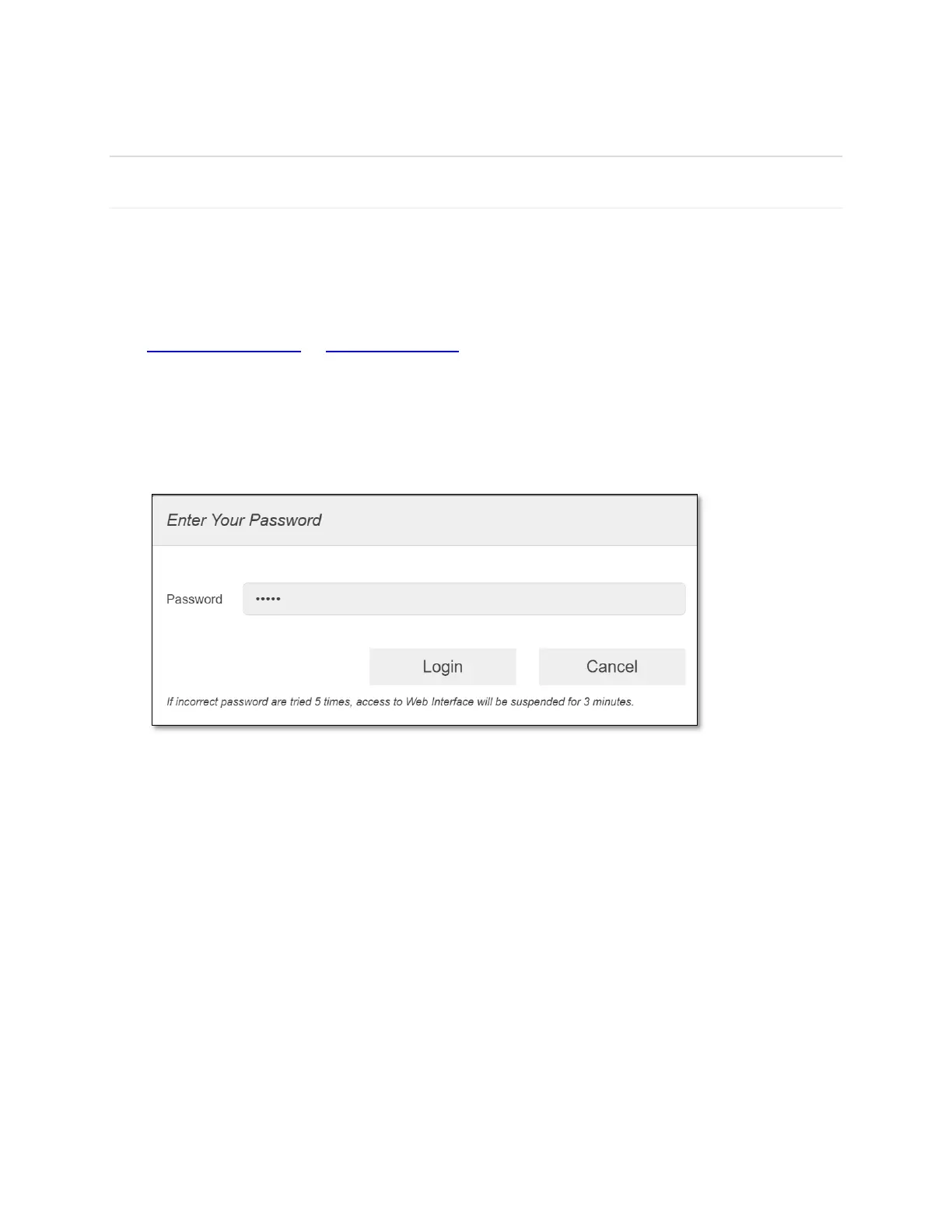
3 Click Log in and enter the password. If you entered the correct password, the Web Admin
screen appears.
NOTE: The default password is 'admin'. On your first login, you will be directed to 'Change
password.'



 To Next Page