!
!
20!
!
NOTE: Contact your service provider for default SIM PIN code. If you enter the wrong
SIM PIN three times, your SIM will be disabled permanently until you enter the PUK
code from your service provider.
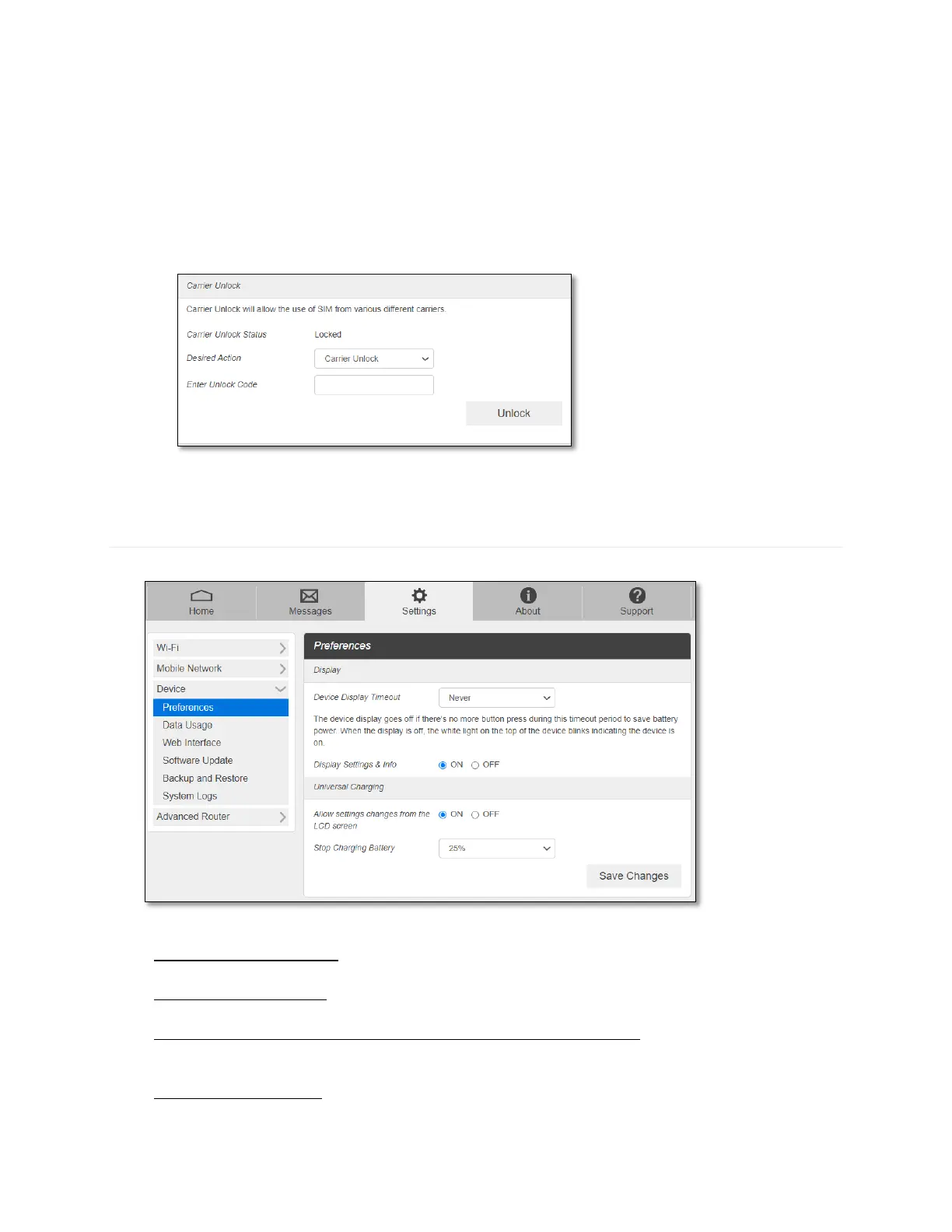
Carrier Unlock
Your RG2100 could be locked to the SIM from your wireless service provider only. To
use other SIMs from other wireless service provider, you need to unlock the carrier lock.
Contact your service provider for the carrier unlock code.
Device
- Preferences
- Device Display Timeout: Select a timeout time from the drop-down list. Your RG2100
display turns off after this timeout period to save battery power.
- Display Settings & Info: If OFF is selected, your RG2100 will not display Web Admin
home page URL information on the device display.
- Allow setting charges from the LCD screen (Universal Charging): If ON is selected, you
can charge your smartphone or other device using the RG2100 battery by connecting the
USB cable provided.
- Stop Charging Battery: Select the battery level where your RG2100 battery to stop
charging the other device connected via the USB cable provided.



 To Next Page