!
!
23!
!
To back up your device settings into a file to your computer, click Back Up Now button.
The backup setting file (hotspot_cfg.bin) will be created on the downloads folder of your
device.
To restore the device setting from the backup file you made, follow the steps below:
a. Click Choose File and select the backup file you saved.
b. Click Restore now. Your mobile hotspot will restart.
To reset user settings to the factory default settings,
a. Click Reset User Settings.
b. Click OK to confirm the command.
To restore all your device settings to its factory default settings, follow the steps below:
a. Click Factory Reset.
b. Click OK to confirm the command.
Factory Reset Button: you can disable the physical factory reset button underneath the
battery cover. If Disable is selected, pressing the button will not perform factory
reset.
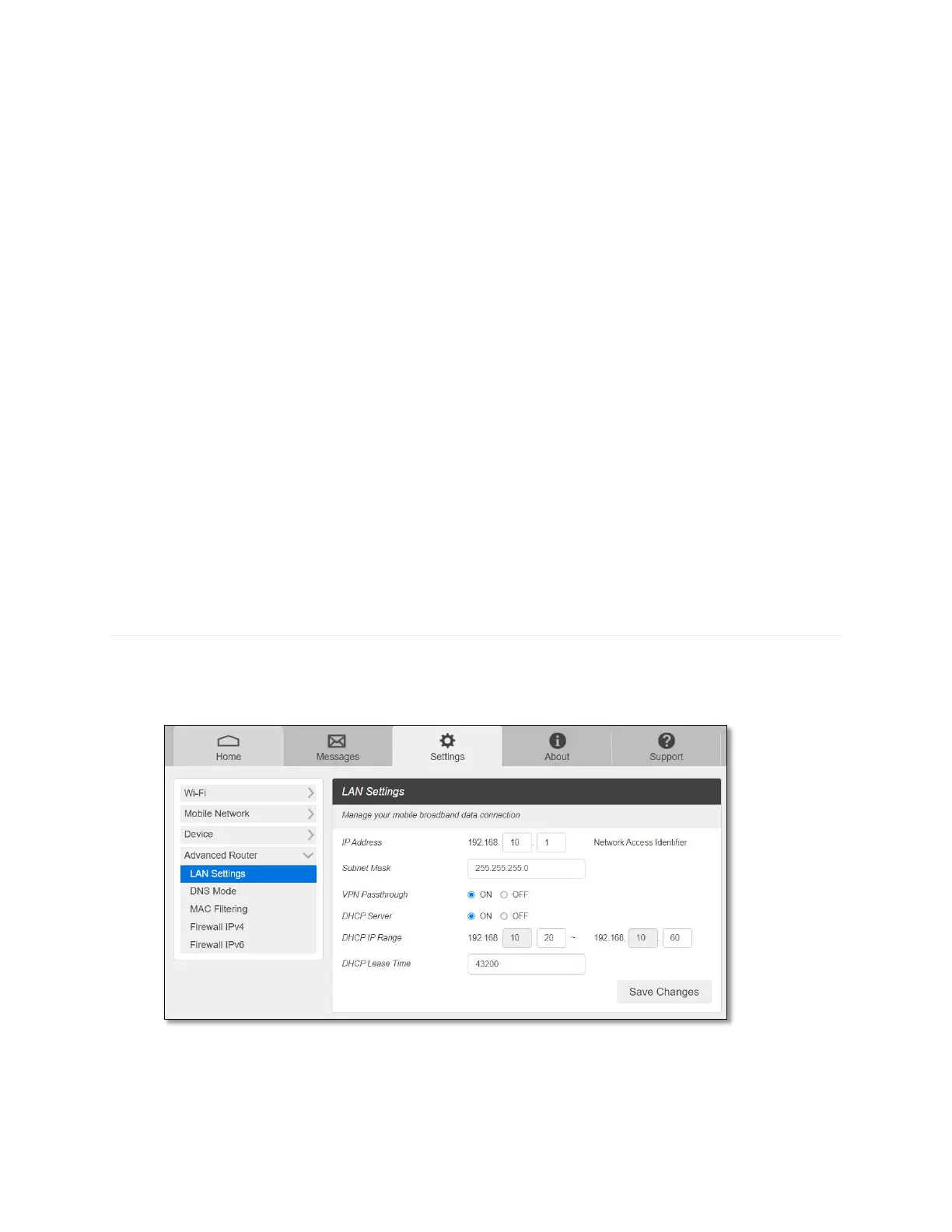
Advanced Router
Configure LAN, Firewall, and other Router settings.
- LAN Settings
• IP address – The IP address for your Mobile Hotspot Web Admin page. This is also
a default gateway IP of your device.



 To Next Page