!
!
22!
!
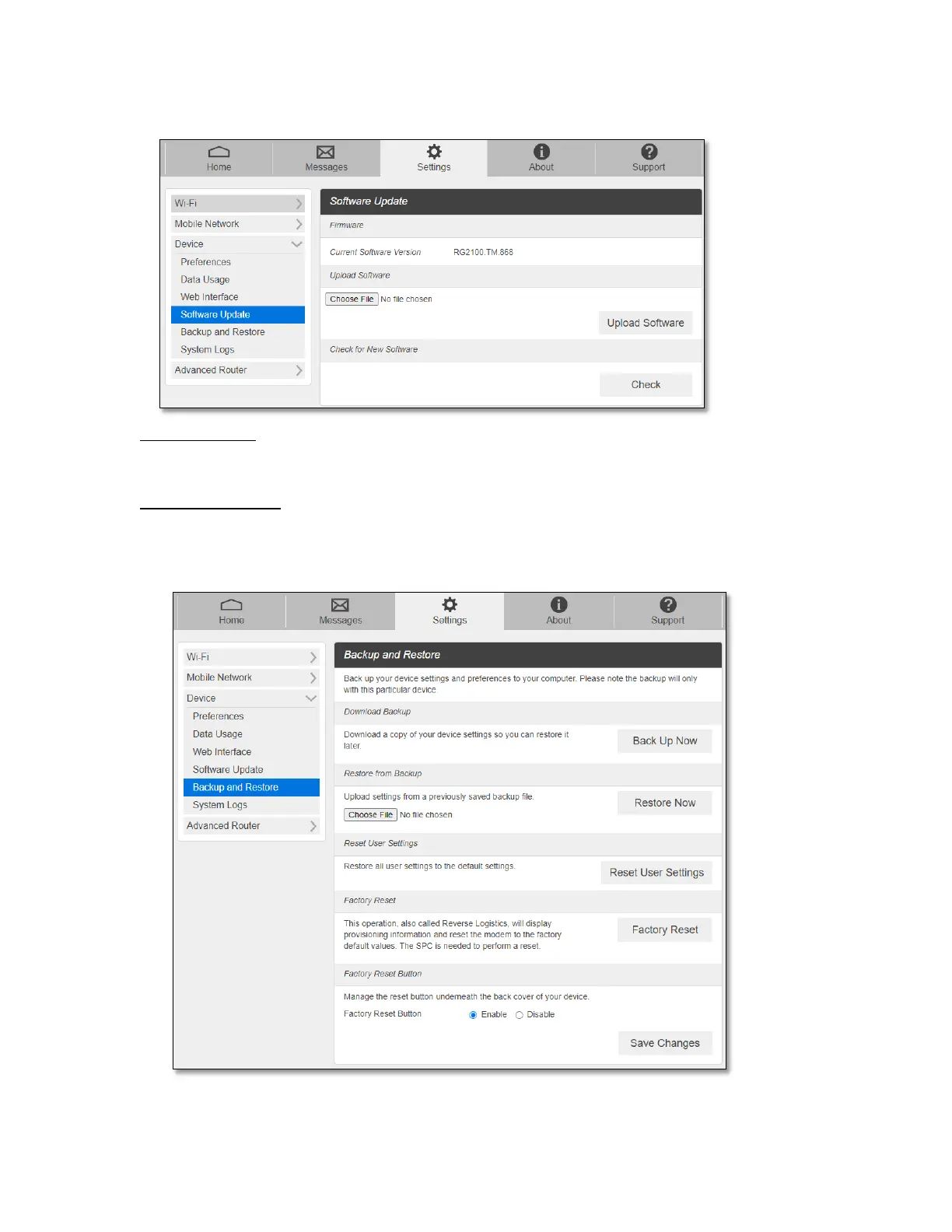
You can find the current software version and check for a new update available.
Manual Update: In case you have a new software file provided by your operator, select the
file by pressing Choose File, then press Upload Software to update your device software.
Automatic Update: Click Check button. Message windows will pop up and guide you
through the update process.
- Backup and Restore



 To Next Page