!
!
21!
!
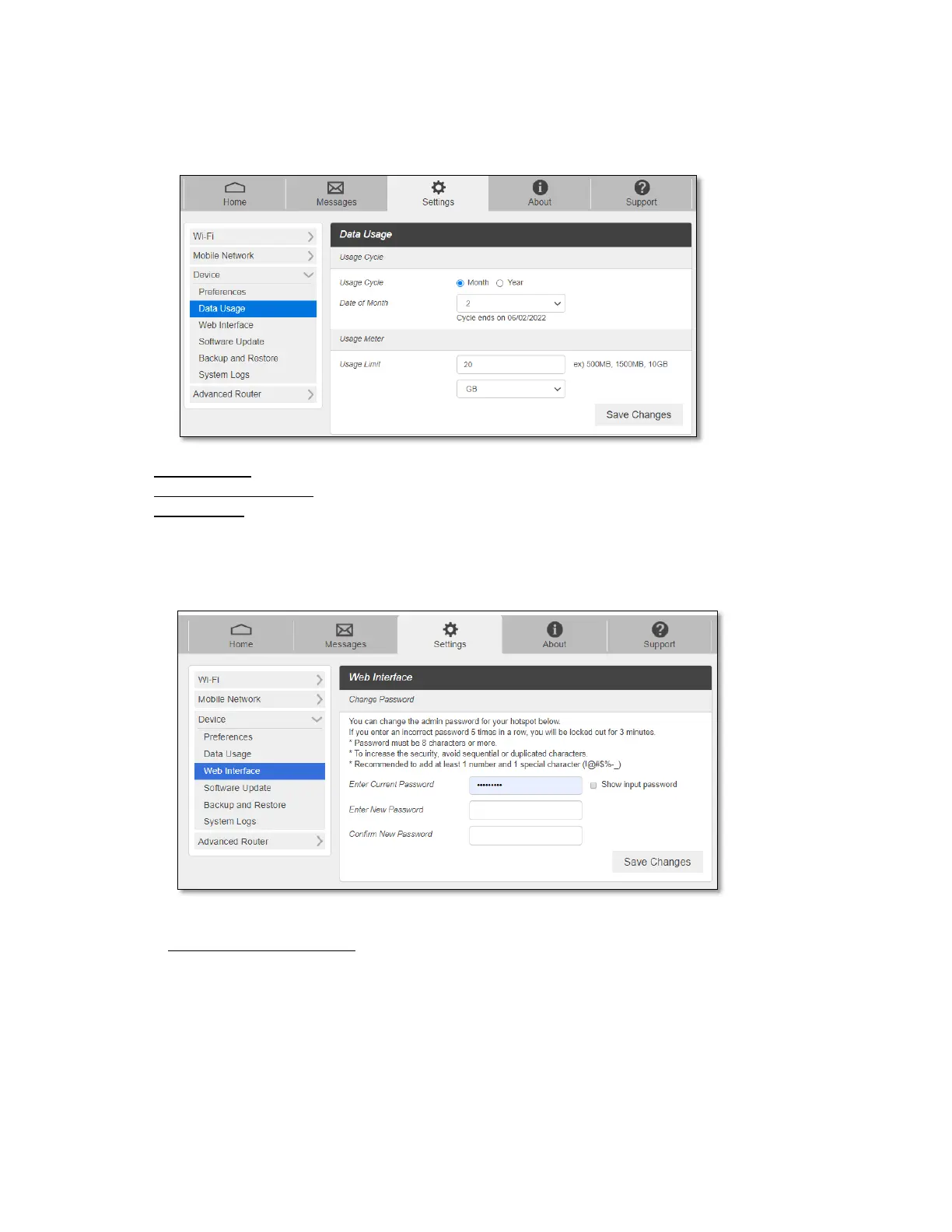
- Data Usage
You can customize Data Usage Information settings here.
- Usage Cycle: Select if the data usage meter resets monthly or yearly.
- Data of Month (Year): Select the date when the data usage meter resets.
- Usage Limit: Enter data usage amount and unit. You will see alert message on your
device display when data usage reaches 90% of the amount set here.
- Web Interface
You can change Web Admin home page login password.
To change the password:
- Current Password: Enter the current password.
- New Password: Enter the new password.
- Confirm New Password: Enter the new password again.
- Click Save Changes to save your settings.
- Software Update



 To Next Page