!
!
18!
!
CAUTION! Allowing roaming could result in additional service charges. Please contact
your service provider for more details.
- APN
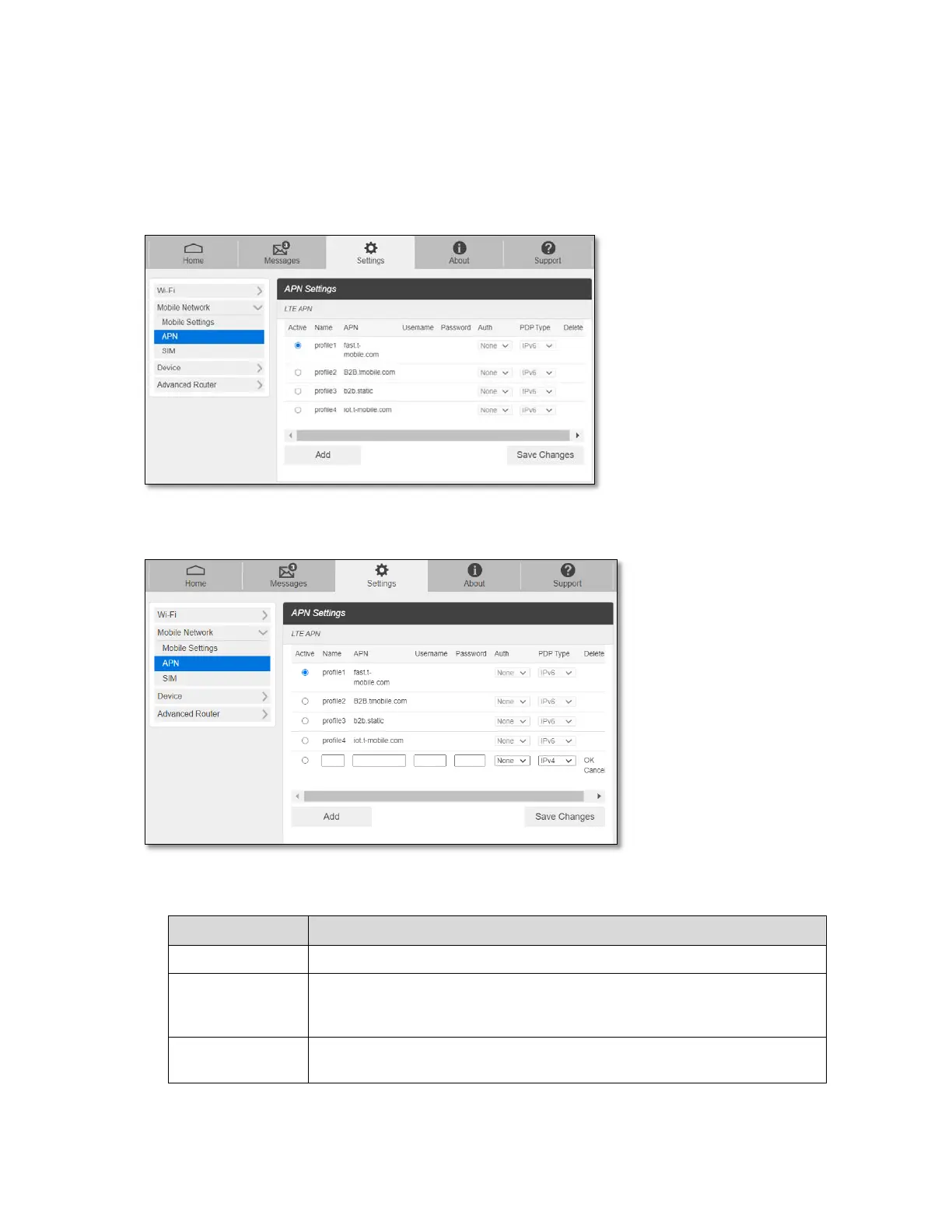
APN menu displays current APN settings. You can add new APNs.
To add a new APN,
1. Click Add to access the following page.
2. Enter the related parameters as described in the following table.
Enter the APN profile name.
Enter Access Point Name (APN) here. The Access Point Name (APN) is
the name to set up a connection to the gateway between your service
provider’s cellular network and the public Internet.
Username is used to obtain authentication from the ISP when the
connection is established.



 To Next Page