!
!
27!
!
8. Press OK to complete set up, then press Save Changes.
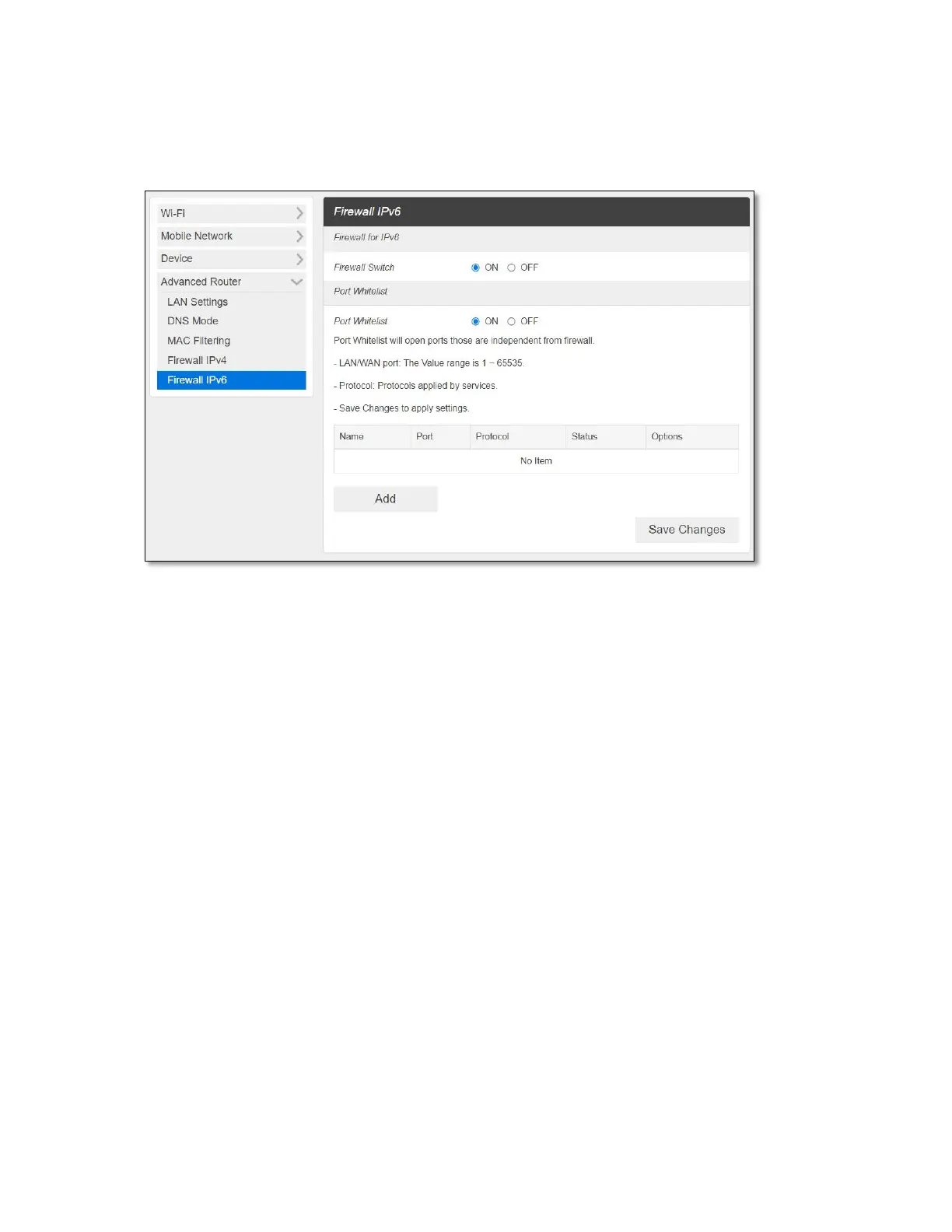
- Firewall IPv6
• Firewall Switch – To set up Port Whitelist, turn Firewall Switch ON. If Firewall Switch is
OFF, Port Whitelist settings is not active.
• Port Whitelist – You can allow inbound forward packet of specific port number by
setting up Port Whitelist. To set up Port Whitelist,
1. Turn ON Port Whitelist.
2. Press Add to create a line to set up a rule.
3. Enter the name of the rule you want to create.
4. Enter the port number you want to allow inbound forward packet.
5. Select Protocol and Status ON/OFF: ON means the rule is in active. OFF means the
rule is not active.
6. Press OK to complete set up, then press Save Changes.



 To Next Page