!
!
32!
!
I cannot connect to Wi-Fi after changing Wi-Fi password.
Your Wi-Fi devices save the previously used Wi-Fi names associated with the passwords used
to access the Wi-Fi name. When you change the Wi-Fi password only for your RG2100 and
keep the same Wi-Fi Name, the devices try to connect to your RG2100 using the Wi-Fi name
and previous Wi-Fi password saved, causing Wi-Fi authentication error. Perform “forget” first on
the Wi-Fi name from your host devices.
I cannot access the Web Admin, http://192.168.0.1
Ensure that Wi-Fi connection is enabled on your device and that you have selected the correct
Wi-Fi name (SSID) for your RG2100 connection. Also, make certain that you are entering the
correct full URL address as http://192.168.0.1 or http://mobile.hotspot.
If you changed the LAN IP settings from the Web Admin, Settings > Advanced Router > LAN
Settings before, you need to use the IP address you changed to access the Web Admin page.
I cannot log into Web Admin, http://mobile.hotspot or http://192.168.0.1
Ensure that you are entering the correct Web Admin password to log in. The default Web
Admin login password is “admin” unless you have previously changed. If you have forgotten
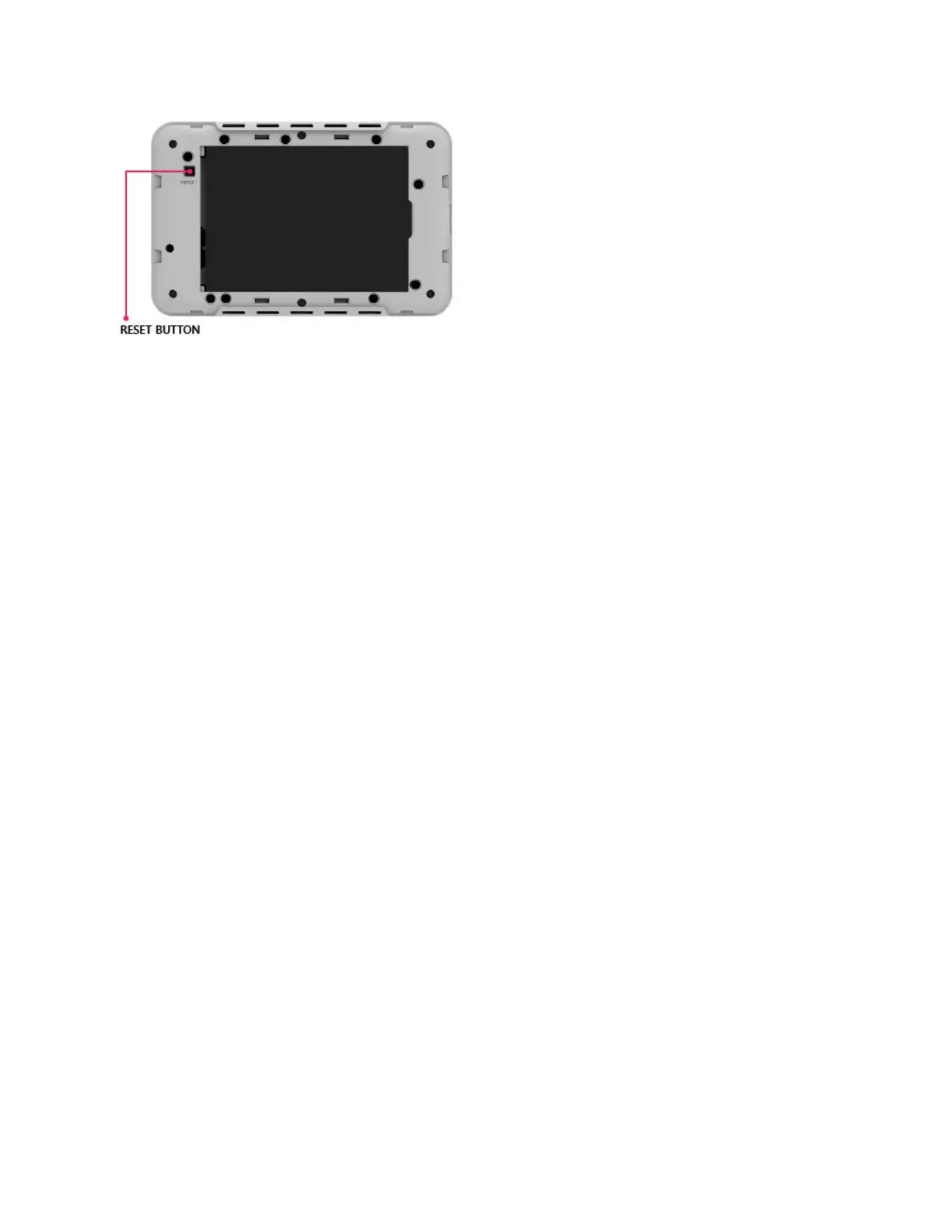
your password, perform Factory Rest on your device (see How do I perform Factory Reset?).
!



 To Next Page