4 Port HDMI USB KVM Switch
Model: 94H2
Product Features:
• One USB console controls 4 HDMI-interface computers /DVR/NVR
• Switch Mode: a. button push; b. Keyboard Hot-Key switch; c. mouse switch;d.Wire remote
push button switch
• Superior video quality: 4K(HDTV)/4096×2160@60Hz
• Multiplatform support: Windows 10/7/2000/XP/Vista、Linux and Mac;
• Support plug & play
• Support HDCP, Support auto EDID(No EDID emulation)
• Support auto detection,if one computer is powered off, the switch will automatically switch
to the next powered-on computer (The default is in the closed state, if you want to open it,
please read the below-setting operation instructions ).
• With memory function in case of power-down
• Support independent mouse keyboard switch, even without USB signal input, you can switch
the input device easily by keyboard or mouse.
• Auto Scan Mode for monitoring all computers /DVR/NVR
• With USB2.0 Hub
Switch Modes:
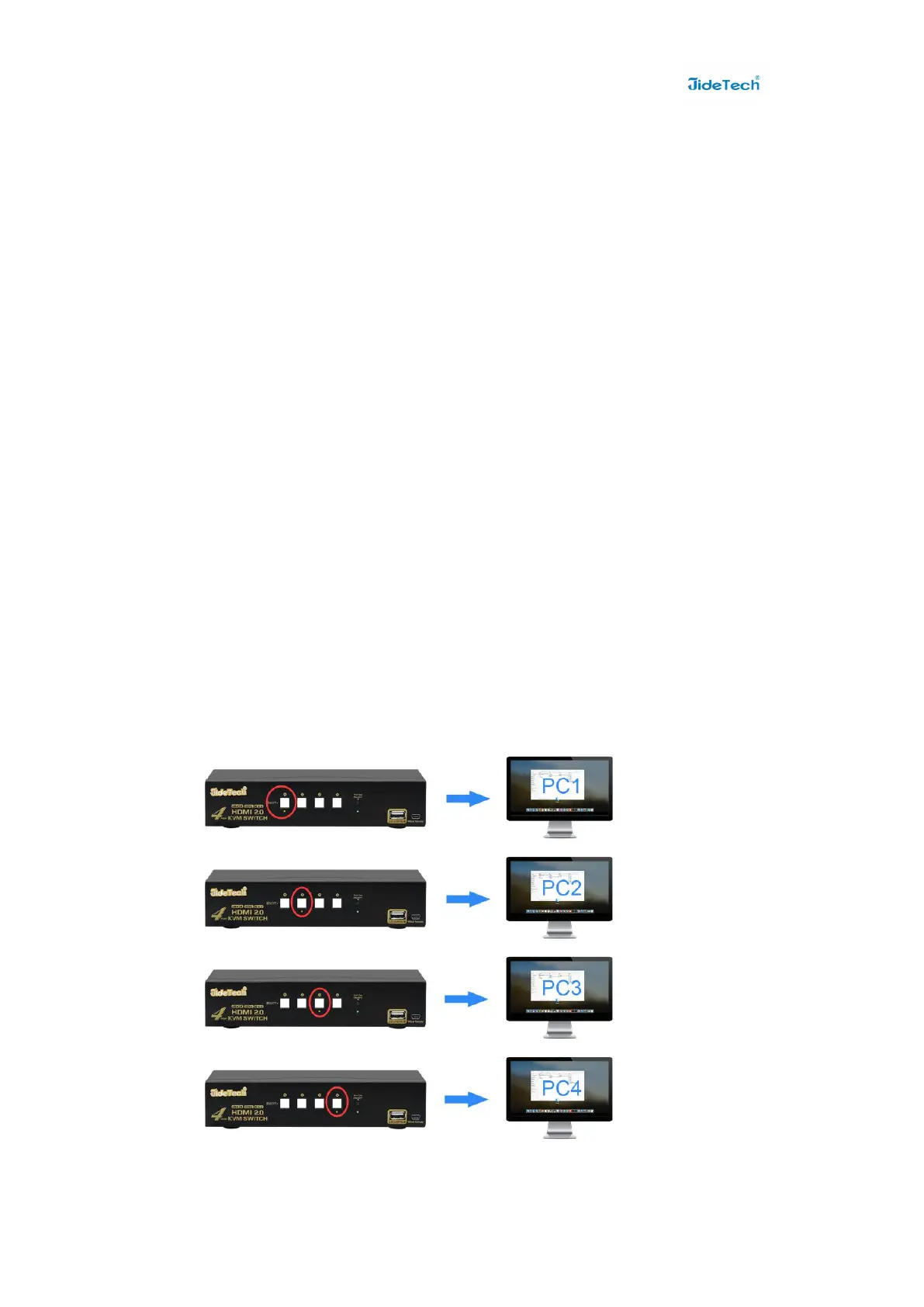
● Button Switch:Switch to any port by buttons on front panel.


 To Next Page