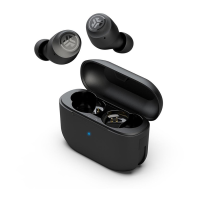
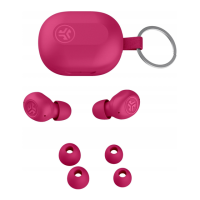
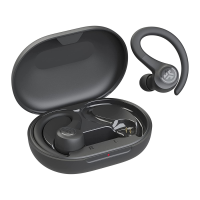
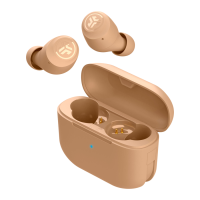
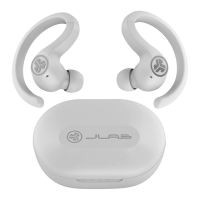
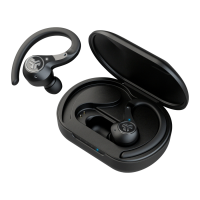
We love that you are rocking JLab!
We take pride in our products and fully stand behind them.
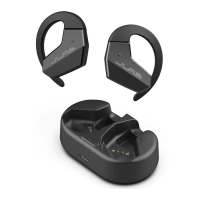
FLEX OPEN
EARBUDS
YOUR WARRANTY
All warranty claims are subject to JLab authorization
and at our sole discretion. Retain your proof of
purchase to ensure warranty coverage.
CONTACT US
Reach out to us at support@jlab.com
or visit jlab.com/contact
Remove tab and close door.
PAIR UP
1
One earbud will blink blue/white indicating
ready to pair to your device.
3
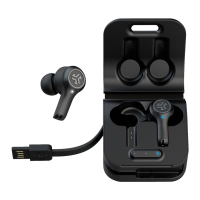
Blue light on case indicates charge.
Remove earbuds from case.
2
Select JLab Flex in your device's
Bluetooth settings to connect.
Voice prompt “Bluetooth connected” followed by
lights off will indicate connection.
4
Bluetooth
Settings
JLab Flex
REGISTER TODAY
jlab.com/register
Product updates | How-to tips
FAQs & more
L
I
M
I
T
E
D
T
W
O
Y
E
A
R
W
A
R
R
A
N
T
Y
S
U
P
P
O
R
T
T
E
A
M
#
T
E
A
M
J
L
A
B

 Need help?

 To Next Page
 General