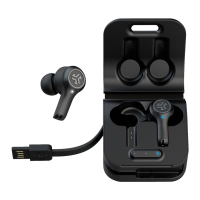
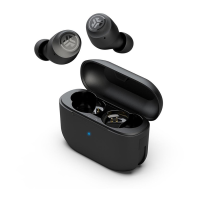
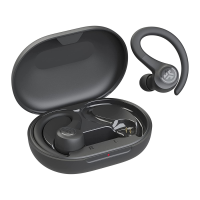
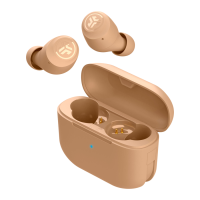
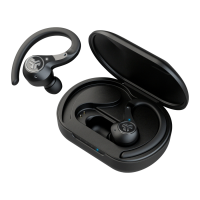
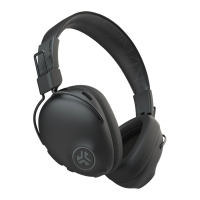
Need help?
Do you have a question about the JLab JBUDS AIR PRO and is the answer not in the manual?
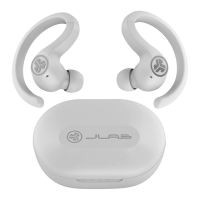
Guide to pairing earbuds with a device for the first time, including sticker removal and case placement.
Instructions for connecting to a new or secondary Bluetooth device after initial pairing.
Details on JLab warranty claims, authorization, and proof of purchase requirements.
How to reach JLab for assistance via email or by visiting their contact webpage.
Explains single/double taps and press-and-hold actions for volume, music, calls, and EQ.
Details on cycling through JLab Signature, Balanced, and Bass Boost EQ settings by tapping the earbud.
Lists audible cues for pairing status, battery levels, and call handling.
How earbuds charge in the case and indicator light status for charging and full charge.
Instructions for charging the case using a computer or USB 5V 1A output device.
Steps to connect JBuds Air Pro to two devices simultaneously for seamless switching.
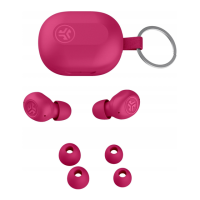
Guidance on achieving optimal fit and sound quality with Cush Fins and ear tips.
Instructions for resetting earbuds when experiencing no audio or disconnection issues.
Advice on independent earbud use and the importance of ear tip fit for audio quality.
Important safety notes regarding water resistance, heat, humidity, and physical handling.
 General
| Headset type | Binaural |
|---|---|
| Product type | Headphones |
| Product color | Black |
| Wearing style | In-ear |
| Volume control | Touch |
| Control unit type | On-ear control unit |
| Recommended usage | Music |
| International Protection (IP) code | IP55 |
| Number of simultaneously connected devices (max) | 2 |
| Charging case | Yes |
| Eartips material | Gel |
| Charging case capacity | 520 mAh |
| Accessories included in set | 3 sizes gel eartips |
| Wireless range | 9 m |
| Bluetooth version | 5.1 |
| Bluetooth profiles | A2DP, AVRCP, HFP, HSP, SBC |
| Connectivity technology | True Wireless Stereo (TWS) |
| Microphone type | Built-in |
| Microphone sensitivity | 38 dB |
| Battery type | Built-in battery |
| Battery capacity | 60 mAh |
| Battery recharge time | 1.5 h |
| Continuous audio playback time | 9 h |
| Battery recharge time (charging case) | 2 h |
 Weight and Dimensions
| Weight | 49.7 g |
|---|---|
| Charging case weight | 39.1 g |
| Right earpiece weight | 5.3 g |

 To Next Page