8
Using your iWalk™ The Family Treadmill
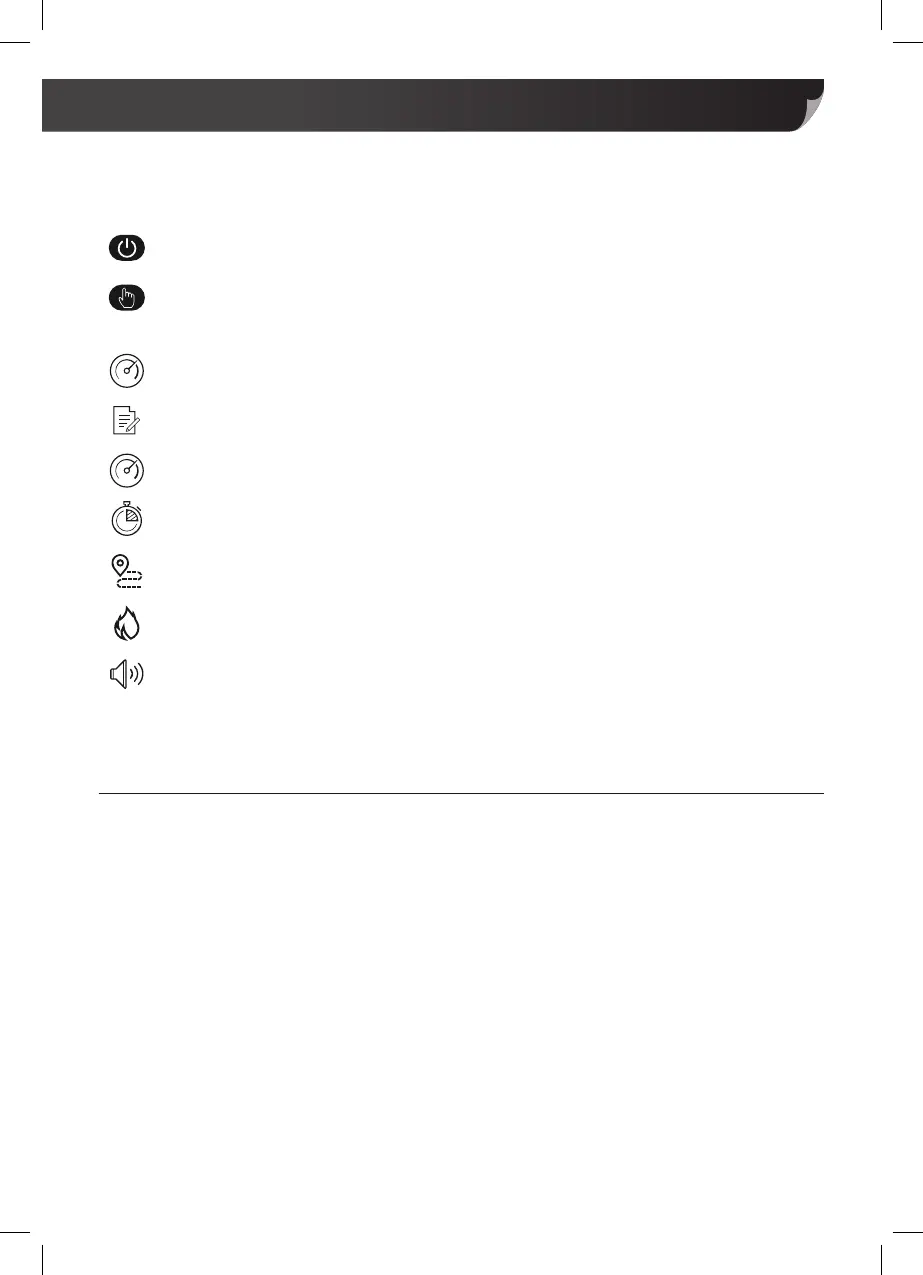
On/Off: To turn the treadmill on or off.
Mode: (While stationary) To select programme and timer. (while running) Displays
speed, time, distance and calories.
Speed +/-: To adjust speed up or down. The speed range is 1kmph – 10kmph.
Explorer: Shows how much time has elapsed, distance covered, and calories burnt.
LED Speed Indicator: Press to view current speed. LED light Illuminates.
LED Time Indicator: Press to view current time. LED light Illuminates.
LED Distance Indicator: Press to view current distance. LED light Illuminates.
LED Calorie Indicator: Press to view current calories burnt. LED light Illuminates.
Audio: Input your personal audio device to take advantage of the inbuilt speakers
with the 3.5mm 500mm long double-ended audio cable.
The dashboard of your Control Panel is designed with a selection of features to enhance
your workout.
Warm-up & Preparation
To help prevent injury, have a good posture while using the iWalk.
For best results, wear footwear with high impact absorption and anti-slip features.
To help avoid injury, ensure you warm-up and cool down to prepare your body for your
workout and reduce muscle pains after.


 To Next Page