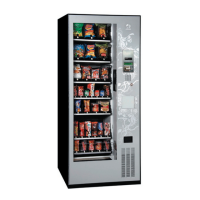
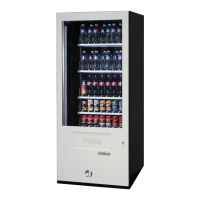
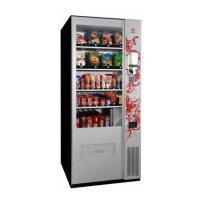
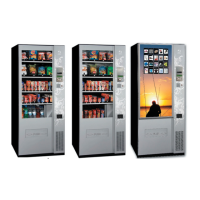
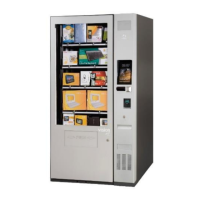
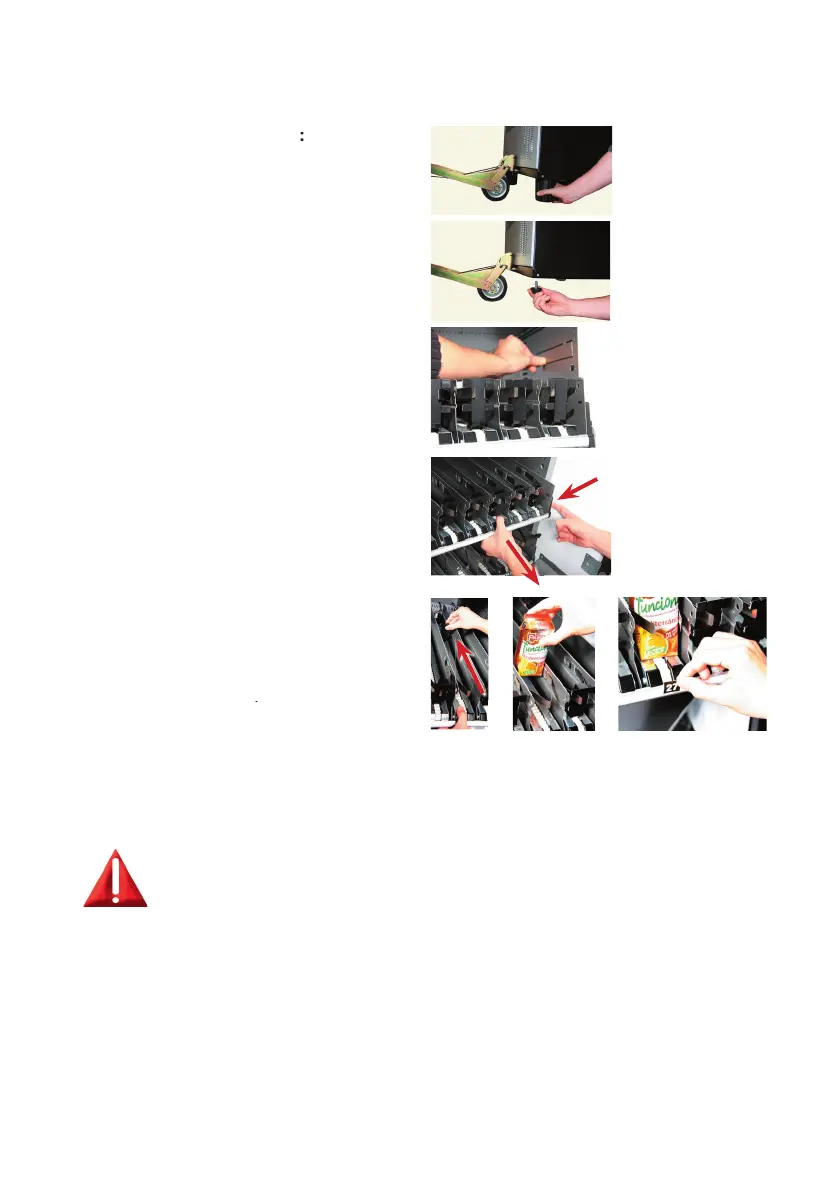
Slide the pusher all the way to the back of the
channel, stock the product on the channel and
place the selection number on the label holder
Installation of the machine
1.- Level the machine, the machine
transport paws can be replaced by
the adjustable paws by which the
machine can be properly levelled.
refrigeration louvre to the desire
height, the products below this
level will be refrigerated. Only on
EasyCombo machines, the SnackPlus
model doesn’t include cooling unit.
Stock the products on the channels
and place the selection number on
Turn the machine on to start the
Assign the selection numbers to its
(*) THE MACHINE HAS A SELECTION NUMBER
CONFIGURATION SET UP SO IT’LL BE NECESSARY TO
GO THROUGH THIS OPTION IN ORDER TO CHANGE IT.
SEE ANNEXED CONFIGURATION.
The machine must be levelled to ensure ease of opening and
Use the machine adjustments on its base if necessary


 To Next Page
 Loading...