38
5.3.4-5
5.3.4-6
5.3.4-3
5.3.4-4
Operation
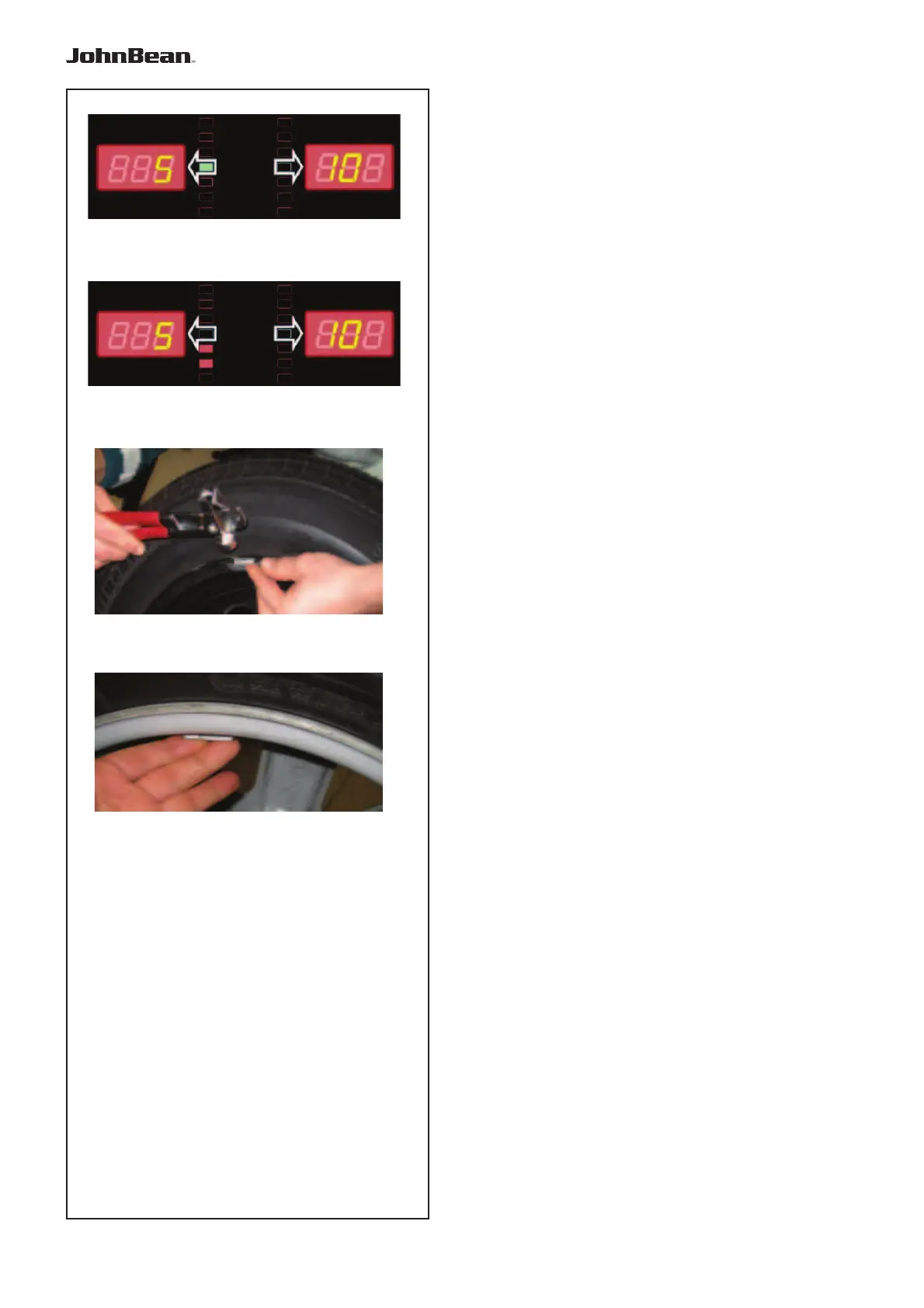
Once the correct weight application position is reached,
only the green central LED is on Figure 5.3.4-3.
Note: At the correct angular position all rotation
indicators will be lit. If the wheel has been
rotated too far, only the indicators for the
other half will be lit. Refer to Figure 5.3.4-
4. The wheel has to be gently reversed.
The weight to be applied in that plane is shown on
the display.
• Turn the wheel manually until it reaches the
counterweight application point
Attaching a clip-on weight.
Refer to Figure 5.3.4-5.
• Clip-on weights must always be applied in the 12
o’clock position.
• The lip should rest on the rim edge. Use the weight
pliers to position it.
In STATIC mode only the left hand display is used.
Attaching a stick-on weight.
ALU or STATIC weight modes only:
Refer to Figure 5.3.4-6.
• Apply the weight on the rim in the 12 o’clock
position.
.



 To Next Page