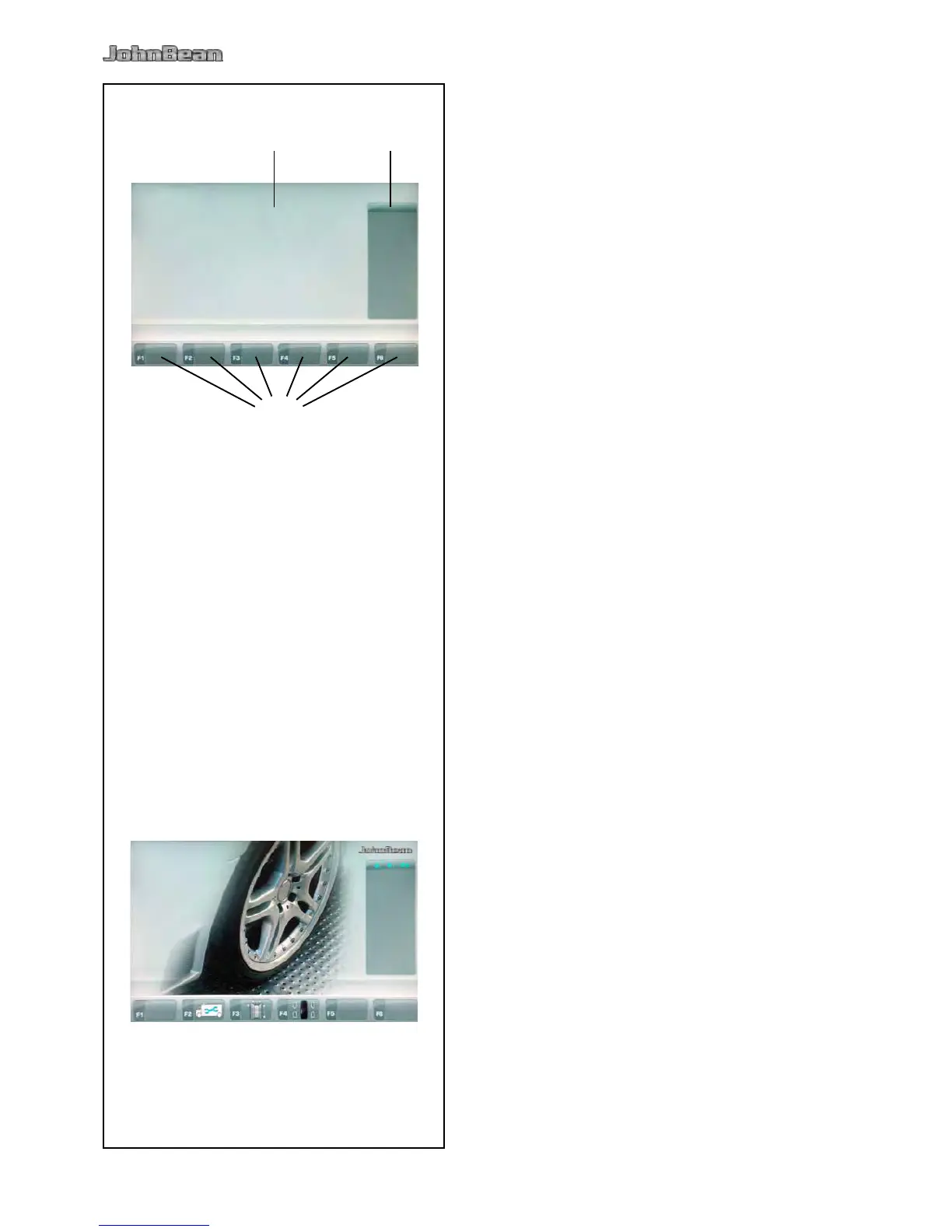
Fig. 4-3 Screen with display elds
1 of screen
2
3 and description of Functions
The screen reads out inputs, helpful information, all
measured data and possible error codes.
The screen is subdivided into various display elds,
each of which is associated with a certain type of
information.
- Rim dimensions.
- Balancing modes.
- Unbalance value.
- List of Counters.
- C codes.
- Help texts.
- Number of the installed program version.
- Measurements of the wheel being processed.
- Operating conditions icons.
- Error codes.
Pictographs illustrating special features are viewed
in the six menu elds. Under every menu eld is
the associated menu key which is used to call the
feature illustrated.
4.1.1 Screen pages
Fig. 4-4 INTRO SCREEN
Basic screen / Main menu.



 To Next Page