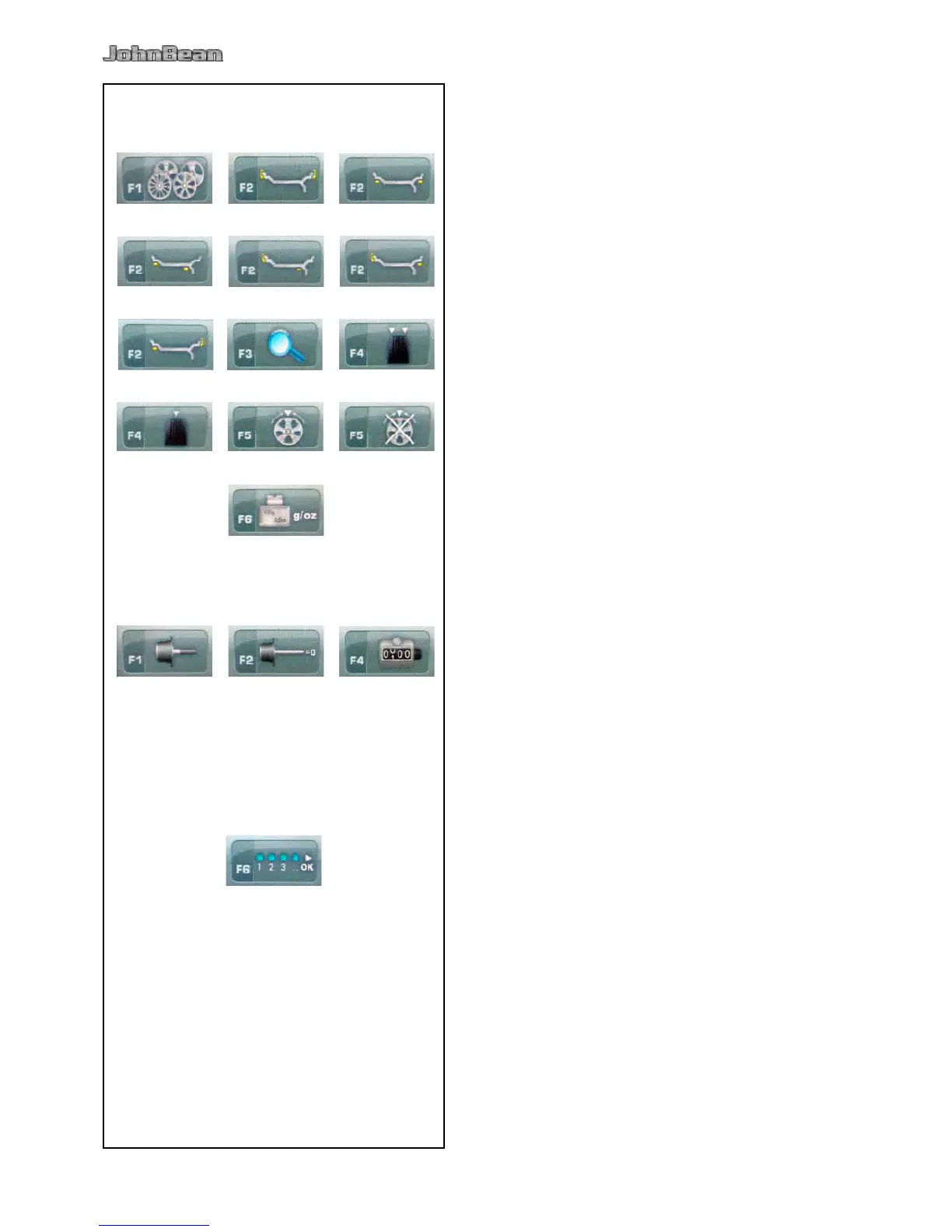
BALANCING “Balancing Screen”
Fig. 4-12
F1 For SPOKES selection
F2 (a) Select ALU 0
F2 (b) Select ALU 1
F2 (c) Select ALU 2
F2 (d) Select ALU 3
F2 (e) Select ALU 4
F2 (f) Select ALU 5
F3 Select RESOLUCION
F4 (a) Select DINAMIC
F4 (b) Select STATIC
F5 (a) Select HIDDEN WEIGHT
F5 (b) Deselect HIDDEN WEIGHT
F6 To select GRAMS / OUNCES.
SETTING “Settings Screen”
Fig. 4-13
F1 Access to: USER CALIBRATION
F2 Access to: COMPENSATION
F4 Access to: EDIT WIDTH
COUNTERS “Counters Screen.”
Fig. 4-14
F6 Select CONFIRMATION / CONTINUES



 To Next Page