4.8 Help information
Help information explains the current action and, in
the case of an error code, provides hints for remedy.
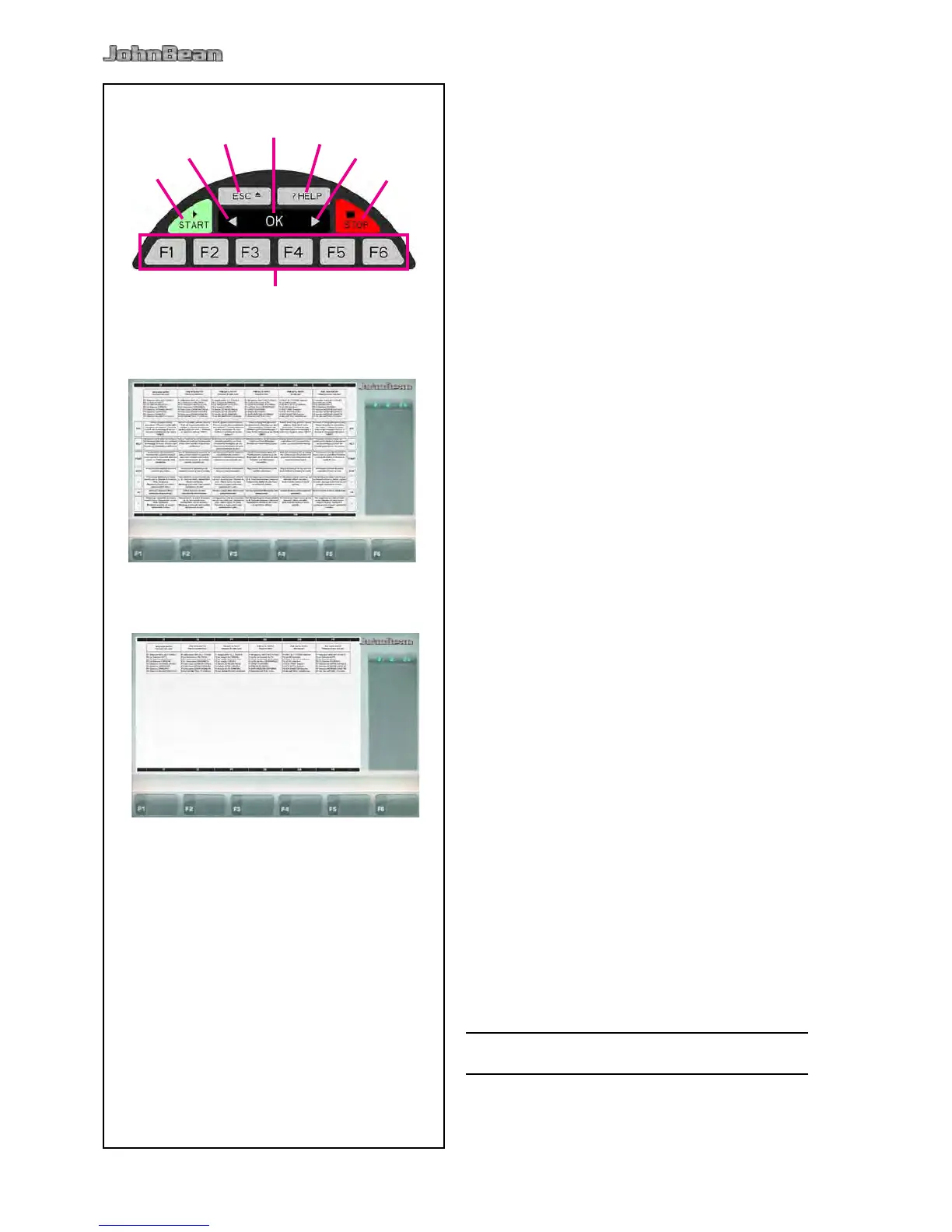
Press the HELP key (Fig. 4-15, Pos. 3).
The rst screen with help information appears, e. g. to
the screen RIM DATA INPUT (Fig. 4-18).
Press the HELP key once more to display the next
screen with help information.
(if present)
The second screen with help information to the screen
RIM DATA INPUT (Fig. 4-19) appears.
Note
On pressing the HELP key in the last screen with help
information the display jumps to the rst screen again.
Press the ESC key (Fig. 4-15, Pos. 2).
4.9 Emergency stop
Refer to Figure 4-15.
To perform an emergency stop:
• Select the STOP (5) key to apply the electronic
brake.
In the event of an emergency stop due to an unexpected
action by the unit, rethink the steps that were made:
Correct the input and continue working. No special
procedure is required.
• Read the relevant chapters again.
• Prepare the unit for a restart:
switch off the unit
switch on the unit again.
• Carefully repeat the commands with the manual
available.
• If the unit does not function correctly,
UNIT.
• Call the service team immediately.



 To Next Page