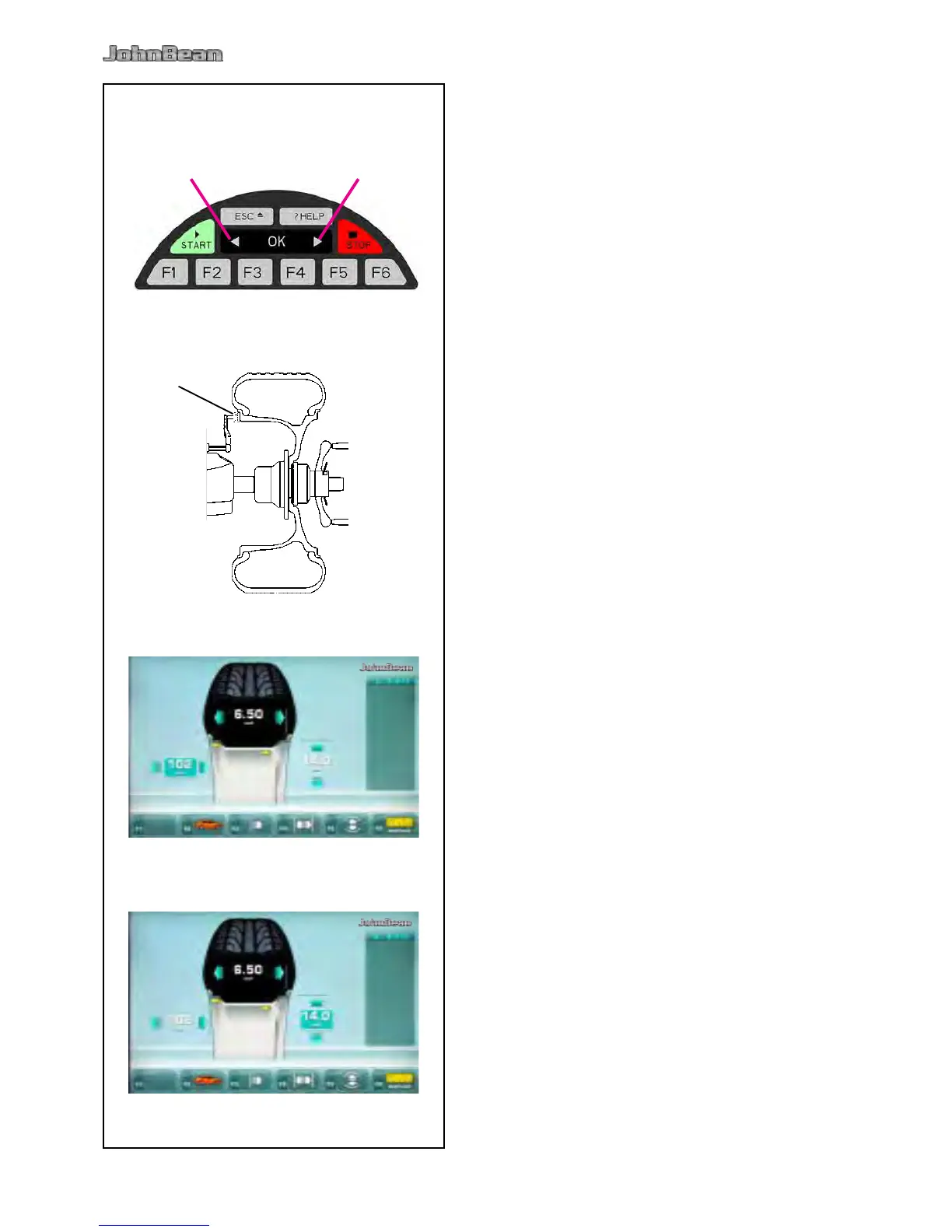
Position the gauge arm correctly (1, Fig. 5-13b).
Access the ENTERING RIM DATA screen and
select the Menu key F3 (Fig. 5-13c).
• Read the arm extraction value on the gauged
column.
• Enter the value read previously using the appropriate
keys - or + (1, 2, Fig. 4-15).
Read the nominal rim diameter directly on the rim
or tire itself.
• Select the diameter F5 key on the control panel.
• Enter the value read previously using the appropriate
keys - or + (1, 2, Fig. 5-13d).
• Select another measurement to edit (if necessary)
or spin the wheel.



 To Next Page