minimization.
Make sure the tire is correctly mounted on
rim and inated to specied ination pressure
(mounting guide rib of the tire must be correctly
seated).
Clamp the wheel.
Enter correct rim dimensions, or check existing
inputs for correctness.
Press the START key after wheel protection closing.
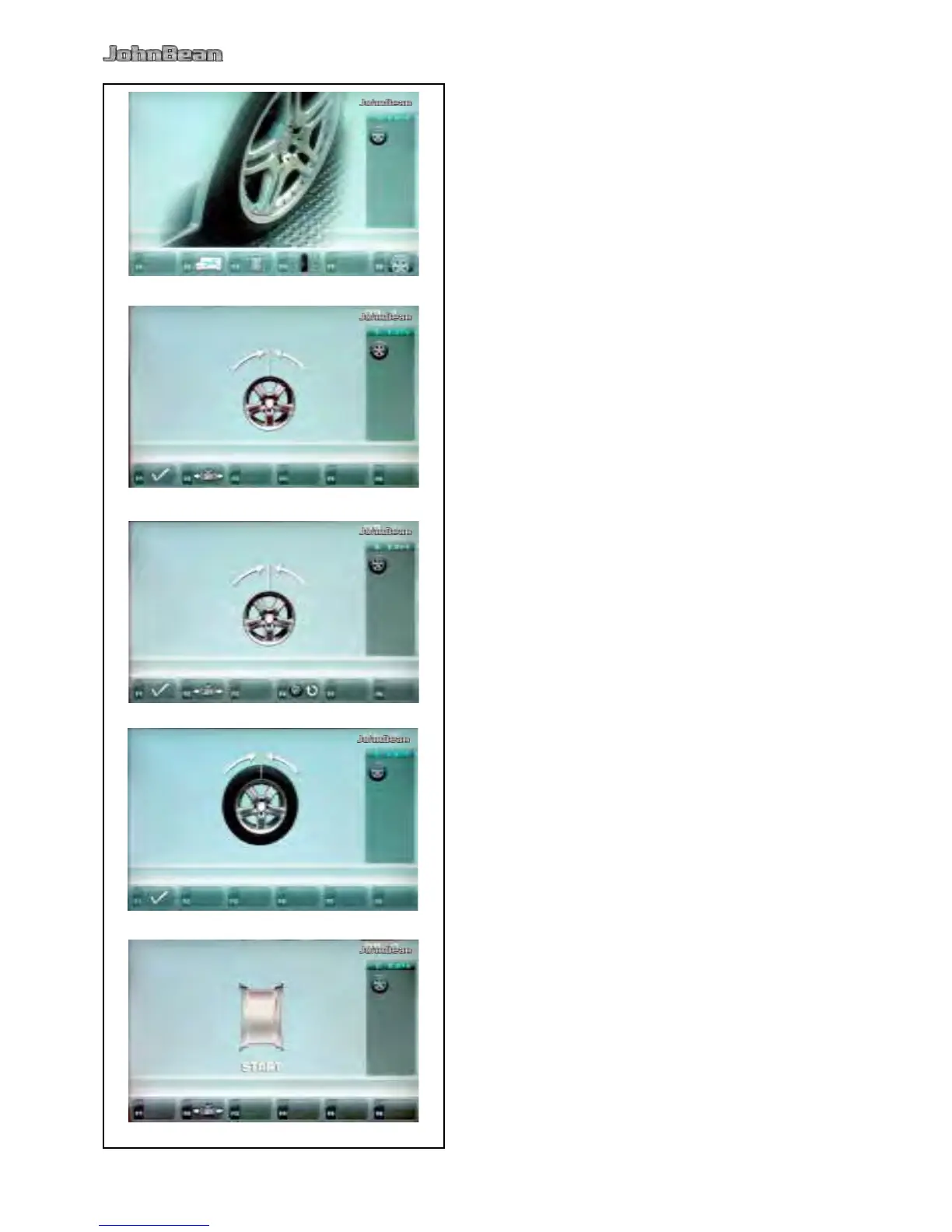
Starting from the main menu press the menu key
F6 Optimization menu (Fig. 5-33).
The Optimization MENU “OP.1” screen (Fig. 5-34) is
displayed.
If an optimization/weight minimization result has
already been saved, press the F4 key (Fig. 5-35); The
program then continues from the step 4, 6 or 10 where it was
interrupted, with the relative measurement values and the
balancing optimization / weight minimization may continue.
Press the menu key F2 (Fig. 5-34).
The Minimization “Un.4” screen is displayed (Fig.
5-36).
Press the menu key F1 (Fig. 5-34).
The OPTIMSATION “OP.2” screen (Fig. 5-37) is
displayed.
Press the menu key F4 (Fig. 5-35).
Resumes the previously interrupted process.



 To Next Page