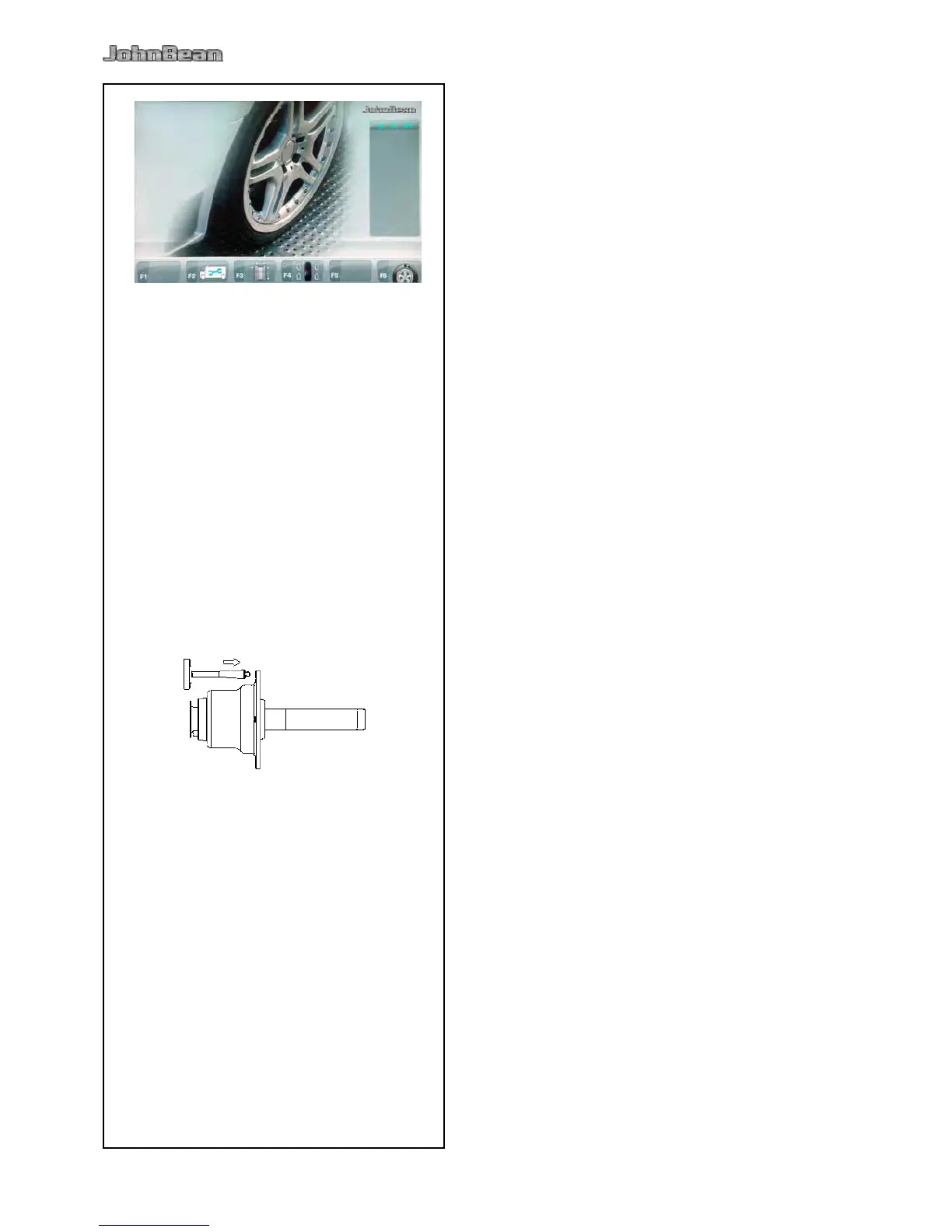
If several measuring runs are necessary to balance
a wheel because balance weight size and position
have to be adjusted repeatedly, this is often due to
insufcient measurement accuracy.
If this is the case the operator can electronically
calibrate the rotating masses on the machine; which
is called User Calibration.
A calibration run takes longer than a regular measuring
run.
Following User Calibration any residual compensation
will be cancelled.
Readjustment
Make sure that no clamping tool (and no wheel or
other device) is mounted on the machine shaft.
From the MAIN MENU (Fig. 6-1) press the F2 key
three times and select the F1 CALIBRATION key
(1, Fig. 6-2).
The CALIBRATION 1 screen (Figure 6-5) page will
open.
Close the wheel guard, press the START key and
launch the rst calibration run (if the run takes a
long time it means residual imbalances have been
detected).
The CALIBRATION screen 2 will open.
Screw the Calibration weight onto the threaded hole
in the wheel support ange (Figure 6-6).
Press the START key and launch a second
calibration run (to detect correction values).
After the second run the electronic control unit
processes the values taken during the calibration runs
and writes them in the permanent memory. When
this has nished an audible 3-tone signal is heard to
indicate that User Calibration has terminated.
Unscrew the Calibration weight from the ange and
put it back in its designated place in the Weight
Holder Tray.
Press the ESC key to return to the INTRODUCTION.



 To Next Page