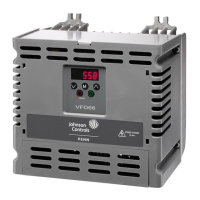
VYPER
™
VARIABLE SPEED DRIVE
OPERATION
S100-200 IOM (MAY 08)
Page 30
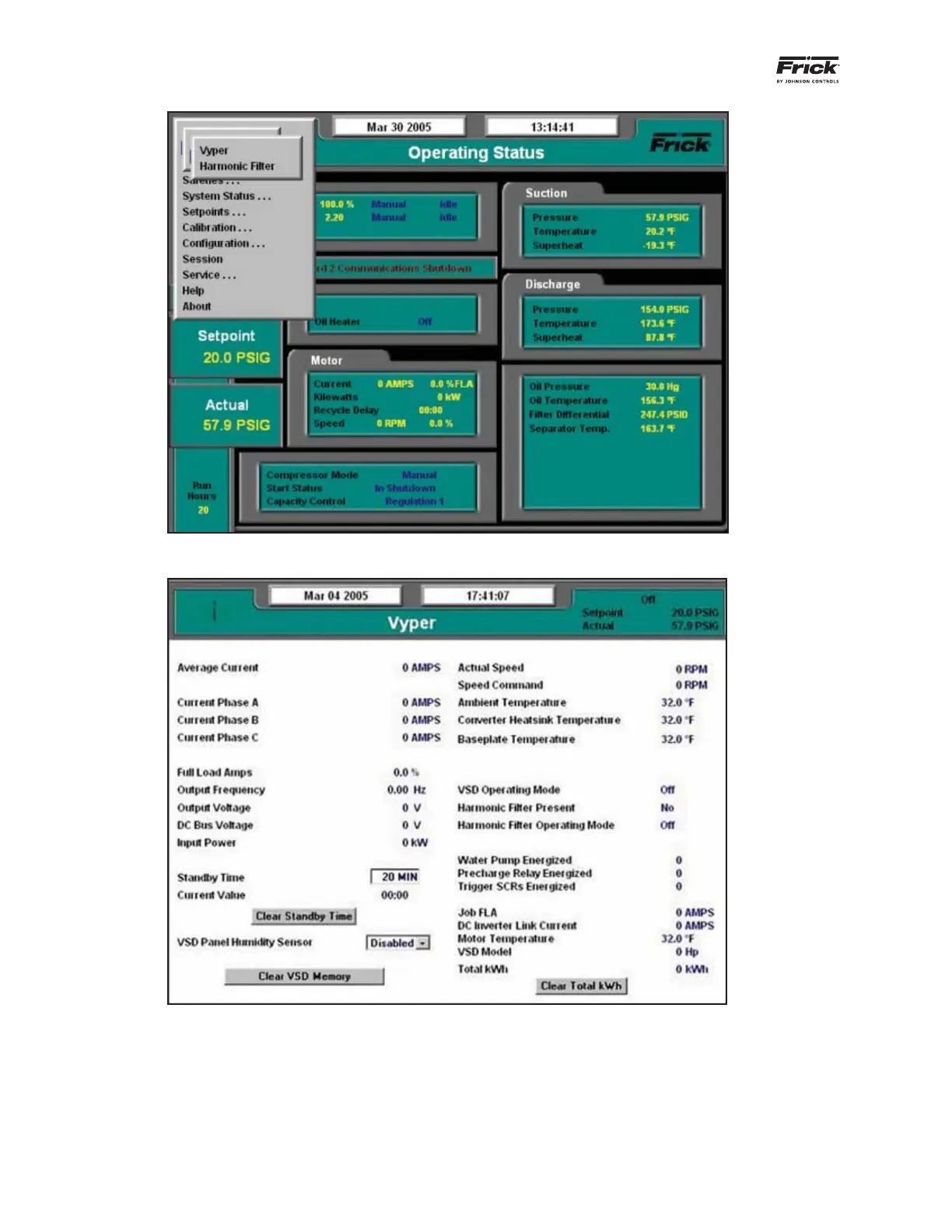
Figure 35 - Home Screen Service Level 2: Select Vyper Drive Setup
Figure 36 - Home Screen Service Level 2: Select Vyper Drive Setup
Vyper
™
screen Service Level 2 is similar to Level 1 but adds
the capability of adjusting the Standby time value, enabling
the humidity sensor, clearing the VSD memory, and resetting
the kWh record.
Standby Time: The VSD enters Standby mode when there
is no load on the VSD. The VSD capacitor banks remain
charged and the compressor output is 0 Hz. Standby mode
permits fast acceleration when the load returns. If the time
of zero load surpasses the Standby time setting, the VSD
will need to go through a restart sequence. The values for
Standby mode can be set from 20 to 80 minutes.
Clear Standby Time: This option can be pressed to clear the
Standby time value from the VSD if not desired.



 To Next Page
 Loading...