QOLSYS CONFIDENTIAL AND PROPRIETARY
PAGE OF 108 198
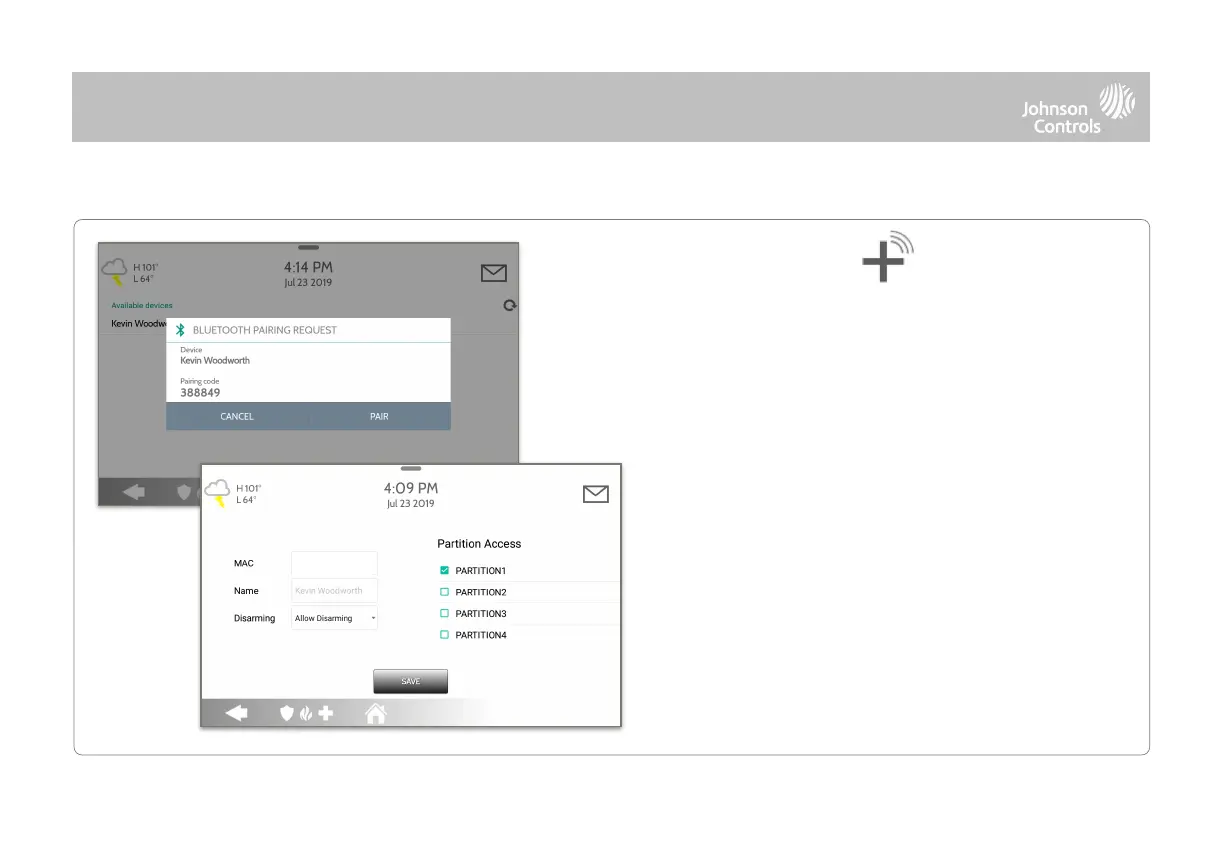
2. Open the Bluetooth page on your mobile device. The
panel will search for all available and in range Bluetooth
devices.
3. Select the correct device from the list on the panel and
ensure the pairing code matches that on your mobile
device.
6. Your mobile device will now show under the “Paired
Devices” list on the panel.
NOTE: Your phone may show the IQ4 Hub as “Not Connected”. This is
normal
4. Touch “Pair” on the panel first, and then on your
mobile device.
5. Choose whether to allow disarming or not, and select
the Partition to be disarmed (if Partitions are enabled).



 To Next Page