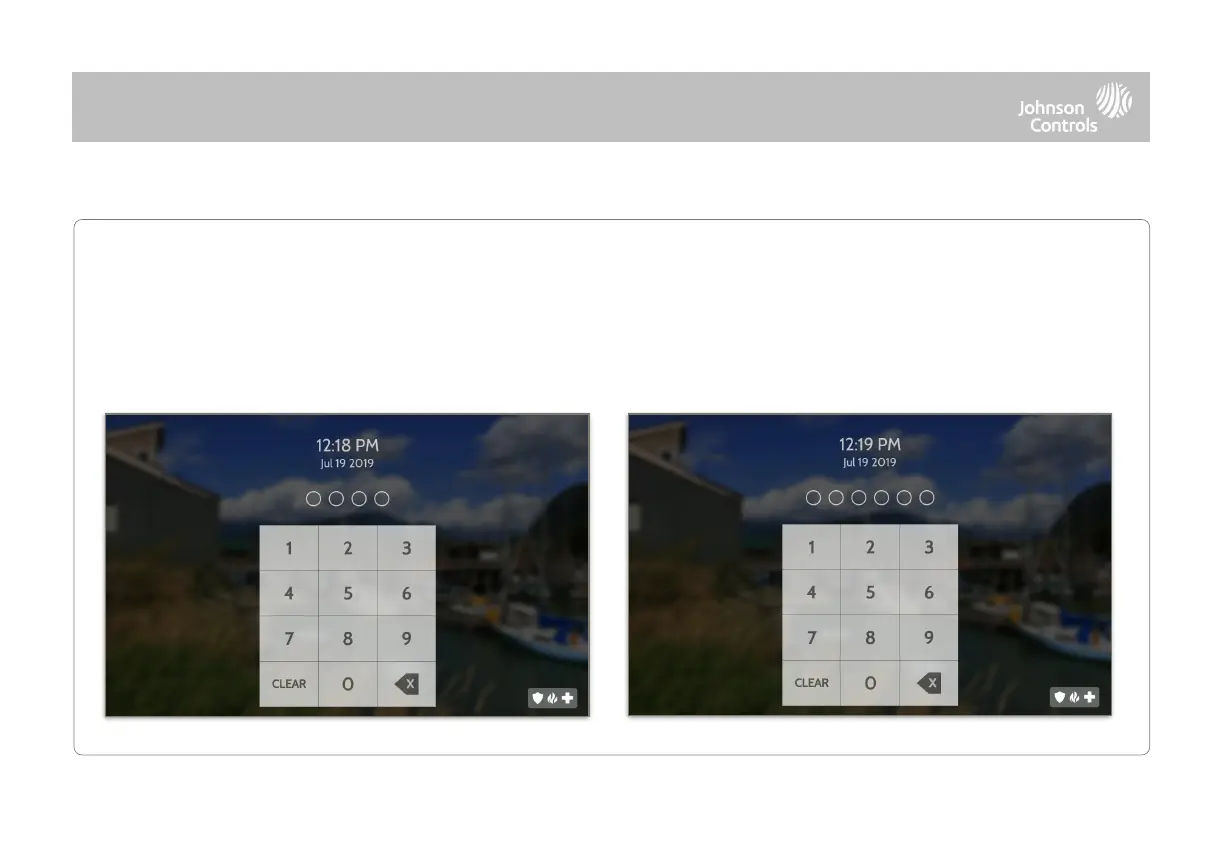
When the “Screen Lock” or “Partitions” setting are enabled, a lock screen will be presented once the panel has been woken
from either a touch on the screen or pressing the wake/sleep button on the side of the panel. This prevents unauthorized
access to the panel and/or one partition from accessing another as well as managing permissions to “Advanced Settings”.
Screen lock may also be turned off if desired, even when Partitions are enabled.



 To Next Page