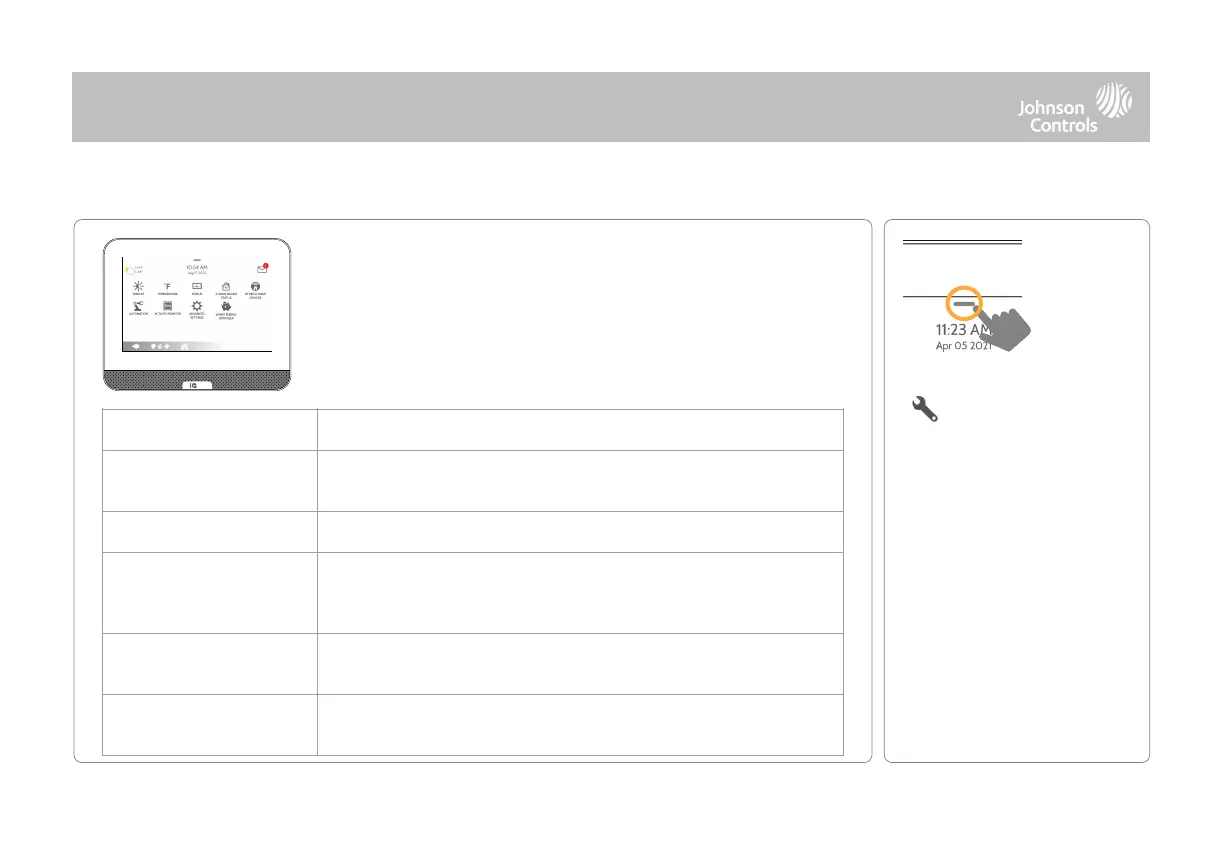
The Settings page allows quick access to various simple features
& settings that do not require the protection of a Dealer,
Installer or Master code to be changed.
Adjust brightness, font size & 12/24 hour time as well as adaptive
brightness or night light mode. You can also enable the Status LED slider.
Toggle between Fahrenheit and Celsius
View the "Current Status" of security sensors: Zone #, Name, Status
(Open, Close, Active, Idle, Tamper, Failure), Battery and sensor History. Also
view “Alarms” and “History” for security sensors globally
View the "Current Status" of Z-Wave devices: Name, Type, Status (Normal,
Failure), and Battery. Also view “Alerts” and “History” for Z-Wave globally
Shows Z-Wave devices that are learned into the panel but that are not part
of the main user interface (Lights, Locks, Thermostats & Garage Doors)
QOLSYS CONFIDENTIAL AND PROPRIETARY
PAGE OF 19 198



 To Next Page