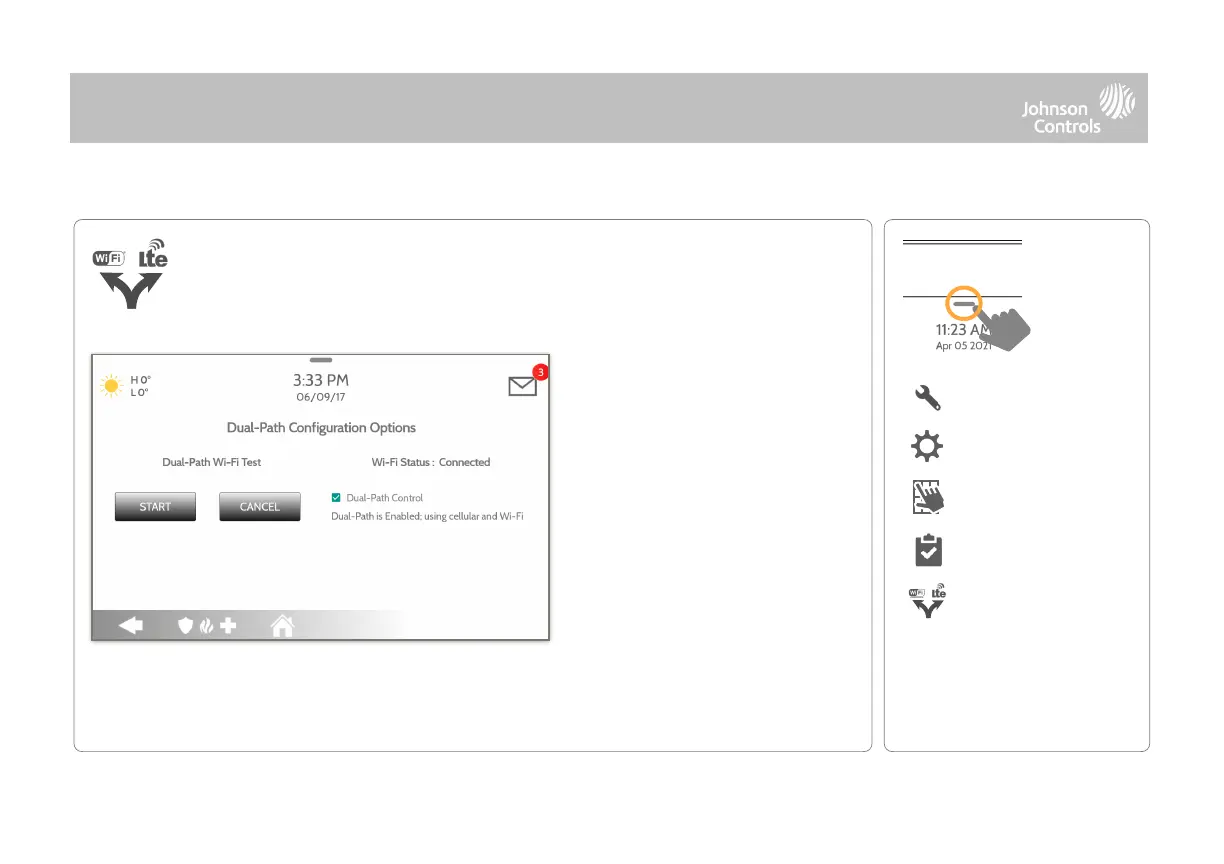
By default Dual-Path Control is
enabled. To disable, “un-check”
the box.
You can also run a Dual-Path Wi-
Fi test to ensure that the Dual
Path is connecting properly.
Unlike the standard Wi-Fi test
(which checks connection to the
router) the panel will check the
broadband connection to
Alarm.com.
When enabled, dual path connectivity allows the IQ4 Hub to use both cellular
and Wi-Fi radios for signals and communication simultaneously.
NOTE: IQ4 Hub is compatible with the following UL/ULC listed monitoring station receivers: SG-System I/II/III/IV/
5. Wi-Fi is for supplemental use only for UL/cUL



 To Next Page