18 ©2016 Johnson Level & Tool - Rev. 2
3. Operation Guide
(a) Battery Installation
• Open the battery-box cap and connect the cords inside with the
two polarities of the 9V battery. Note: Take the battery out if
detector is not used for a long time.
• Put the 9V battery into the battery box and close the battery-box cap.
(b) Power on
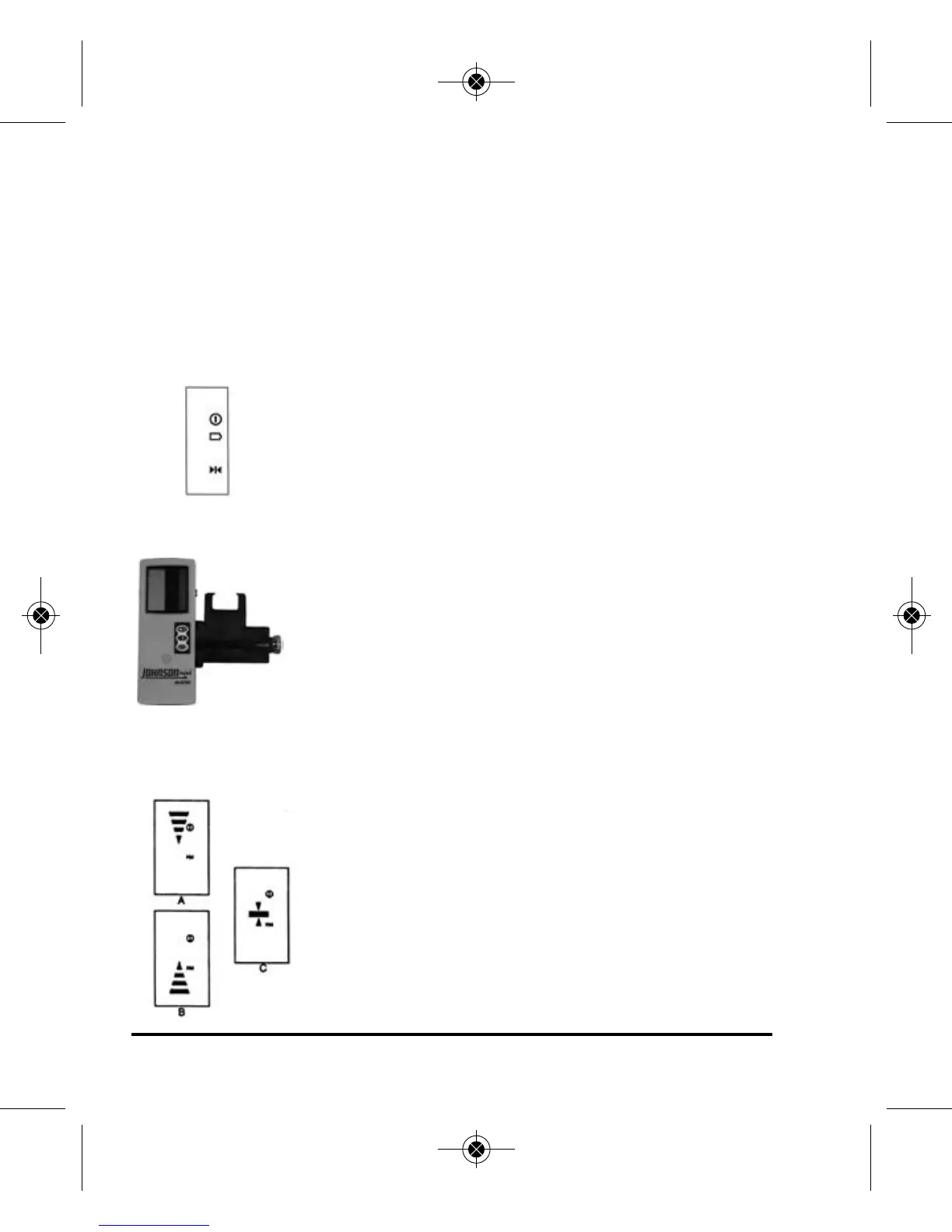
• Press the on/off button. When power symbol is
displayed, the detector is ready for coarse detection.
• When low battery symbol is displayed, change the
battery.
• Press the on/off button again to turn off the detector.
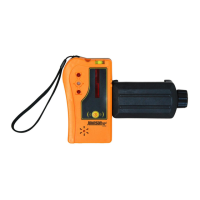
(c) Rod Clamp
1. clamp bolt
2. screw
• Position the detector on the clamp holder using
the screw on the clamp holder.
• Position the clamp holder on rod using the clamp
bolt on the clamp holder.
(d) Detecting Laser Level Signals
1. Coarse detection
• Aim the receiving window at the rotating
laser. Loosen the clamp bolt and move the
detector up and down to receive the laser
signals transmitted by the rotating laser.
1625i-English_Manuals 12/28/16 9:41 AM Page 18



 To Next Page