CHAPTER 3:ENGINEERING MODE INSTRUCTION
3.7 PU Mode
Software version check mode is generally used to confirm current version of massage chair
and confirm again if the update is successful after updating software
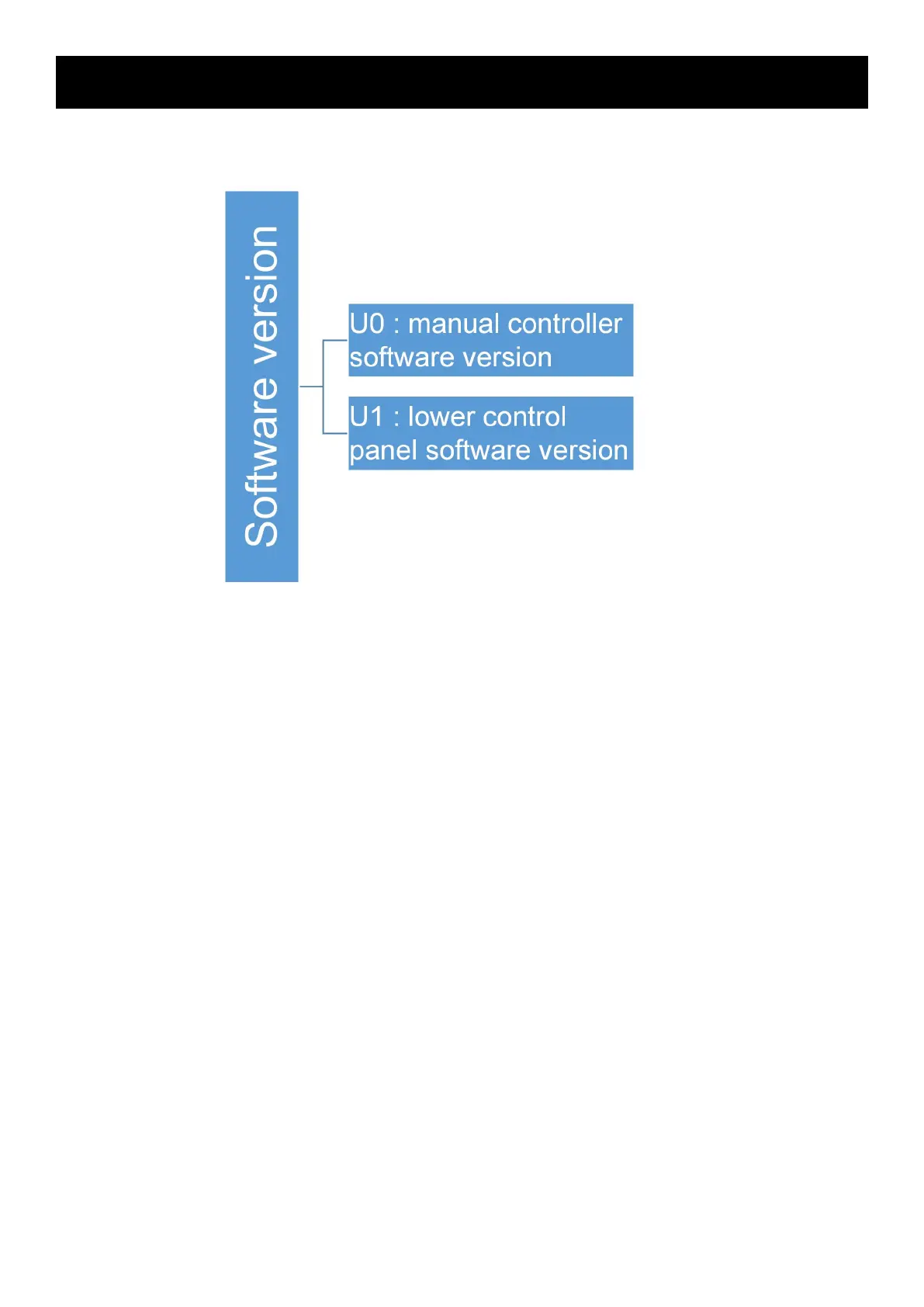
a. Press “up” or “down” key to make the time window display “PU” to enter software version
check function
b. Press “OK” function, and the time window displays “U0” to enter manual controller software
version check function
c. Press “air pressure strength” key, and the time window displays in a jumping loop of
“v1”-“04”-“v1”-“04”...... indicating that the manual controller software version is v104
d. Press “up” or “down” key to make the time window display “U1” to enter lower control panel
software version check function
e. Press “air pressure strength” key, and the time window displays in a jumping loop of
“v1”-“05”-“v1”-“05”...... indicating that the lower control panel software version is v105
f. Then, the software version is 104105



 To Next Page