CHAPTER 3:ENGINEERING MODE INSTRUCTION
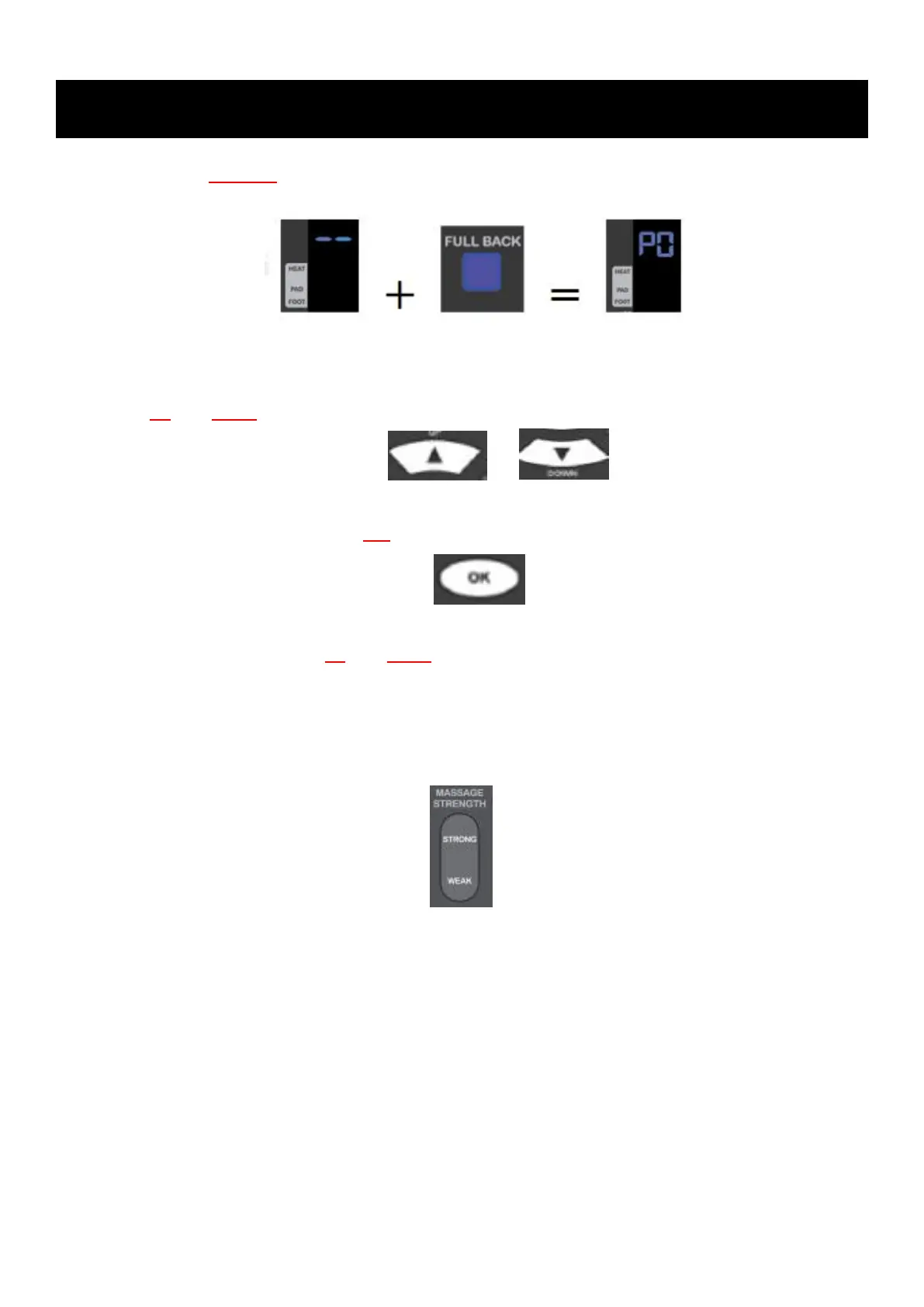
B.Then press full back key to enter engineering mode
C.In the engineering mode,“ P0 ” will be displayed
D.Use up and down to select 8 modes, including P0~P4+P7+P8+PU
&
E.In mode selection state, press OK to enter the mode to operate the massage chair
F.After mode selection, use up and down again to select the element to be controlled, such as
A0~A5
G.After element selection, use massage intensity strong and weak to adjust the element speed,
and the intensity will be displayed as the air pressure strength, with one to three representing from
weak to strong



 To Next Page