EasyManua.ls Logo

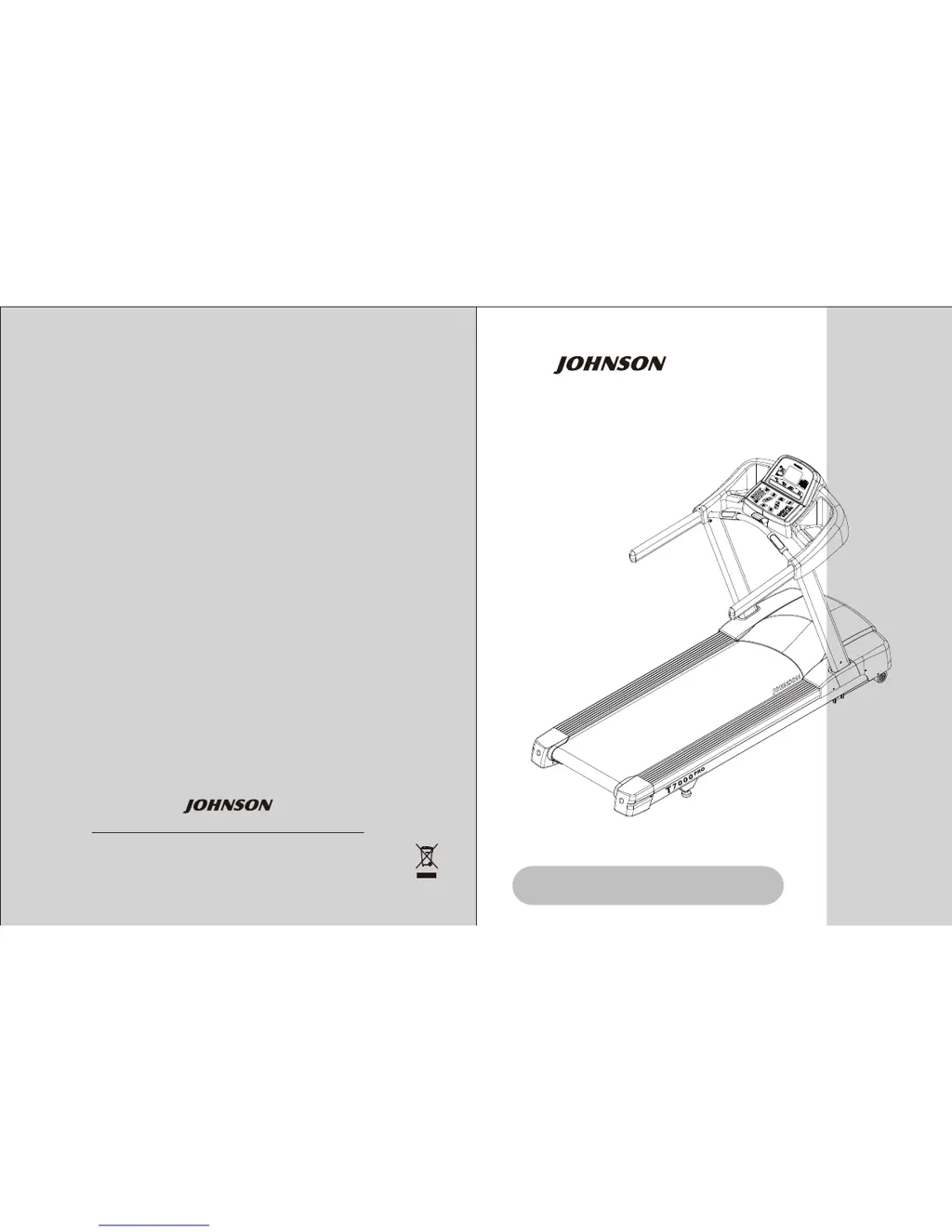
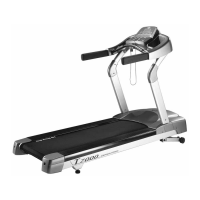
Johnson T7000 PRO - User Manual

Johnson T7000 PRO
16 pages
Print Icon
To Next Page IconTo Next Page
Loading...
No.26, Ching Chuan Rd., Taya Hsiang, Taichung Hsien 428, Taiwan, R.O.C.
TEL: +886-4-25667100 FAX: +886-4-25601087
E-mail: sales@johnsonfitness.com
http://www.johnsonfitness.com
OWNER'S MANUAL
Sep. 18, 09
T7000 PRO TREADMILL
T7000 PRO

Other manuals for Johnson T7000 PRO

Questions and Answers

  • E
    Erica CollinsAug 3, 2025
    How to fix no display on Johnson Fitness Equipment?
    • E
      Erin OwensAug 3, 2025
      If the console of your Johnson Fitness Equipment treadmill shows no display, there are several things you can check: * Inspect the circuit breaker to see if it has tripped off. If it has, reset the breaker and check for any short-circuited parts, replacing them as needed. * Ensure the switch is in the "ON" position. If the switch light isn't lit, replace the switch. Also, verify the wire connection N & L on the MCB. * Verify the MCB is supplying +12VDC for the console. * Try replacing the digital communication cable. * As a last resort, replace the PCB.
  • A
    Angela RichardsonAug 8, 2025
    Why is the running speed not stable on my Johnson Fitness Equipment treadmill?
    • J
      Jessica StantonAug 8, 2025
      If your Johnson Fitness Equipment treadmill's running speed is unstable, consider the following: * Check the power voltage using a voltage-meter to ensure it is within 120V±15% or 230V±15%. If it's outside this range, consult a qualified electrician. * Open the motor cover and inspect the belt. If it has stretched and is slipping across the rollers, adjust the belt tension. * If the issue persists, try replacing the MCB. * If the above steps don't resolve the problem, consider replacing the motor.
  • J
    Jennifer WheelerAug 15, 2025
    What to do if my Johnson Fitness Equipment treadmill starts to run by itself?
    • E
      Emily ThompsonAug 15, 2025
      If your Johnson Fitness Equipment treadmill starts running by itself, here are a few steps you can take: * Begin by replacing the console cable with a new one. * If the issue continues, replace the PCB. * As a final measure, replace the MCB.
  • P
    Pamela PhillipsAug 20, 2025
    How to fix keys that don't work on Johnson Fitness Equipment console?
    • R
      rebeccadavisAug 20, 2025
      If some or all of the keys on your Johnson Fitness Equipment console are not working, try these steps: * First, disconnect the keypad and replace it, then check again to see if the keys are functional. * If the problem persists, replace the keypad. * If neither of these steps works, replace the PCB.
  • J
    Jose Gross IIAug 27, 2025
    How to troubleshoot noises under motor cover of Johnson Fitness Equipment?
    • D
      Dustin JenkinsAug 27, 2025
      If you're experiencing unusual noises under the motor cover of your Johnson Fitness Equipment, here's what you can do: * Adjust the belt tension to prevent slipping, and then check if the noise has disappeared. Allow the treadmill to run without use for about 5 days, as the bearing might settle and become quieter. Then, recheck for the noise. * If the noise persists, replace the front roller with a new one to see if that resolves the issue. * Remove the drive-belt and inspect the grooves for dirt or dust, cleaning if necessary. Also, clean the motor pulley and roller pulley grooves, and then check if the noise is gone. * If none of these steps work, consider replacing the motor.

Summary

Instruction

Important Safety Instructions

General Safety Precautions

Essential safety guidelines to prevent electrical shock, burns, injury, and misuse.

Setup The Treadmill

Getting Started

Initial steps and considerations before setting up the treadmill.

Making A Choice Of Site

Guidelines for selecting a suitable and safe location for the treadmill.

Stabilizing The Treadmill

Instructions on how to level the treadmill for proper and safe operation.

Setup The Treadmill

Centering The Belt

Procedure to adjust the treadmill belt to track properly in the center.

Electrical Power Requirement

Specifications for dedicated electrical lines required for treadmill operation.

Grounding Instructions

Importance and procedure for properly grounding the treadmill to reduce shock risk.

Assembly

Unpacking The Treadmill

Procedures for carefully unpacking the treadmill unit and its components.

Assembly Instructions

Fasteners

List of parts and quantities required for treadmill assembly.

Assembly Steps

Step 1: Remove The Motor Cover

Instructions for safely removing the motor cover before assembly.

Step 2: Secure The Left And Right Console Mast

Detailed steps for attaching the console masts to the treadmill frame.

Assembly Steps

Step 3: Attach The Console To The Console Mast

Guide for connecting the console to the console mast and wiring.

Assembly Steps

Step 4: Replace The Motor Cover

Instructions for reinstalling the motor cover and securing the power cord.

Step 5: Calibrate The Treadmill

Procedure for running the AUTO-CHECK to calibrate treadmill speed and incline.

Using The Workouts

Display Console

Overview of the console display windows and their functions.

Control Keypad

Explanation of the control keypad buttons and their uses.

Workout Parameter Prompts

Details on default, minimum, and maximum values for workout parameters.

Workout Overviews

Quick Start

Description of the Quick Start program for immediate exercise.

Manual

Overview of the Manual program allowing user control over speed and incline.

Interval

Description of Interval program with alternating high and low-intensity periods.

Time Goal

Workout focused on achieving a specific duration goal.

Distance Goal

Workout designed to build endurance over a set distance.

Calories Goal

Workout aimed at burning a specific number of calories.

Random

Program that creates a varied terrain pattern with hills and valleys.

Target HR & Weight Loss

Workouts focused on heart rate targets or burning body fat.

Cool Down

Low-intensity phase to aid recovery after vigorous exercise.

Workout Tips

General Workout Advice

Recommendations for safe and effective exercise, including warm-up and cool-down.

Workout Setup Steps

Quick Start Setup

Steps to initiate and begin a Quick Start workout.

Manual Setup

Instructions for setting up the Manual workout program.

Interval Setup

Steps for configuring the Interval workout program.

Goal+ Setup

Guide for setting up Time, Distance, and Calories Goal workouts.

Workout Setup Steps

Random Setup

Instructions for setting up the Random workout program.

Heart Rate+ Setup

Steps for setting up Target HR and Weight Loss programs.

Cool Down Setup

Instructions for setting up the Cool Down program.

Managers Custom Mode

Entering Manager Mode

How to enter the Manager's Custom Mode to customize treadmill settings.

Customizing Settings

Steps for navigating, selecting, changing, and saving custom settings.

The List Of Managers Custom Mode

Custom Setting P0-P4

Details on settings for Time, Level, Weight, Age, and Speed limits.

Custom Setting P5-P9

Details on settings for Maximum Incline, Accumulated Distance/Time, and Start Speed.

Custom Setting P10-P14

Details on settings for Pause Time, Language, Software Versions, and Units.

Custom Setting P15-P19

Details on Maintenance Reminder, Auto Check, Error Log, Reset, and Manufacturing Test.

Maintenance

Recommended Cleaning Tips

Guidelines for cleaning the treadmill surfaces and components safely.

Centering The Belt

Procedure for adjusting the treadmill belt to ensure it stays centered.

Tensioning The Belt

Instructions on how to properly tension the treadmill belt.

Product Specifications

Console Specifications

Details on console display, readout, programs, and features.

Technical Data

Specifications for drive motor, speed, elevation, deck, dimensions, and weight.

Johnson T7000 PRO Specifications

General IconGeneral
BrandJohnson
ModelT7000 PRO
CategoryFitness Equipment
LanguageEnglish

Related product manuals