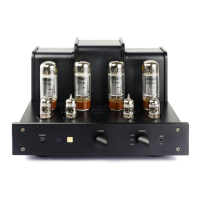
Controls and Their Functions
Front Panel
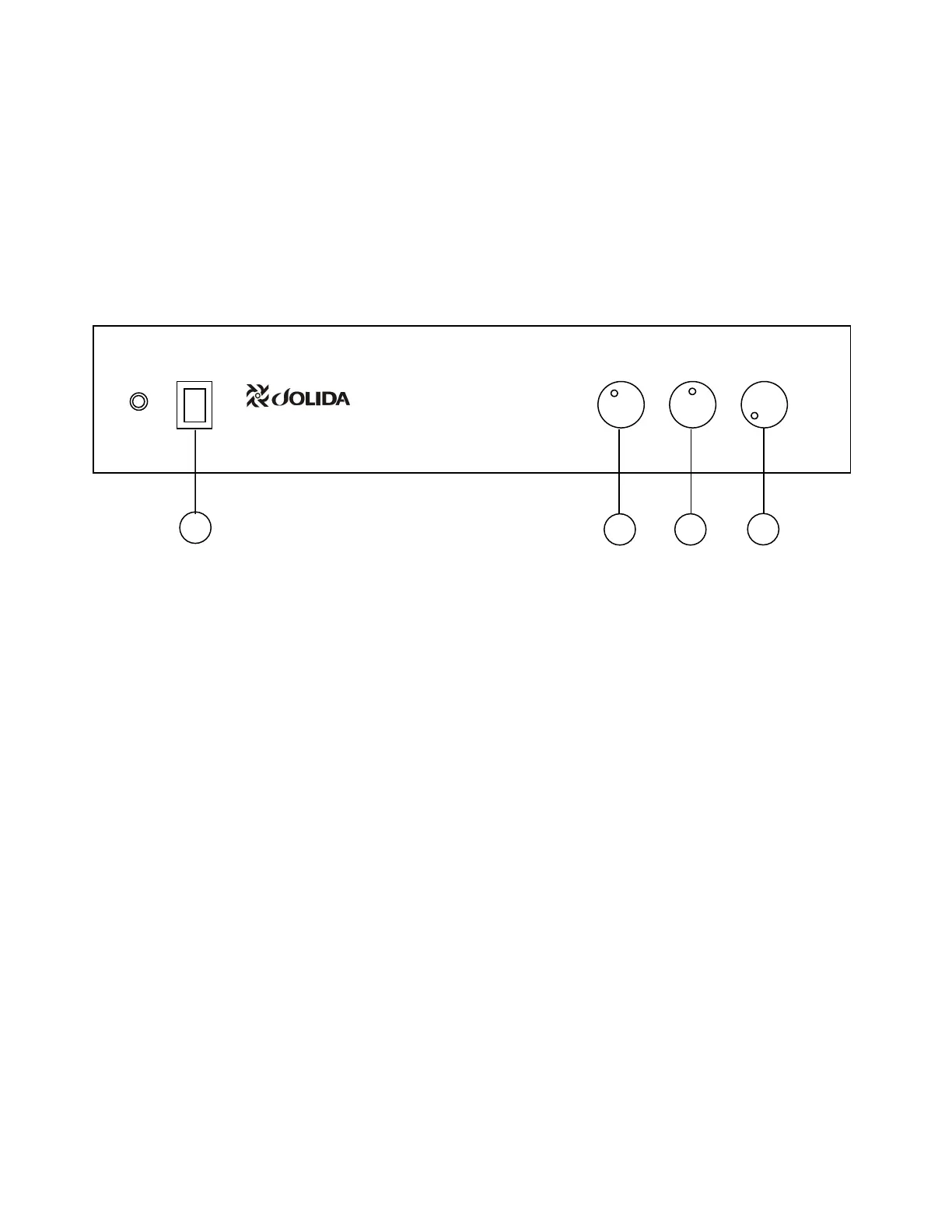
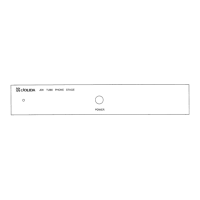
POWER switch:
Press the upper part of the switch to turn the power on.
The indicator should be lit. Within a few seconds, the
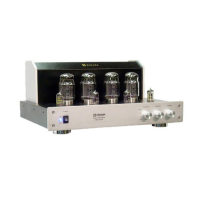
tubes on the top panel will begin to glow a soft orange
color. Press the lower part of the switch to turn the unit
off, the indicator light should turn off. About thirty
seconds after turning the unit off, the tubes will lose the
soft orange glow. Do not turn your unit on without the
speakers being hooked up.
It is normal for a vacuum tube power amplifier to run
quite "warm", and if used for prolonged periods, "hot" to
the touch. All components are operating at safe,
conservative levels and will not be damaged. Do not
touch the tubes during operation or for ten minutes after
the unit is turned off, otherwise touching may result in a
burn. Keep children away from the unit.
Further, other discrete components of an audio system
should be turned on first. Otherwise, with some
equipment, the amplifier will reproduce warm-up thumps,
etc., some of which could be harmful to your speaker
system.
Note: Jolida, Inc. does not recommend leaving your JD
502B "on" 24 hours a day as is the custom of some
audiophiles to achieve maximum sonic performance on
demand. While this is often recommended for solid-state
equipment, Jolida does not recommend this procedure
for vacuum tube power amplifiers. Since the
tubes in your amplifier are rated for 3,000 hours of life,
you may have to replace the tubes every four months if
you leave the amplifier on 24 hours a day.
SELECTOR switch:
Used to select the audio source to be heard. There are
four selection positions that can be chosen by turning the
knob clockwise to reach the tuner selection or counter
clockwise to reach the Auxiliary selection.
BALANCE control:
This control adjusts the relative volume levels of the left
and right speakers. With the notch in the control knob
pointing straight up, rotating the control to the right
(clockwise) direction shifts the sound image to the right.
Conversely, rotating the control to the left (counter
clockwise) shifts the sound image to the left. Use this
control to compensate for unbalanced listening
conditions due to furniture arrangement, speaker
placement, etc. Set this control knob with its notch
pointing straight up for equal volume from left and right
channels.
Volume control:
This control is used to adjust the output volume level.
Turning the control knob clockwise increases the sound
level and turning it counter clockwise decreases the
sound level.
TAPE
TUNER
CD
AUX
POWER
1
3
4
2
SELECTOR BALANCE VOLUME
Stereo Tube Amplifier
Model JD502B



 To Next Page