10
• S/Q: Press blue key to enlarge showing of
the signal strength and quality.
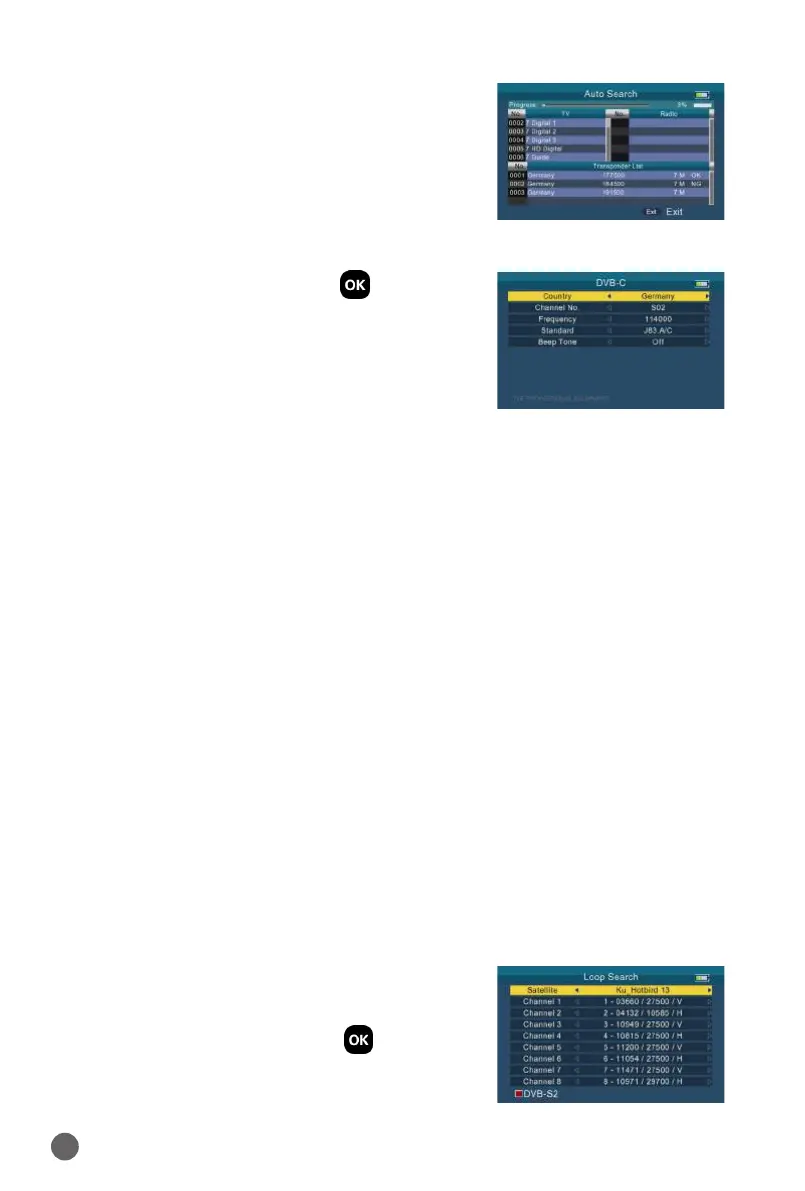
3.3 DVB-C
Select DVB-C, then press OK into the Scan
Setup.
3.3.1 COUNTRY
Press
AB
key to change the default country.
3.3.2 CHANNEL NO.
Press
AB
key to change the channel number.
3.3.3 FREQUENCY
Frequency of the current channel, input the value by using the number keys.
3.3.4 STANDARD
There are 2 types of standard you can select: J83.A/C and J83.B.
3.3.5 BEEP TONE
Press
AB
key to switch beep tone. If we open the it, the beep of lock alarm
will open when we enter into the search screen.
3.3.6 QUICK SEARCH
Please refer to 3.2.10.
3.4 LOOP SEARCH
We can see 8 TP or channels when we enter
into this interface, and press OK to edit.
There are 3 modes we can choose: DVB-S2,
DVB-T2 and DVB-C. Press the red key to


 To Next Page