Lay all the included hardware and tools you will
need on a padded surface. Then, arrange the Joovv
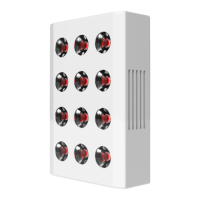
devices into pairs and place each face down on a
scratch-free surface, such as carpeting or a blanket.
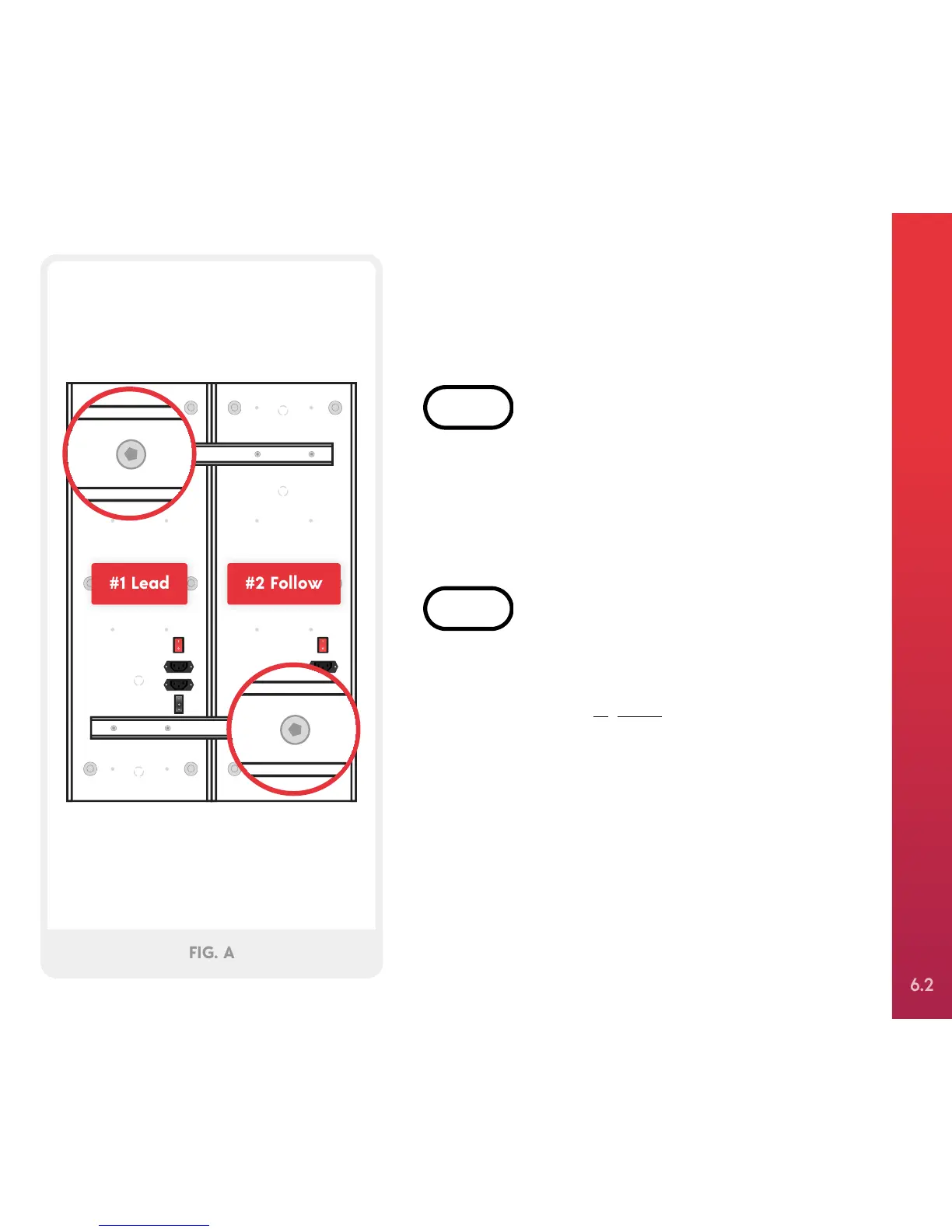
Locate two of the connection bars that came with
your Quad connection kit and place them on the
devices, as shown in Figure A. Attach 2 connection
bars using 8 M4x6mm Allen screws and hand
tighten using the included Allen wrench. Repeat
these steps for the second pair of Joovv devices. The
device shown as #1 in Figure A will be the lead
device that controls the Joovv Quad system.


 To Next Page