Lay all the included hardware and tools you will
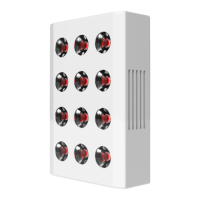
need on a padded surface. Place all four Joovv
devices face down on a scratch-free surface, such as
carpeting or a blanket.
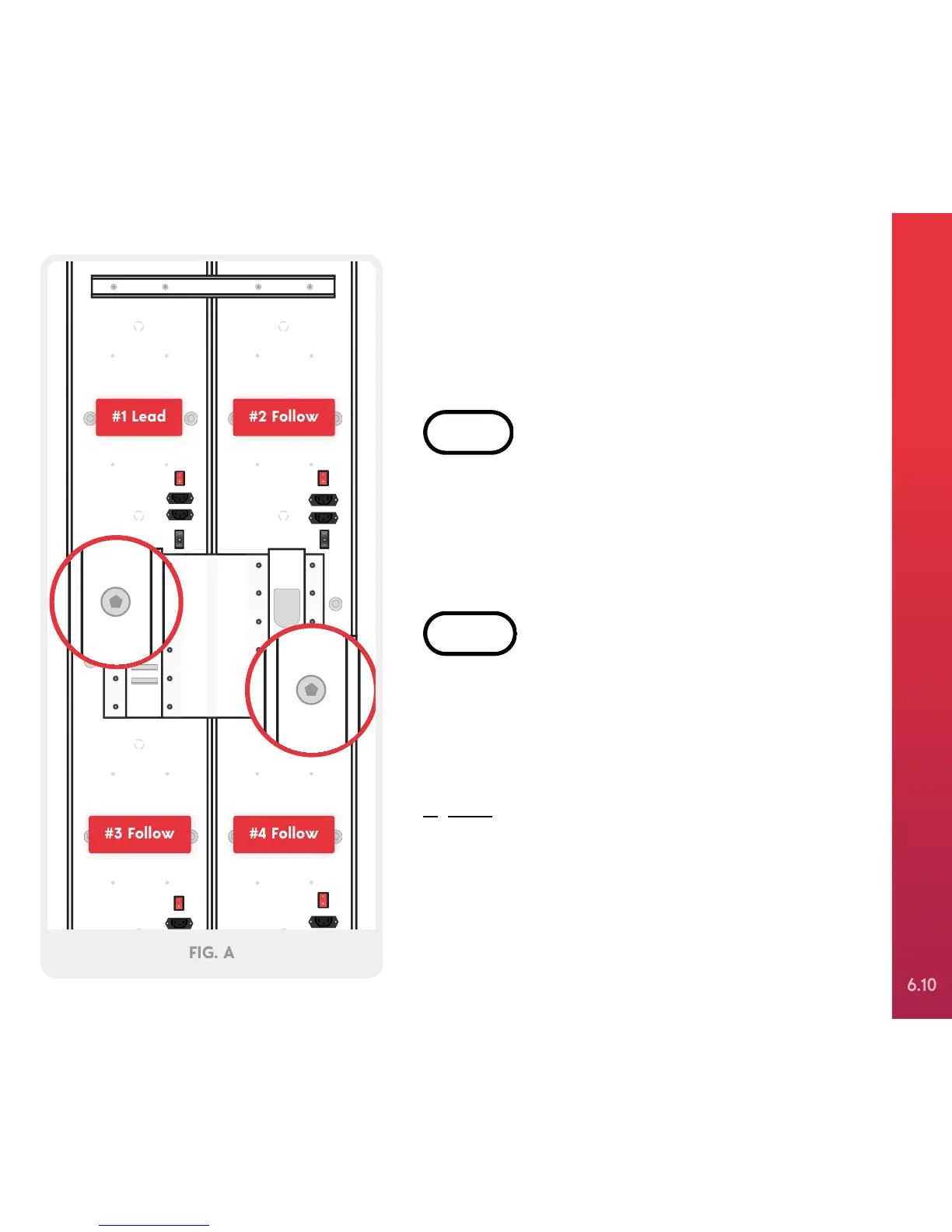
Place the Joovv Quad bracket on top of the four
Joovv devices, aligning the bracket holes with the
corresponding holes on the Joovv devices. Attach the
bracket using 24 M4x6mm Allen screws and hand
tighten using the included Allen wrench, as shown in
Figure A.


 To Next Page