English - 19 -
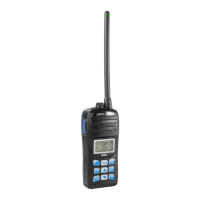
Insert the battery pack into the rear of the radio without damage, into correct position and
ensuring that it is fully secured with the closing latch. Remove the battery pack by
releasing it with the closing latch, taking care not to damage it.
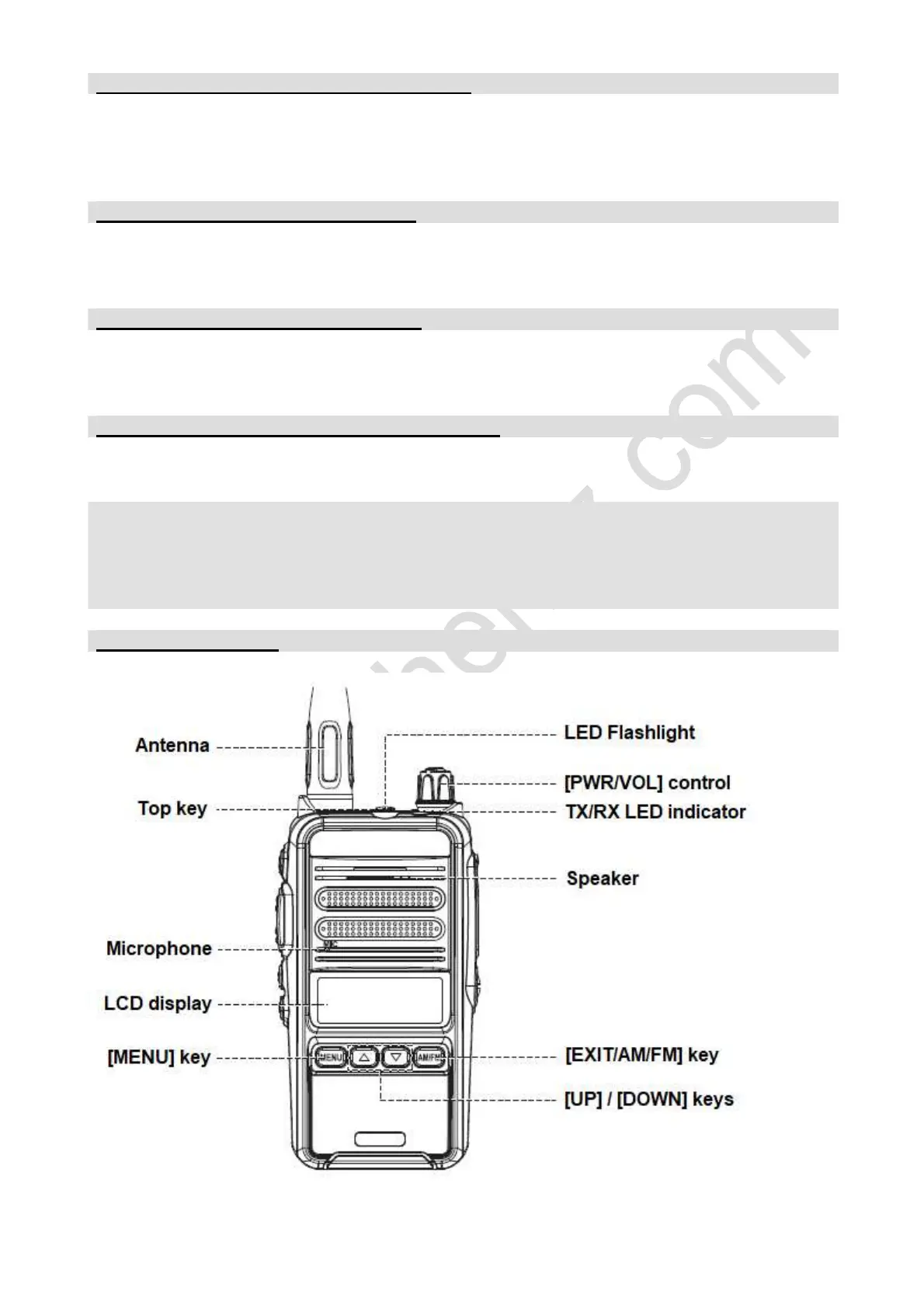
INSTALL / REMOVE THE ANTENNA
Holding the antenna by its base, place it into connector and fix it properly. Remove the
antenna from the radio always holding it by its base.
INSTALL / REMOVE THE BELT CLIP
Attach the belt clip to the rear of the radio by securing it with the supplied screws. Remove
the belt clip by removing its fixing screws.
Connect a micro-headset to the jack on the radio intended for this purpose.
- Please, attach the supplied protective cover on the MIC/SP jack of the radio when
not using an external micro-headset.
- To avoid hearing loss and/or possible hearing damage, when using headphones
or earphones, do not listen at high volume levels for long time.


 To Next Page