English - 20 -
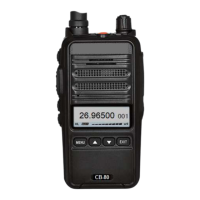
POWER ON/OFF AND VOLUME CONTROL:
Rotate the [PWR/VOL] knob clockwise to power on the radio, and turn it counterclockwise
to power off. Rotate this control to adjust the volume to the desired level.
- The battery voltage is displayed on the LCD for a few seconds when the radio is
switched on.
QUICK SEARCH:
In the settings menu, press the [▲] / [▼] key to search up or down through the functions
and parameters. Press and hold the [▲] or [▼] key to search quickly.
SELECT A CHANNEL:
Use the [▲] / [▼] key to select the desired channel.
[EXIT/AM/FM] KEY:
Short press: Press to select AM/FM. In the settings menu; press to return in the menu and
exit.
Long press: Press and hold to lock or unlock the keypad.
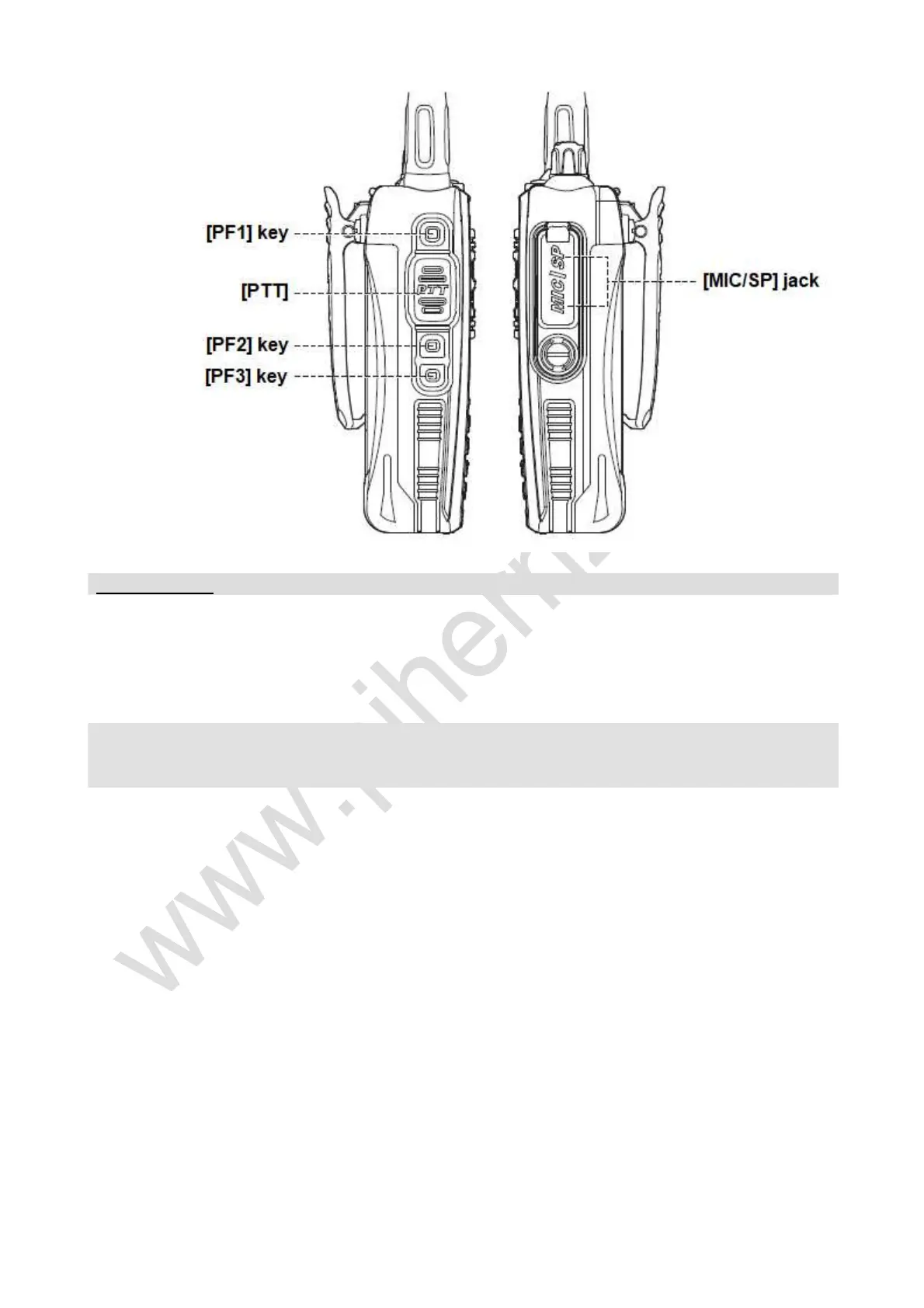
TOP KEY FUNCTIONS:
Short press: Voice prompt.
Long press: The function can be set in menu 12.


 To Next Page