3. BRACKET ASSEMBLY
Simply follow the following illustrated instructions step by step for quick
and easy mounting of the bracket.
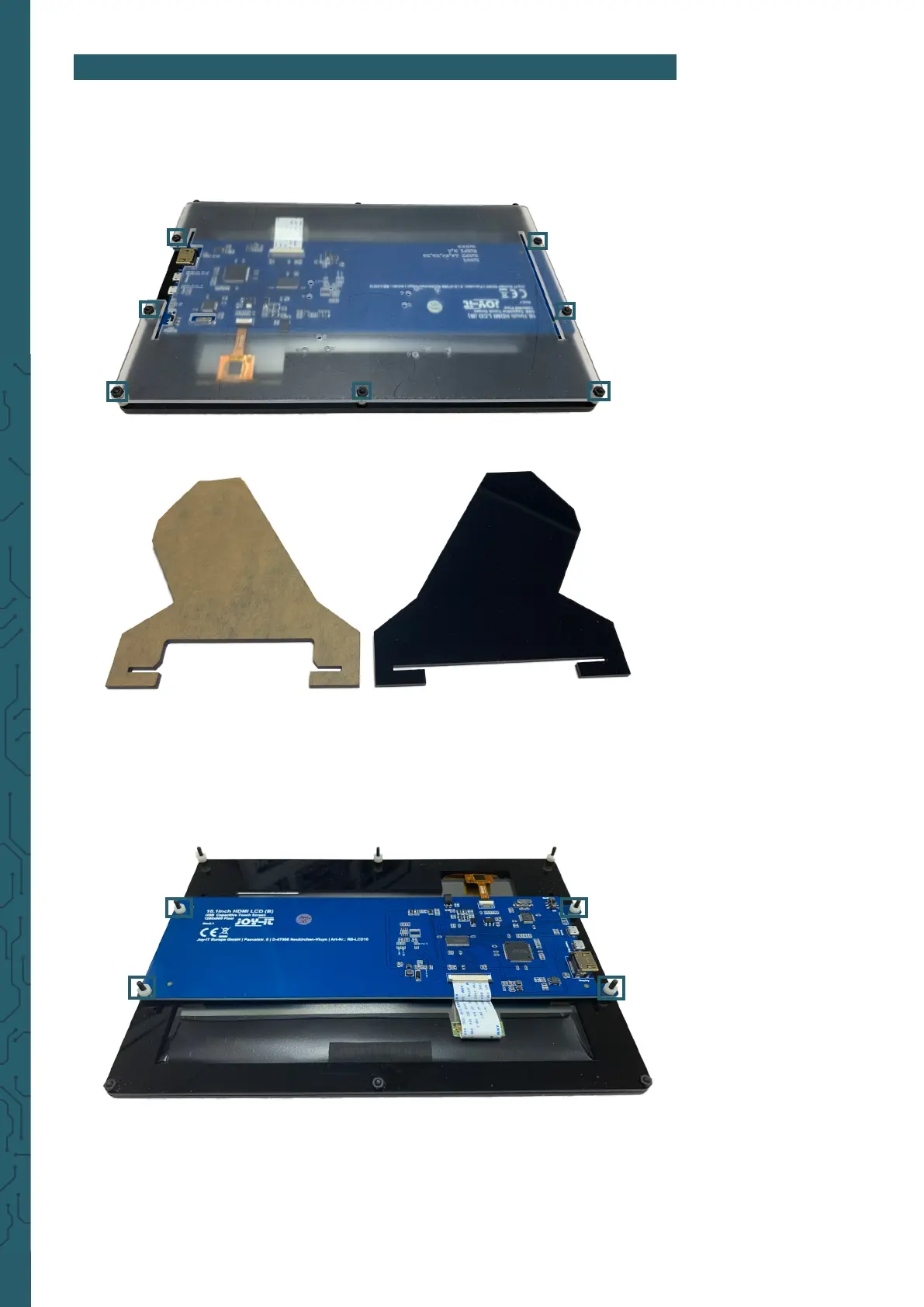
1. First loosen the screws of the protective cover and remove it.
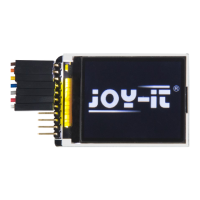
2. Now remove the protective film from the feet.
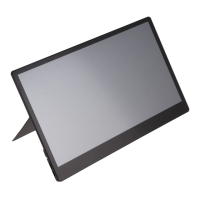
3. Now you must first remove the spacers that are located on the screws
with which the board is attached. You can now put the legs on the board
by liing the board. Make sure that the leg with the larger cutout is
placed on the side with the connections.


 To Next Page