JPL Agora 11
Bluetooth Remote Control
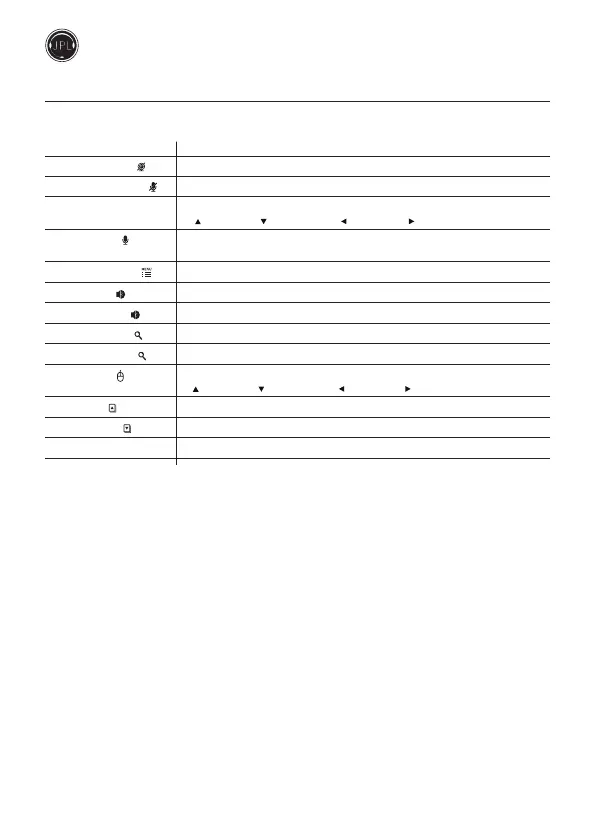
Function Operation
1. Camera On/O [ ] Single press to turn the video picture on/o
2. Mute Microphone [ ] Single press to mute / unmute camera microphone
3. Direction button Control direction movement of video picture
[ ] Move up, [ ] Move down, [ ] Move le, [ ] Move right
4. Microphone [ ] Long press without release to switch to built-in microphone of remote
controller, release to switch to camera microphone
5. AI zoom & Menu [ ] Single press to turn AI zoom on / AI zoom o
6. Volume up [ +] Single long press to increase volume (Synchronise volume control with PC )
7. Volume down [ –] Single long press to decrease volume (Synchronise volume control with PC )
8. Increase zoom [ +] Single long press to increase the zoom
9. Decrease zoom [ -] Single long press to decrease the zoom
10. Air Mouse [ ] Single click to open/close Air Mouse
[ ] Move up, [ ] Move down, [ ] Le click, [ ] Right click
11. Page up [ ] For scrolling to next page when viewing multi-page documents
12. Page down [ ] For scrolling to previous page when viewing multi-page documents
13. OK button [ OK ] Long press (5s) [ OK ] button to conrm or reset to standard settings



 To Next Page