NXU-2B Operations Manual
5-2
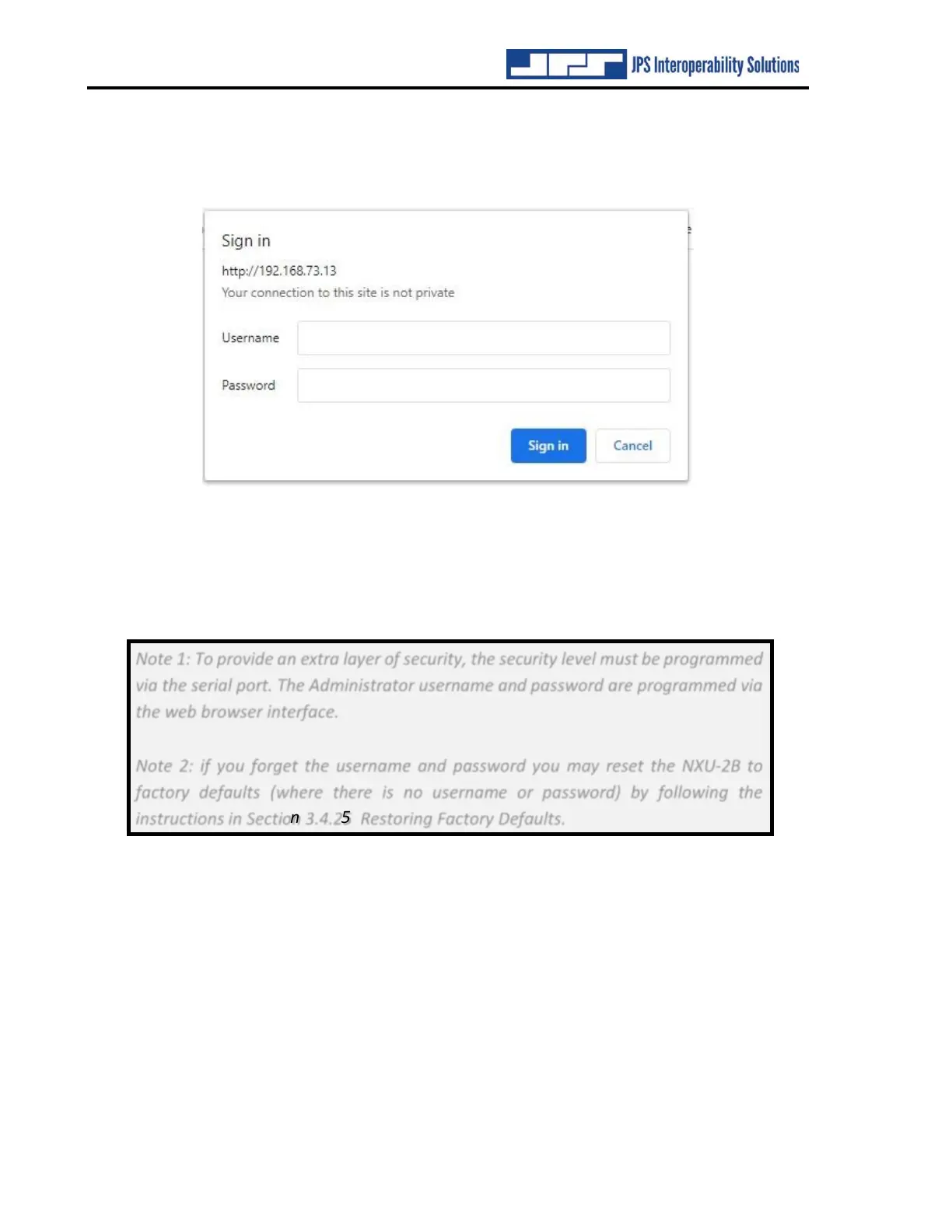
When the NXU-2B is programmed to require a username and password, any attempt to access
the unit via HTTP will result in the web browser displaying the following dialog:
Figure 5-2 Network Password Dialog
In order to access the NXU-2B you must enter the Administrator username and password that
was previously programmed using a web browser. Once you have entered the username and
password you will not need to enter it again unless you exit your web browser.
Note 1: To provide an extra layer of security, the security level must be programmed
via the serial port. The Administrator username and password are programmed via
the web browser interface.
Note 2: if you forget the username and password you may reset the NXU-2B to
factory defaults (where there is no username or password) by following the
instructions in Section 3.4.25 Restoring Factory Defaults.
End of Section Five



 To Next Page