Section 18 Playing Back Data Recorded During Navigation 18-8
18.3.1 Changing the playback speed
Change the playback speed of logbook data.
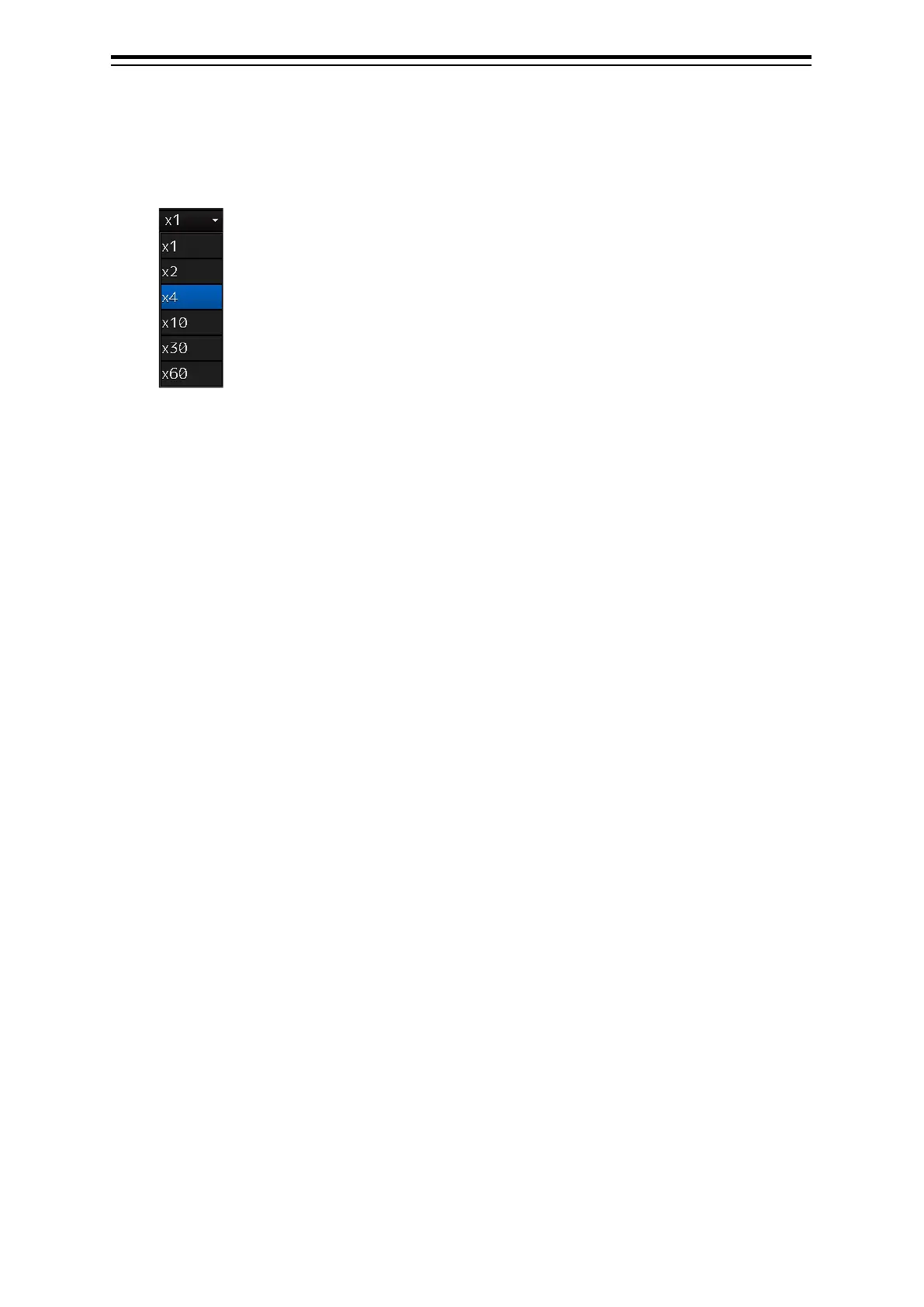
1 Select a playback speed from the list in the playback speed selection box.
Navigation record data is played back at the selected playback speed.
The time shown on the playback time indicator and the progress shown on the playback slider
control change according to the playback speed.
The playback speed can be changed by clicking on the Playback button repeatedly.
Each time the Playback button is clicked, the playback speed changes in the following order: x1
⇒ x2 ⇒ x4 ⇒ x10 ⇒ x30 ⇒ x60 ⇒ x1 ⇒ .....


 To Next Page