19-37 Section 19 Maintenance & Inspection
1
2
3
4
5
6
7
8
9
10
11
12
13
14
15
16
17
18
19
19
21
23
24
24
26
27
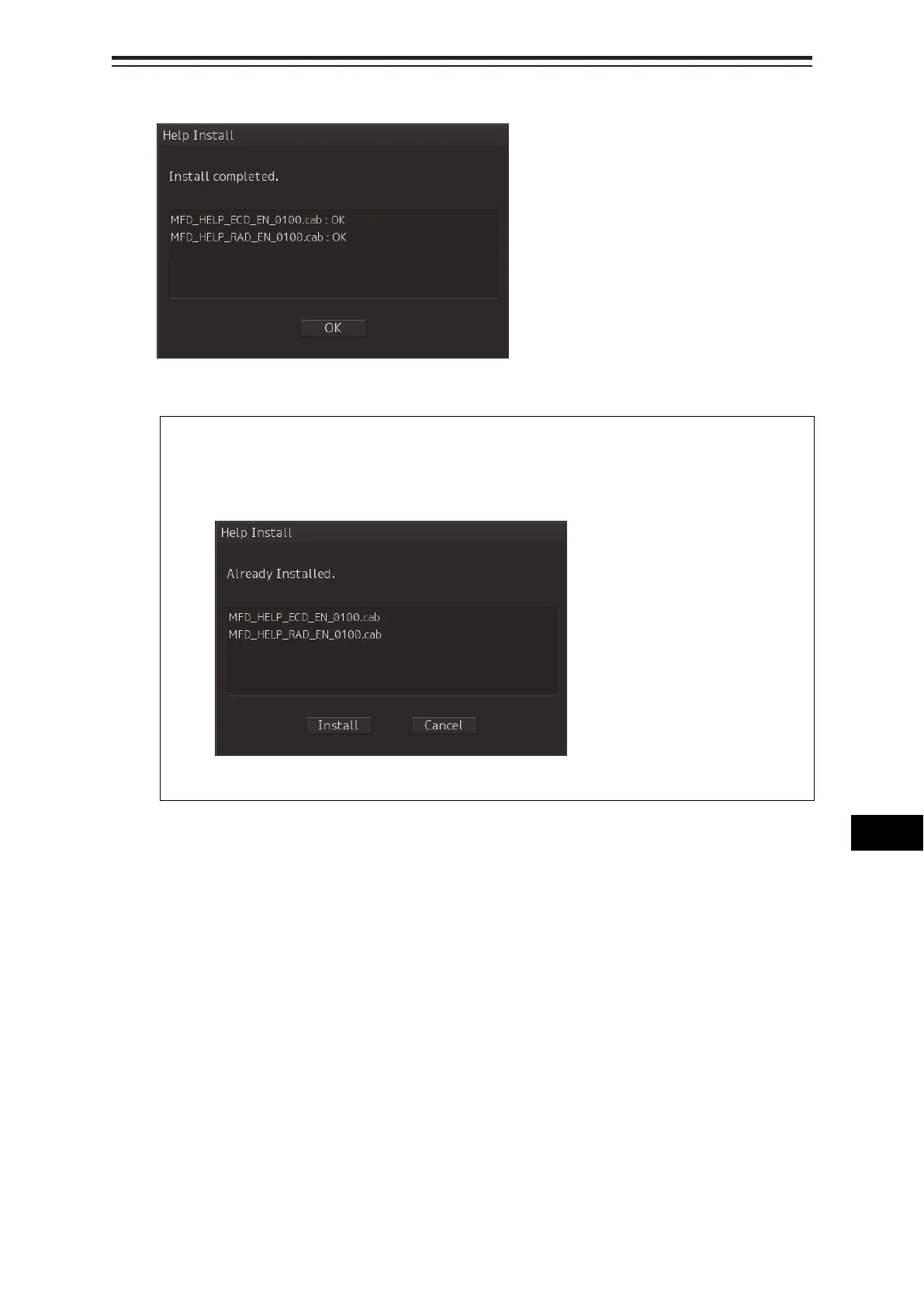
When installation is completed, the following screen is displayed.
8 Click the [OK] button.
Memo
• When the [Cancel] button is clicked during installation, installation of subsequent files is
cancelled after the installation of the file that is currently being installed is completed.
• When the selected update file already exists, the following screen is displayed.
End the operation by clicking on the [Cancel] button.


 To Next Page