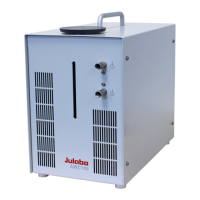
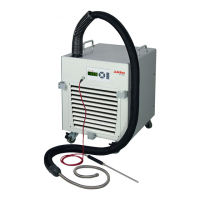
Immersion Coolers
25
6. Operating procedures
6.1. Power connection
• Only connect the unit to a power socket with earthing contact (PE – protective
earth)!
• The power supply plug serves as safe disconnecting device from the line and
must be always easily accessible.
• Never operate equipment with damaged mains power cables.
• Regularly check the mains power cables for material defects (e.g. for cracks).
We disclaim all liability for damage caused by incorrect line voltages!
Make sure that the line voltage and frequency match the supply voltage
specified on the type plate.
Deviations of ±10 % are permissible.
6.2. Switching on / Start - Stop
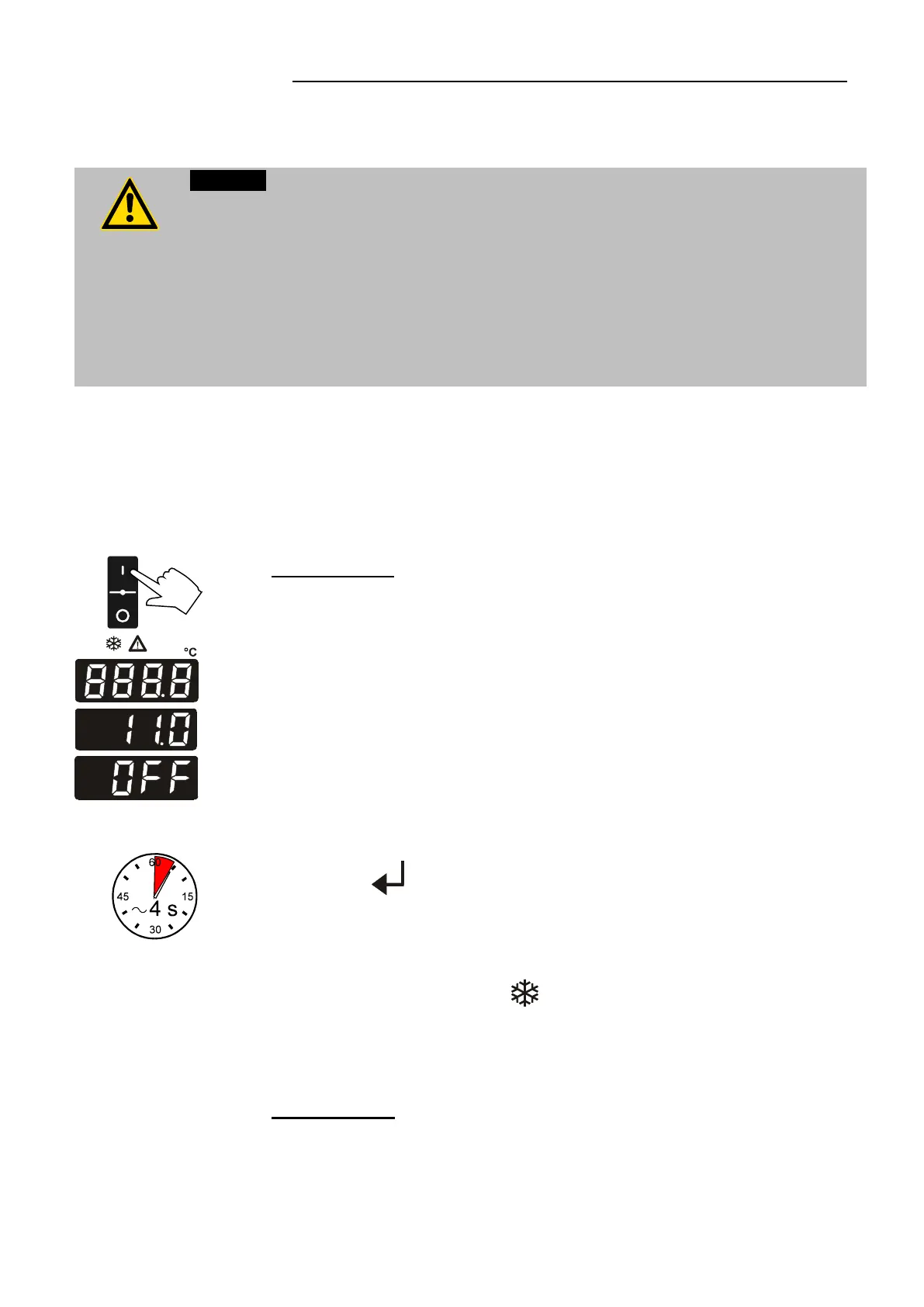
The immersion cooler is turned on and off with the mains switch. (1).
The unit performs a self-test. All segments of the 4-digit LED
temperature DISPLAY and all indicator lights will illuminate
(as illustrated on the left).
Then the software version (example: 11.0) appears.
The display "OFF" indicates the unit is ready to operate
(standby mode).
Start / Stop:
• Press enter for about 4 seconds.
Start: The LED temperature DISPLAY indicates the actual bath
temperature.
The cooling control indicator signals the cooling condition –
on/off.
Stop: The LED temperature DISPLAY indicates "OFF".
• Switching off:
Turn the unit off with the mains power switch.


 To Next Page