8.12 Operating the transponder reader
NOTICE
Take care not to damage the transponder. If the transponder is damaged, the truck
cannot be switched on.
8.12.1 Switching on the truck with the transponder
Procedure
• Release the Emergency Disconnect switch,
see page 80.
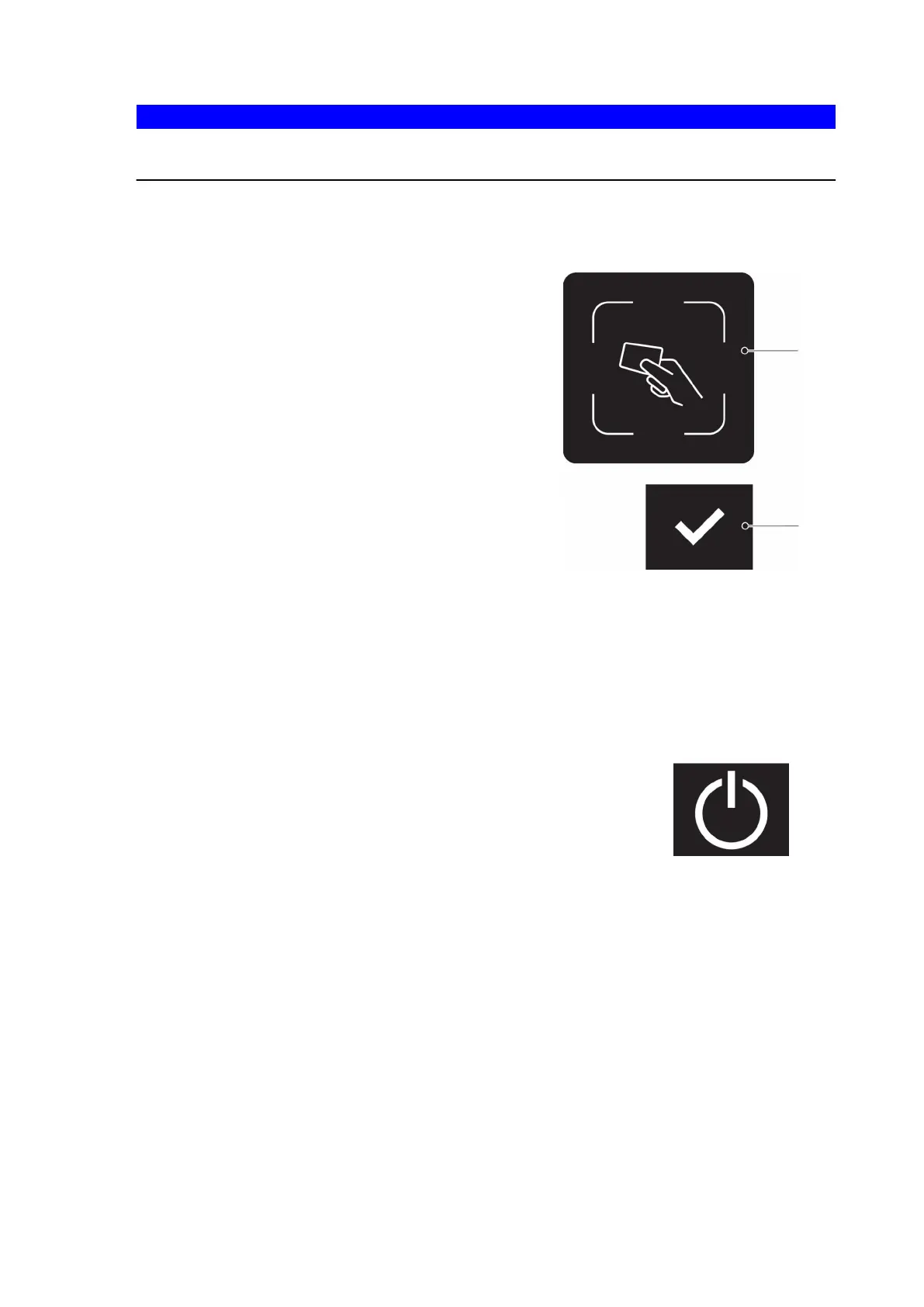
• Hold the transponder in front of the
transponder reader (92).
A green tick appears and remains until the
transponder has been confirmed. If there is
no confirmation within 20 seconds the
access prompt appears.
• Press the button below the "Confirm"
symbol (96).
The truck is switched on.
Z
The truck can only be switched on when the display unit (55) is lit. If the display unit
is in standby the code or transponder will not be recognised. Pressing any key
cancels standby mode.
8.12.2 Switching the truck off (transponder reader)
Procedure
• Press the key under the "Switch off" symbol (98) in the
display unit.
• Press the Emergency Disconnect switch, see page 80.
The truck is switched off.
163
04.19 en-GB



 To Next Page
 Loading...