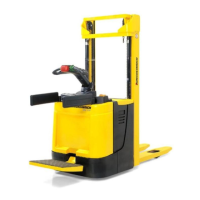
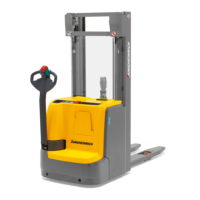
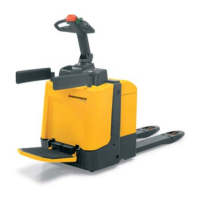
3.2 Preparing the truck for operation
Switching on the truck
Requirements
– Checks and operations to be performed before starting daily work, see page 72.
Procedure
• Depending on the operating mode and truck model, fold out the side arms (13)
and the operator platform (15).
• Step onto the operator platform (15).
• Pull the emergency disconnect switch (18) to unlock it.
• To switch on the truck:
• Insert the key in the key switch (11) and turn it as far to the right as it will go.
•
Enter the code in CanCode (o) (58).
• Hold the card or transponder in front of the ISM access module and, depending
on the setting, press the green button on the ISM access module (o).
Z
For trucks with a folding platform, the tiller (5) must be in the upper brake zone
"B". If event message "E-0914" is displayed on the CanDis display instrument (o)
or on the display unit (2-inch display) (o), move the tiller to the upper brake zone
"B", see page 83.
The truck is ready for operation.
t The charge status indicator (67) shows the current battery charge status.
o The CanDis display instrument (10) or on the display unit (2-inch display) (o)
shows the current battery charge status and the service hours.
WARNING!
Accidental truck movement can cause injury
Do not press the travel switch when entering or leaving the operator platform.
74
04.19 en-GB



 To Next Page
 Loading...