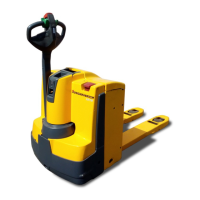
8.12.5 Deleting transponders
Requirements
– The truck is switched on, see
page 163.
Procedure
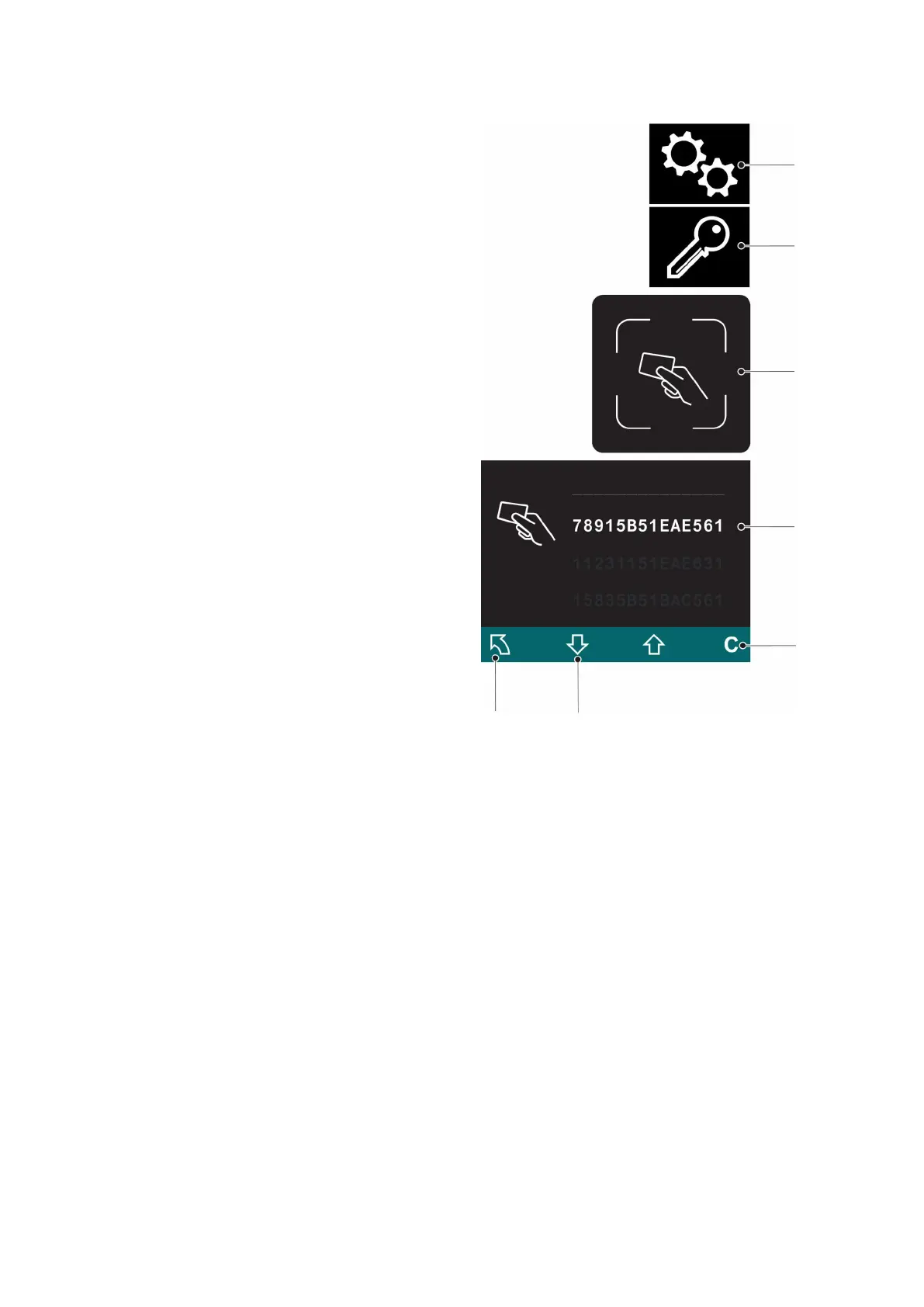
• Press the key below the "Settings"
symbol (93).
• Press the key below the "Edit
transponder" symbol (99).
The set-up transponder is
requested.
• Place the set-up transponder on the
transponder reader (92).
All transponder codes are shown on
the display unit (55).
• Select the transponder code to be
deleted using the key below the
"Down selection" symbol (101).
• Press the key below the "Delete"
symbol (95).
The transponder has been deleted.
• To return to the main menu, press
the key below the "Back"
symbol (97).
166
04.19 en-GB


 To Next Page
 Loading...