EasyManua.ls Logo

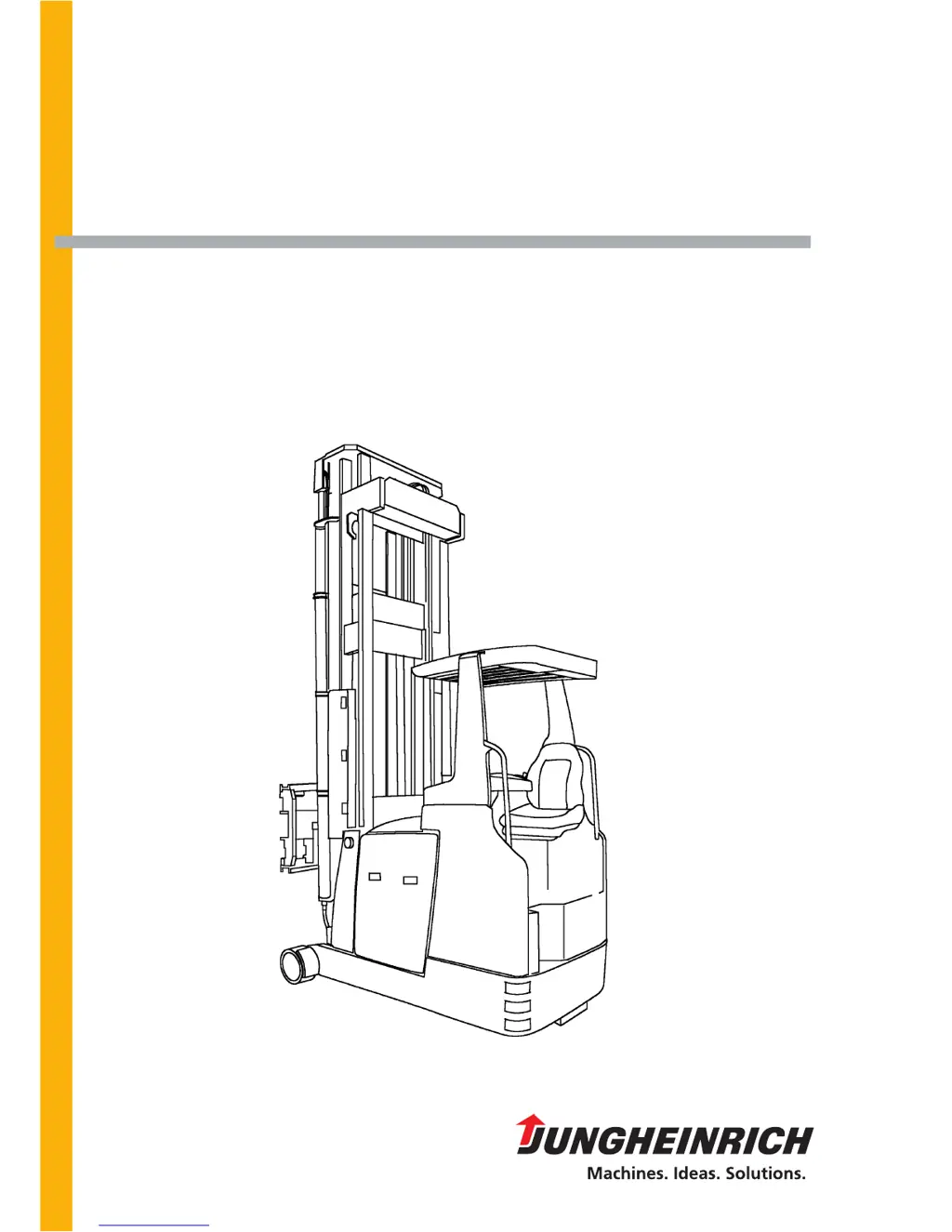
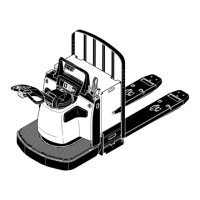
Jungheinrich ETX ac 125 - User Manual

Jungheinrich ETX ac 125
89 pages
Print Icon
To Next Page IconTo Next Page
Loading...
Operating instructions
50118386
ETX ac 125/150
G
01.01-
05.03

Table of Contents

Questions and Answers

  • G
    Gene BrooksAug 11, 2025
    What to do if my Jungheinrich Truck does not move?
    • W
      William WatkinsAug 11, 2025
      If your Jungheinrich Truck doesn't move, here's what to check: - Ensure the battery connector is properly connected. - Verify the EMERGENCY-OFF switch is disengaged. - Confirm the key switch is in the “I” position. - Check the battery charge and recharge if needed. - Make sure the foot switch is activated. - Actuate the pushbutton “Override drive cut-off”. - If the drive cut-off was triggered by aisle protection, switch off automatic drive control and guide the truck back to the guide beam.
  • M
    Michelle CampbellAug 22, 2025
    What to do if the load cannot be lifted on my Jungheinrich Truck?
    • Y
      ybutlerAug 22, 2025
      If your Jungheinrich Truck load cannot be lifted, consider these potential causes and solutions: - First, address any issues preventing the truck from moving. - Check the battery charge and recharge if necessary, as a low charge can trigger a lift cut-off. - Inspect the hydraulic oil level and replenish if it's low.
  • C
    Crystal Friedman MDSep 1, 2025
    Why is fast travel not possible on my Jungheinrich Truck?
    • M
      Michael MeyerSep 1, 2025
      Fast travel may not be possible on your Jungheinrich Truck due to these reasons: - The load-carrying unit is not in the transport position: Shift/turn the load-carrying unit into the correct transport position. - The lift is elevated more than 0.5 m: Lower the lift below 0.5 m. - IG search operation is switched on: Track-in the truck or switch off IG operation.

Jungheinrich ETX ac 125 Specifications

General IconGeneral
BrandJungheinrich
ModelETX ac 125
CategoryTrucks
LanguageEnglish

Related product manuals