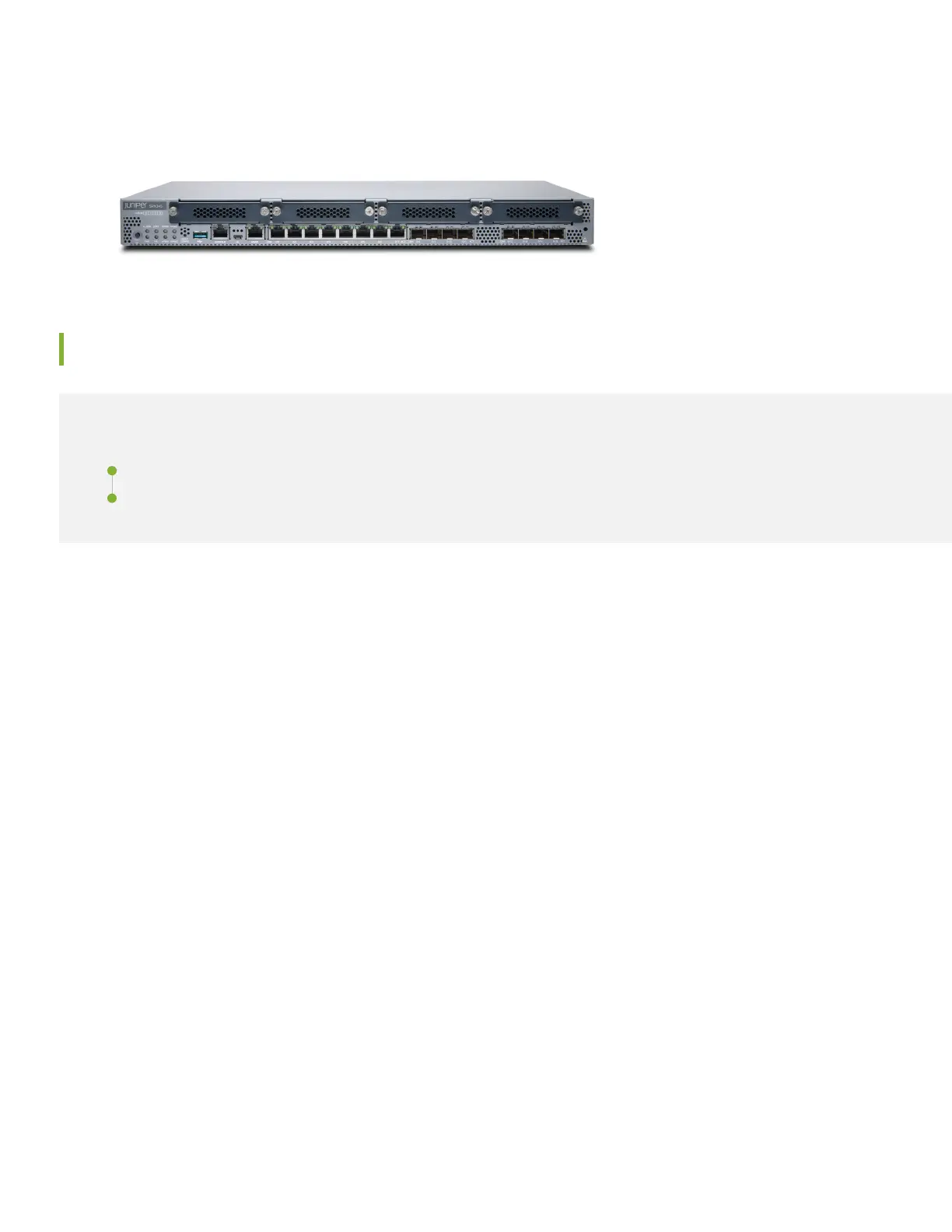
have either a single AC power supply or dual AC power supplies. The SRX345 DC models have a single power supply.
This guide covers SRX345 AC models.
Install the SRX345
IN THIS SECTION
What’s in the Box? | 2
What Else Do I Need? | 2
What’s in the Box?
•
SRX345 Services Gateway
•
A power cord appropriate for your geographic location
•
An RJ-45 cable
•
A DB-9 adapter
•
A USB cable
•
Two mounting brackets
•
Eight mounting screws to attach the mounting brackets to the SRX345
What Else Do I Need?
You’ll also need:
•
Someone to help you do the installation
•
Rack mount screws appropriate for your rack
•
A number two Phillips (+) screwdriver
2



 To Next Page