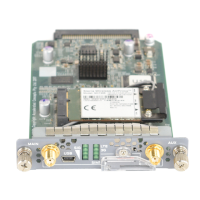
6. Slide the Mini-PIM in until it lodges firmly in the services gateway. See Figure 4 on page 10.
Figure 4: Installing the LTE Mini-PIM
7. Using a 1/8-in. (3-mm) flat-blade (–) screwdriver, tighten the screws on each side of the Mini-PIM
faceplate.
8. Remove the SIM slot cover. Insert the SIM card into the SIM slot, SIM 1.
You can use the other slot, SIM 2, for installing a secondary or backup SIM.
10


 To Next Page