Chapter 1
Pana 34 User Manual 1
READ ME FIRST
This user manual was created to help you get the most out of your display.
In addition to detailed descriptions of the display and its features, this manual will guide you through the
installation and setup processes and best practices on how best to utilize the display.
We make every effort to ensure that this manual is accurate as of the date is printed. However, it may require
periodic updating due to ongoing product improvements and customer feedback. Find the latest version of our
manuals at Jupiter.com
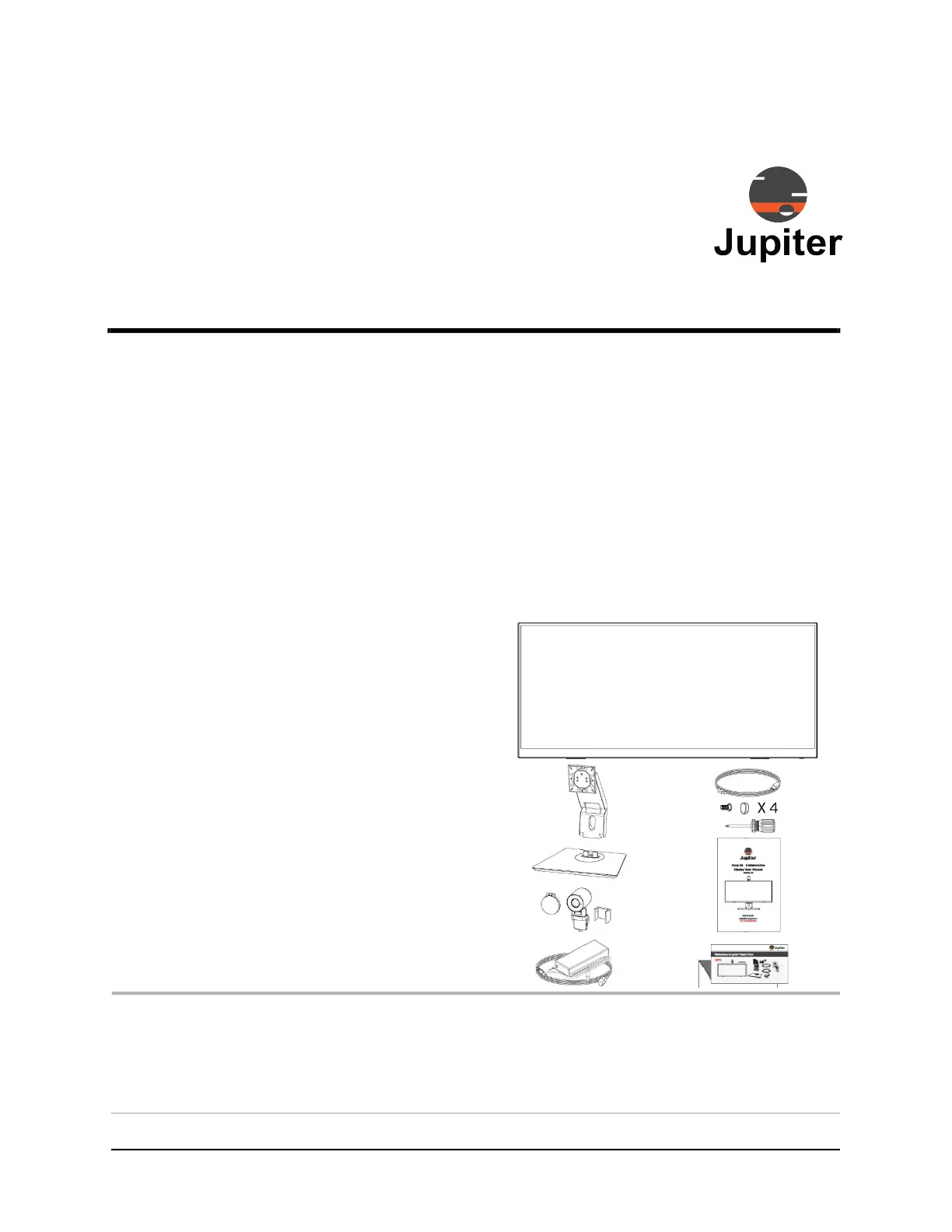
1.1 Contents of Packaging
• Pana 34 monitor
• Articulated mounting arm
• Base
• Camera
• Camera privacy cap
• Power supply & cable
• Pana Pen 34 Active
• Warranty Card & Envelope
• USB Type-C Cable
• Screws for mounting monitor to articulating
arm
• Quick Install Guide
Note: When verifying the contents of your packaging leave the Pana 34 monitor face down in the protective
foam, just the way it ships. It is best to attach the dual action articulating arm while the monitor is face
down and protected by the shipping foam.
Please see Section 2.1, Attach the Stand, Camera and Monitor on page 5 for instructions about as-
sembling the stand and monitor assembly.



 To Next Page