20
Initial Setup
Auto Tuner Setup
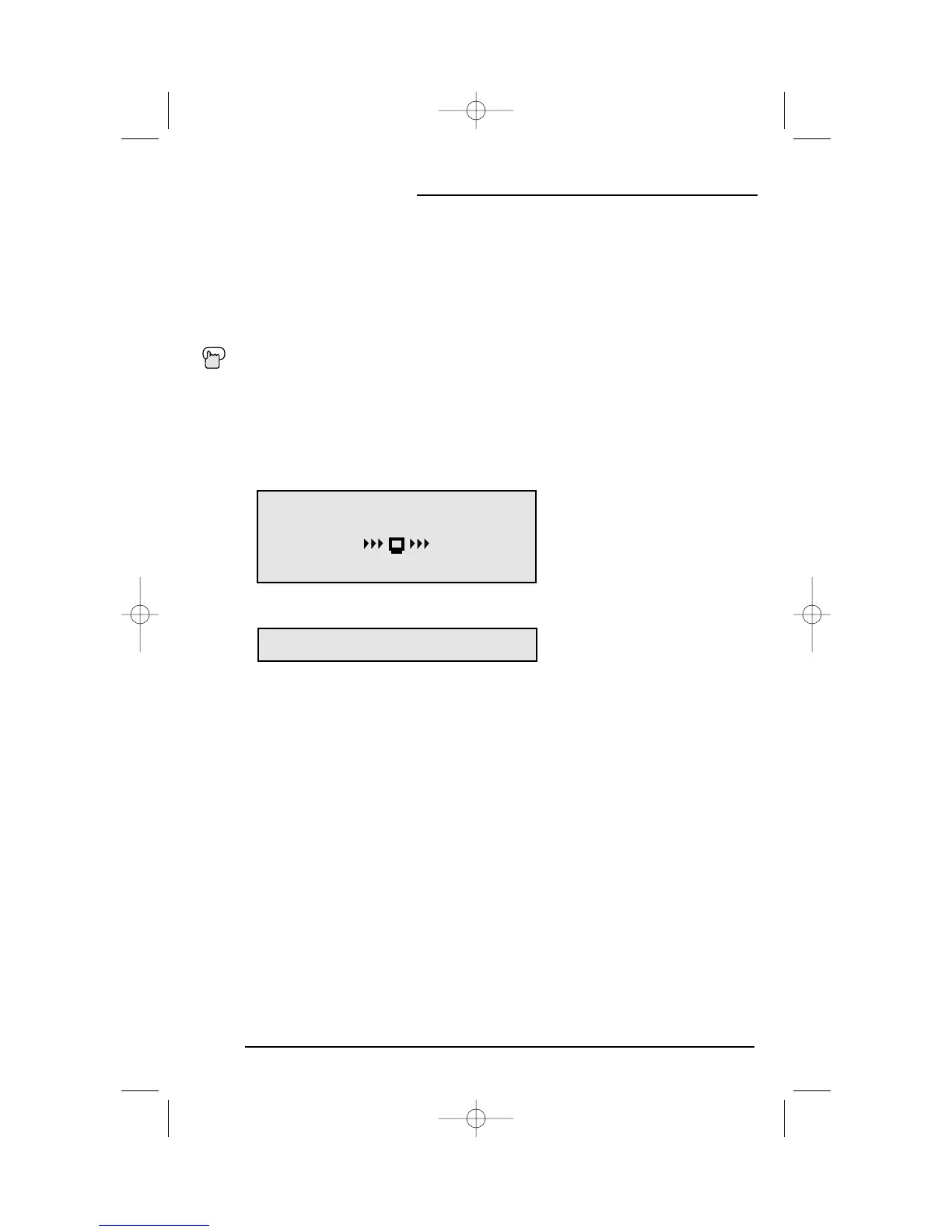
In Auto Tuner Setup, the TV automatically scans through all available channels, memorizing the active
ones and skipping over blank ones or channels with weak signals. This means when you scan (using the
CHANNEL +/- buttons) you will receive only clear, active channels.
Press the MENU button
❷
To AUTO TUNER SETUP
➛❿
To operate
➛❿
To choose CABLE or AIR
❷
To move to START
➛❿
To start Auto Tuner Setup
• Noise Muting will not work during Auto Tuner Setup.
NOW
PROGRAMMING !
PROGRAMMING OVER!
48
Programming will take approximately 1 to 2
minutes.
If you have already run the Auto Tuner as part of the quick setup earlier in this guide, please skip
ahead to “Channel Summary” to continue setting up your television.
• Some cable systems experience interference from radio frequencies on cable Channel 95.You
may delete this channel from your scan by removing the “X” next to it on the Channel Summary
screen shown on the next page.
NOTE:


 To Next Page