13
BLUE BACK
You can mute the sound and change the
picture into a blue screen while no signals
are received by the TV, or when the
signals are unstable.
1 Press MENU T to display the
“MENU 2” menu, then select “BLUE
BACK”.
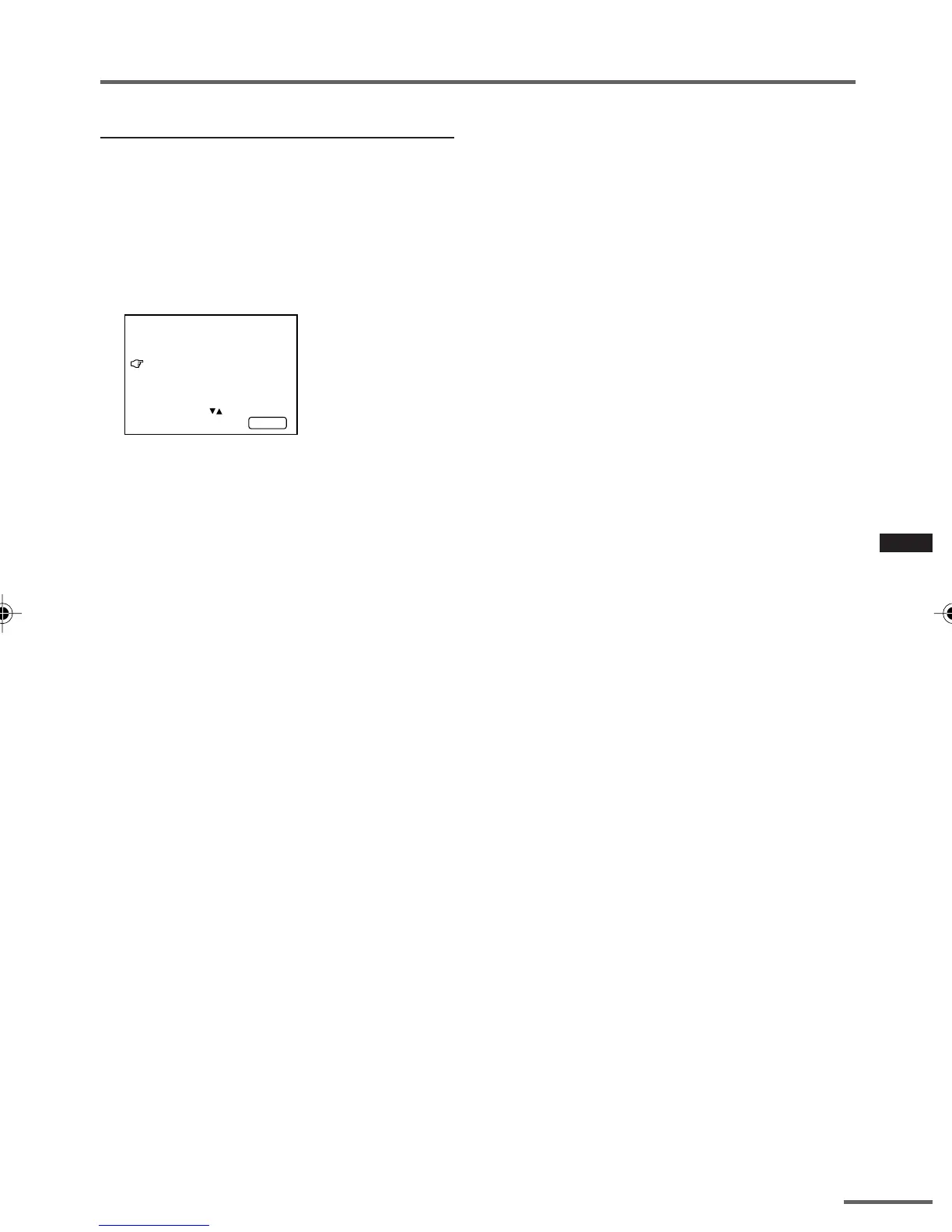
MENU 2
AUTO SHUTOFF ON
CHILD LOCK ON
BLUE BACK ON
SELECT BY EXIT BY
OPERATE BY -+
DISPLAY
2 Press MENU M to select “ON”.
To cancel the BLUE BACK function,
select “OFF”.
•To view a broadcast even when the
reception signal is poor, set the BLUE
BACK function to “OFF”.
•Even when the BLUE BACK function is set
to “OFF”, the sound may not be audible.
Using the TV’s menus
GGT0112-001A-H_E_P10-13 21`01`06, 18:3913



 To Next Page